
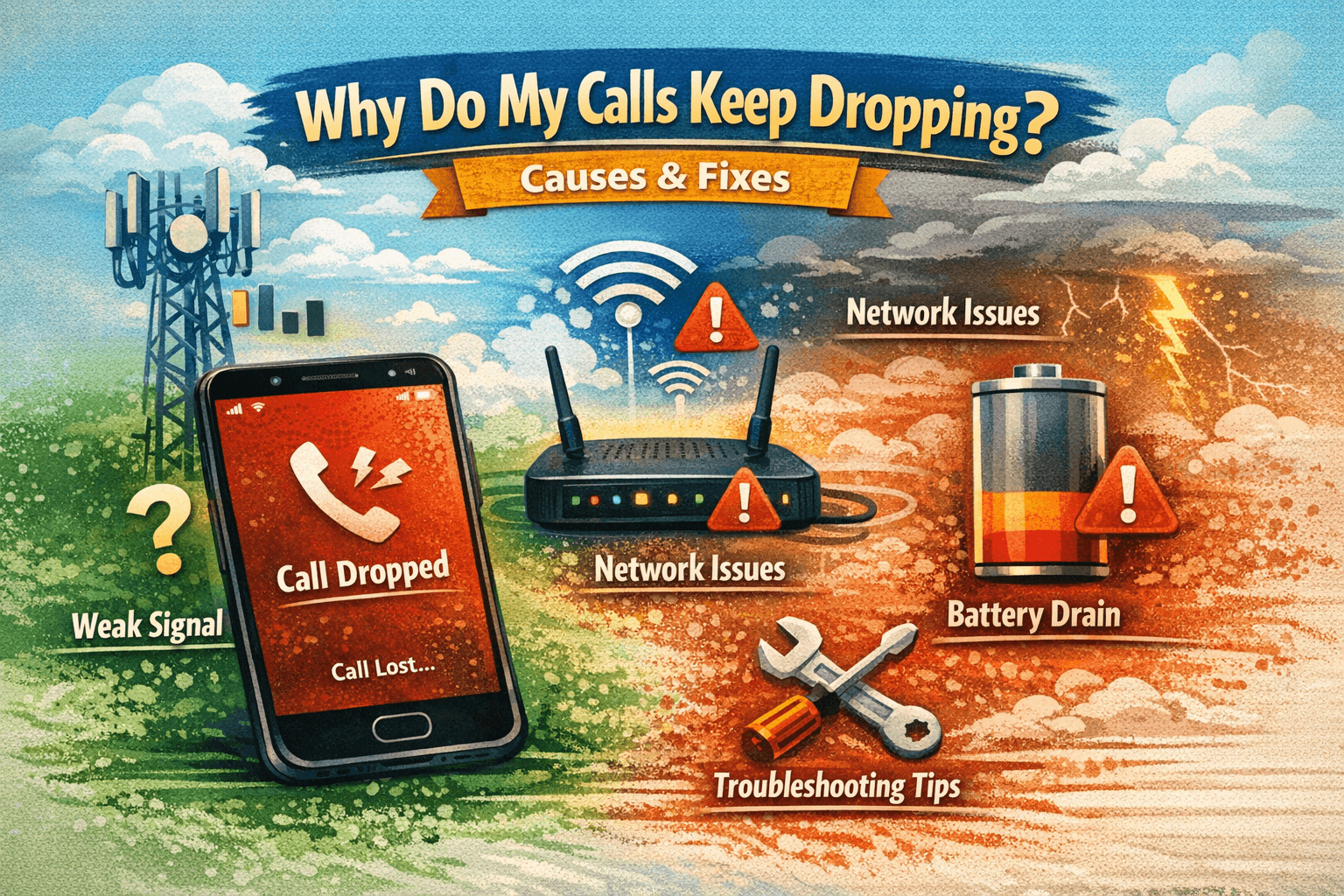
Dropped calls occur due to weak cellular signals, network congestion, internet issues, or device problems. VoIP calls may drop from packet loss or jitter. Fixes include improving signal strength, upgrading internet, optimizing VoIP configurations, and using reliable devices or carriers to maintain stable, uninterrupted communication. There’s nothing more frustrating than having a phone call cut off unexpectedly—whether you’re talking to a client, colleague, or loved one. If you’re asking yourself, “Why do my calls keep dropping?”, you’re not alone.
Dropped calls can happen for a variety of reasons: network problems, device issues, VoIP glitches, or even environmental factors. Understanding the root cause is essential for preventing future interruptions.
In this article, we’ll explore:
-
The most common reasons calls drop
-
How mobile, VoIP, and landline systems differ
-
A real-world example and personal experience
-
Practical fixes and preventive strategies
-
FAQs covering expanded search intent
By the end, you’ll have actionable solutions to ensure smoother, more reliable calls.
Causes of Dropped Calls
1. Poor Network Coverage
-
Weak cellular signals or low Wi-Fi strength can cause call drops.
-
Rural areas, high-rise buildings, or basements are common problem zones.
Real-world scenario:
While visiting a client in a remote office, I experienced multiple dropped calls because my mobile’s signal strength kept fluctuating. Switching to Wi-Fi calling resolved the issue immediately.
2. Network Congestion
-
Overloaded cellular towers or internet bandwidth congestion can cause calls to drop.
-
Peak hours, crowded public spaces, or shared Wi-Fi networks exacerbate this.
3. Device-Related Issues
-
Older phones may struggle with newer networks.
-
Outdated firmware or OS can create connectivity problems.
-
Faulty hardware, such as damaged antennas or SIM cards, may lead to dropped calls.
4. VoIP-Specific Problems
-
Poor internet quality affects VoIP calls.
-
Jitter, latency, or packet loss may interrupt calls.
-
Incorrect SIP or softphone configuration can also cause drops.
Personal experience:
I switched my team to a new VoIP provider, but calls kept dropping during video meetings. Optimizing QoS settings and upgrading internet bandwidth resolved the problem.
5. Environmental Interference
-
Physical obstructions like walls or buildings can weaken signals.
-
Electromagnetic interference from other devices may disrupt mobile or VoIP calls.
6. Carrier or Provider Issues
-
Temporary outages or maintenance from mobile or VoIP providers can result in dropped calls.
-
Switching to a more reliable provider or checking service status can identify this cause.
Comparison Table: Mobile, VoIP, and Landline Call Reliability
| Feature | Mobile Calls | VoIP Calls | Landline Calls |
|---|---|---|---|
| Connection Type | Cellular network | Internet / IP network | PSTN / Copper lines |
| Cost | Standard & roaming fees | Low-cost, internet-based | Traditional rates |
| Reliability | Dependent on signal strength | Dependent on internet quality | Usually stable |
| Common Issues | Weak signal, network congestion | Packet loss, latency, jitter | Line faults, weather interference |
| Fix Options | Move to better coverage, Wi-Fi calling | Upgrade bandwidth, QoS, hardware | Report line faults, maintenance |
Real-World Scenario
A small marketing firm recently experienced frequent dropped calls during client calls. They used a mix of mobile and VoIP systems.
Investigation revealed:
-
Mobile calls dropped due to poor building coverage.
-
VoIP calls dropped because office Wi-Fi bandwidth was insufficient.
Solution implemented:
-
Installed Wi-Fi extenders and enabled Wi-Fi calling.
-
Optimized network bandwidth with QoS prioritization for VoIP.
Result:
-
90% reduction in dropped calls
-
Improved team productivity
-
Higher client satisfaction during calls
Personal Experience
When I first migrated my small business to a VoIP system, calls kept dropping during peak hours. It was frustrating for client support calls and internal meetings. After analyzing the problem:
-
Increased internet speed
-
Enabled QoS prioritization
-
Updated softphone firmware
The solution stabilized calls and taught me the importance of network quality in VoIP telephony.
Practical Fixes for Dropped Calls
1. Improve Network Signal
-
Move closer to a window or higher floor for mobile calls.
-
Enable Wi-Fi calling if cellular coverage is poor.
2. Upgrade Internet Speed
-
Ensure your ISP provides sufficient bandwidth for VoIP calls.
-
Use wired Ethernet connections when possible for stability.
3. Optimize Device Settings
-
Keep firmware and OS updated.
-
Restart devices regularly.
-
Check SIM cards and hardware for damage.
4. Adjust VoIP Configurations
-
Use QoS to prioritize call traffic.
-
Enable jitter buffers in softphones or PBX systems.
-
Use high-quality SIP phones or softphones.
5. Choose Reliable Providers
-
Select mobile carriers with strong coverage in your area.
-
Use reputable VoIP providers with uptime guarantees.
Advantages of Fixing Dropped Calls
-
Better Communication – Fewer interruptions improve clarity.
-
Higher Productivity – Employees can complete tasks without call disruption.
-
Enhanced Client Experience – Reliable calls build trust and credibility.
-
Reduced Frustration – Both for personal and business communication.
Preventive Measures
-
Monitor network performance regularly.
-
Maintain devices and software updates.
-
Consider backup internet options or secondary mobile carriers.
-
Use call analytics to identify problem patterns.
Conclusion
Dropped calls can occur due to network, device, or provider issues. Understanding the underlying cause is essential for implementing effective solutions. With proper setup, internet and VoIP optimization, and reliable carriers, most dropped calls can be minimized or eliminated.
Reliable communication improves productivity, client satisfaction, and personal convenience, making it critical to address these issues proactively.
FAQ Section
Q1: Why do my calls keep dropping randomly?
A: Calls often drop due to weak signal, network congestion, poor internet quality, or device problems.
Q2: Can poor internet cause dropped VoIP calls?
A: Yes. Low bandwidth, high latency, or packet loss can interrupt VoIP calls.
Q3: How do I stop mobile calls from dropping?
A: Move to a stronger signal area, enable Wi-Fi calling, or contact your mobile provider.
Q4: Are VoIP calls more likely to drop than traditional calls?
A: VoIP depends on internet quality, so unstable connections may cause more drops than landlines.
Q5: Can upgrading my device fix dropped calls?
A: Yes, modern devices with updated firmware and better antennas improve call stability.
Q6: Do building materials affect call reliability?
A: Yes, thick walls or high-rise buildings can weaken mobile and VoIP signals.

