
VoIP PBX (Voice over Internet Protocol Private Branch Exchange) is a modern business phone system that routes calls over the internet instead of traditional phone lines, offering scalability, cost savings, and advanced features like video conferencing, call forwarding, and integration with business apps. It’s the evolution of traditional PBX systems, designed to meet the communication needs of businesses in 2026 and beyond.
VoIP PBX combines traditional PBX functionality with internet-based VoIP technology. It routes calls over IP networks, supports SIP phones, enables remote work, and offers advanced features like call forwarding, conferencing, and voicemail. Businesses choose VoIP PBX for cost savings, scalability, and flexible communication solutions.
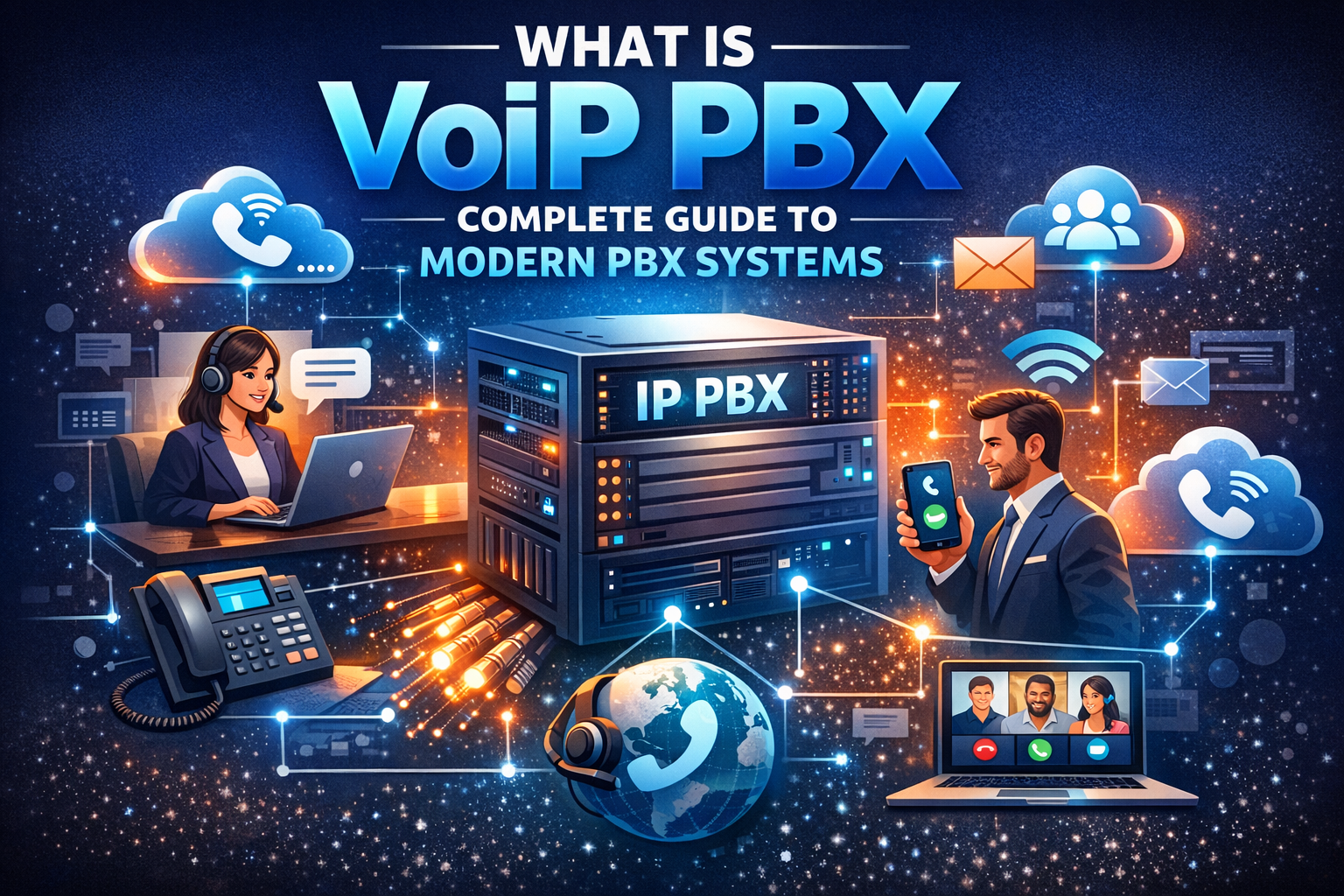
If your business relies on communication, understanding VoIP PBX is essential. Traditional PBX systems were once the backbone of corporate telephony, but VoIP PBX systems have transformed the way companies connect. These systems combine internet-based calling with the advanced features of PBX, offering flexibility, scalability, and cost savings.
In this comprehensive guide, you’ll learn:
-
What PBX and VoIP PBX systems are
-
How VoIP PBX works compared to traditional PBX
-
Benefits of using VoIP PBX for businesses
-
Key considerations when choosing a VoIP PBX provider
-
Practical setup tips and troubleshooting advice
Whether you’re considering a switch from a legacy system or planning a new communication infrastructure, this guide will help you make informed decisions and improve business communication efficiency.
What Is PBX and VoIP PBX?
PBX stands for Private Branch Exchange, a private telephone network used within an organization. PBX systems allow internal communication between employees and connect to external phone lines.
VoIP PBX combines PBX capabilities with Voice over Internet Protocol (VoIP), meaning calls are routed over the internet instead of traditional landlines.
Key Differences Between PBX and VoIP PBX
| Feature | Traditional PBX | VoIP PBX |
|---|---|---|
| Connection | Copper landlines | Internet (IP network) |
| Flexibility | Limited | High, supports remote & mobile |
| Cost | Higher long-distance and maintenance | Lower overall, scalable |
| Features | Basic voice, limited voicemail | Call forwarding, voicemail, video, conferencing, mobile integration |
| Setup & Maintenance | Hardware-heavy, complex | Can be hosted or on-premise, easier to manage |
Summary: VoIP PBX is more flexible, scalable, and cost-effective than traditional PBX, while still providing all core PBX functionality.
How VoIP PBX Systems Work
VoIP PBX systems manage calls digitally. They use SIP protocols, much like SIP phone systems, to route calls over the internet.
Core Components
-
IP PBX Server – Manages call routing and extension setup. Can be hosted in the cloud or on-premises.
-
SIP Phones & Devices – Desk phones, softphones, or mobile apps registered with the PBX system.
-
Network Infrastructure – Stable internet, routers, and firewall configurations are critical.
Call Flow in VoIP PBX
-
Registration: Each device registers with the PBX server using SIP credentials.
-
Call Initiation: The PBX establishes the call session between devices.
-
Media Transmission: Voice or video data travels via the internet.
-
Termination: The PBX ends the session when the call finishes.
VoIP PBX also supports conference calls, call queues, IVR menus, and advanced analytics, making it ideal for modern businesses.
Types of VoIP PBX Systems
1. On-Premise VoIP PBX
-
Installed within your office
-
Full control over hardware and security
-
Best for large organizations with dedicated IT staff
2. Hosted (Cloud) VoIP PBX
-
Managed by a third-party provider
-
Reduces hardware and maintenance costs
-
Ideal for small to medium businesses or remote teams
3. Hybrid VoIP PBX
-
Combines cloud and on-premise systems
-
Offers flexibility, redundancy, and scalability
-
Suitable for businesses with multiple locations
Advantages of VoIP PBX
1. Cost Savings
VoIP PBX significantly reduces long-distance and international calling costs. Hosting options further reduce upfront hardware expenses.
2. Scalability
Add extensions or lines without physical rewiring. Cloud PBX can scale instantly for growing businesses.
3. Flexibility & Mobility
Employees can use softphones or mobile apps to connect from anywhere, making remote work seamless.
4. Advanced Features
-
Voicemail-to-email
-
Call forwarding and routing
-
Video conferencing
-
Auto-attendants & IVR menus
-
Integration with CRM and business tools
5. Reliability
Modern VoIP PBX solutions offer failover, redundancy, and cloud backup for uninterrupted communication.
Choosing Between Traditional PBX and VoIP PBX
Factors to consider:
-
Business Size: Small businesses often prefer hosted VoIP PBX for ease of setup.
-
Call Volume: High-volume offices may benefit from on-premise systems with dedicated bandwidth.
-
Budget: Cloud VoIP PBX reduces upfront costs and maintenance.
-
Remote Workforce: VoIP PBX enables seamless mobile and home-office connectivity.
-
Future-Proofing: VoIP PBX adapts to new communication technologies, unlike legacy PBX.
VoIP PBX Setup Guide
Step 1: Assess Your Needs
-
Number of users
-
Call volume and peak hours
-
Required features (voicemail, call recording, IVR)
Step 2: Choose a Service Model
-
On-premise PBX for control
-
Hosted PBX for simplicity
-
Hybrid PBX for flexibility
Step 3: Select Devices
-
SIP desk phones
-
Softphones for desktop or mobile
-
IP phones compatible with your PBX
Step 4: Network Configuration
-
Ensure high-speed internet
-
Configure routers and firewall for SIP traffic
-
Use QoS to prioritize voice traffic
Step 5: Test & Train
-
Conduct test calls
-
Train employees on system features
-
Set up user guides for ongoing reference
Common VoIP PBX Challenges and Solutions
-
Call Quality Issues – Ensure sufficient bandwidth and QoS settings.
-
Registration Failures – Verify SIP credentials and server address.
-
Dropped Calls – Check NAT/firewall settings and use STUN/TURN servers if needed.
-
Security Concerns – Enable encryption (TLS, SRTP) and strong passwords.
-
System Updates – Keep firmware and software updated to avoid compatibility issues.
VoIP PBX vs SIP Phone System
-
SIP Phone System: Refers to devices communicating via SIP protocol.
-
VoIP PBX: A full telephony system managing calls between devices using VoIP technology.
In essence, SIP phones are part of the VoIP PBX ecosystem, enabling voice and video communication through the PBX server.
Practical Use Cases
For Businesses
-
Call Centers: Handle large call volumes with queuing, recording, and analytics.
-
Remote Teams: Staff can use softphones from anywhere.
-
Multi-location Offices: Connect multiple branches under a single PBX system.
For Individuals
-
Home Office: Use softphones on laptops and smartphones.
-
International Calls: Lower costs and high-quality audio.
-
Unified Communication: Voice, video, and messaging in one platform.
VoIP PBX Maintenance Tips
-
Regularly update firmware and software
-
Monitor call quality metrics
-
Backup configurations and call logs
-
Check network performance regularly
-
Educate users on security best practices
Future of VoIP PBX
-
AI Integration: Voice assistants and automated transcription
-
Cloud Migration: More businesses adopting fully hosted systems
-
Unified Communication: Combining voice, video, and messaging in a single platform
-
5G & IoT: Improved mobile VoIP performance and integration with smart devices
Conclusion
VoIP PBX is more than just a phone system; it’s a complete communication solution. Offering cost savings, flexibility, mobility, and advanced features, VoIP PBX systems empower businesses to streamline communication efficiently. Whether hosted or on-premise, choosing the right VoIP PBX can transform your operations and prepare your business for future growth.
FAQ
Q1: What does PBX stand for?
A: PBX stands for Private Branch Exchange, a private telephone network within an organization.
Q2: What is VoIP PBX?
A: VoIP PBX is a PBX system that routes calls over the internet, combining VoIP flexibility with traditional PBX features.
Q3: Is VoIP PBX better than traditional PBX?
A: For most businesses, yes. It offers lower costs, remote connectivity, and advanced features.
Q4: Can I use VoIP PBX with SIP phones?
A: Yes, SIP phones are the standard devices used in VoIP PBX systems.
Q5: What are hosted PBX vs VoIP PBX?
A: Hosted PBX is managed by a provider in the cloud. VoIP PBX can be hosted, on-premise, or hybrid.
Q6: How scalable is VoIP PBX?
A: Extremely scalable. Add new lines or users quickly without physical rewiring.

