
Internet telephony allows voice and video communication over the internet, eliminating traditional phone lines. It includes VoIP and IP telephony systems, offering cost savings, mobility, scalability, and advanced features for businesses and individuals seeking efficient communication solutions.
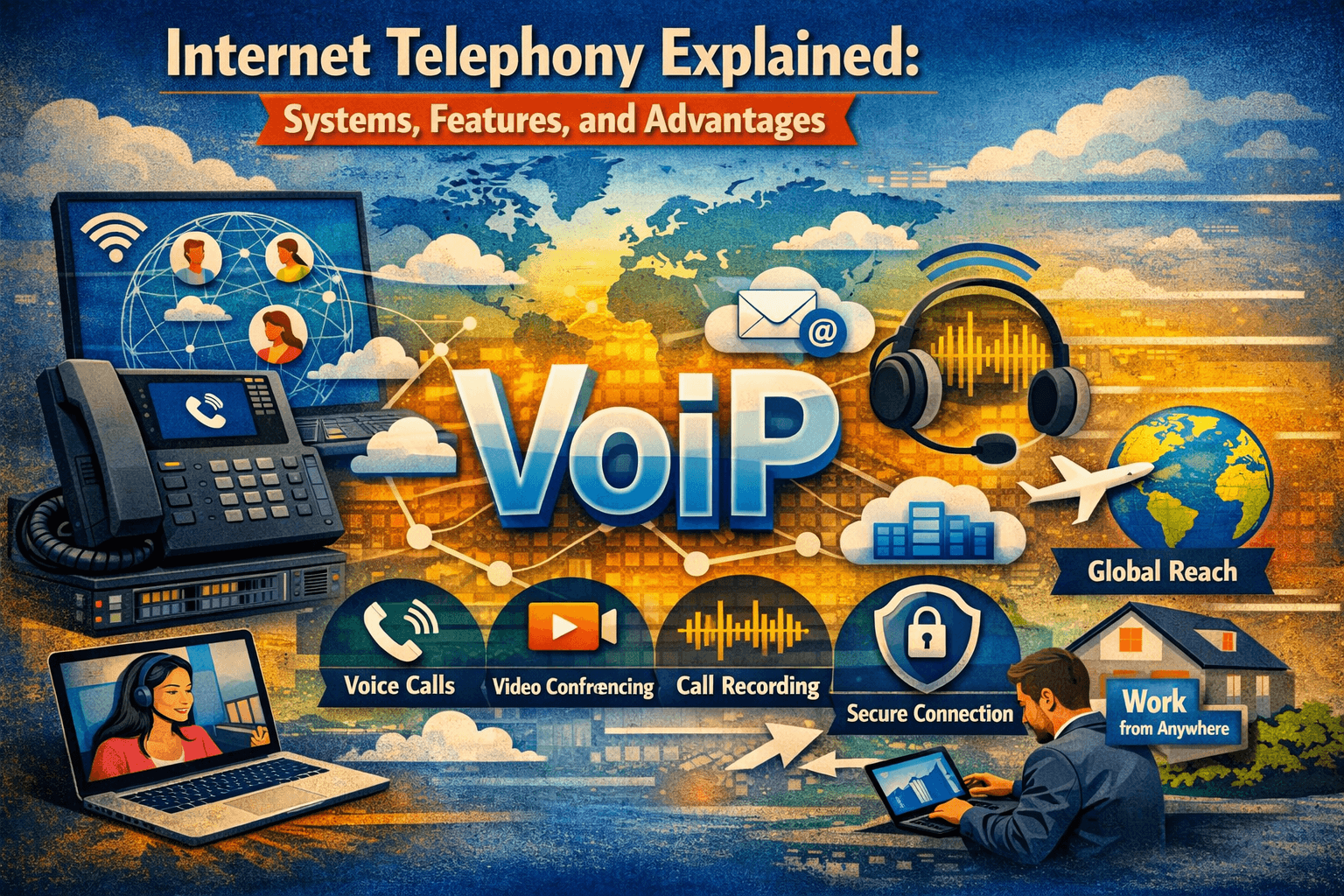
Have you ever wondered how people make calls over the internet instead of traditional phone lines? This is the world of internet telephony. From personal video calls to business VoIP systems, internet telephony enables communication without the need for copper landlines, offering flexibility, cost savings, and advanced features.
In this guide, you’ll learn:
-
What internet telephony is and how it works
-
The difference between IP telephony and traditional telephony
-
Benefits and practical applications of internet-based calling
-
How to choose the right internet telephony solution for your needs
By the end, you’ll understand why internet telephony is the future of communication, and how businesses and individuals can leverage it for efficiency and productivity.
What Is Internet Telephony?
Internet telephony refers to any voice communication that occurs over the internet rather than traditional telephone lines. It’s commonly powered by VoIP (Voice over Internet Protocol), which converts voice signals into digital packets transmitted online.
Internet Telephony vs Traditional Telephony
| Feature | Internet Telephony | Traditional Telephony |
|---|---|---|
| Connection | Internet / IP network | Copper phone lines |
| Cost | Lower, especially for international calls | Higher |
| Features | Video, conferencing, voicemail-to-email, mobile integration | Limited to voice and basic voicemail |
| Flexibility | Works anywhere with internet | Fixed location |
| Scalability | Easy to add users or lines | Requires new hardware and wiring |
Essentially, internet telephony removes physical constraints, allowing businesses and individuals to communicate globally at reduced costs.
How Internet Telephony Works
Internet telephony uses digital technology to transmit voice and multimedia. The process can be summarized as follows:
-
Voice Conversion – Analog voice is converted to digital packets.
-
Packet Transmission – Data packets travel over the internet using IP protocols.
-
Reception – Receiving device reassembles the packets into audio signals.
-
Call Management – VoIP servers or PBX systems manage call routing, features, and extensions.
Role of IP Telephony
IP telephony is the subset of internet telephony that connects phones via an IP network. IP telephony allows:
-
Unified communication across devices
-
Integration with cloud services and business applications
-
Advanced call management features like call queuing, auto-attendants, and video conferencing
Types of Internet Telephony Systems
1. VoIP Telephony
VoIP (Voice over Internet Protocol) allows voice calls over the internet rather than PSTN (Public Switched Telephone Network).
-
Cost-effective for international and long-distance calls
-
Compatible with SIP phones, softphones, and mobile apps
-
Can integrate with business systems like CRM
2. Hosted Telephony (Telephony as a Service)
-
Managed entirely by providers in the cloud
-
No need for on-premise hardware
-
Ideal for small to medium businesses or remote teams
3. IP PBX / Private Branch Systems
-
Combines internet telephony with traditional PBX functionality
-
Manages internal and external calls
-
Offers call routing, extensions, conferencing, and integration with existing systems
4. Hybrid Telephony Systems
-
Mix of on-premise and cloud telephony
-
Offers flexibility, security, and scalability
-
Suitable for enterprises with multiple locations or high call volumes
Advantages of Internet Telephony
-
Cost Efficiency – Reduced long-distance and international call costs.
-
Flexibility – Calls can be made from desktops, softphones, or mobile devices.
-
Advanced Features – Auto-attendant, voicemail-to-email, call forwarding, video conferencing.
-
Scalability – Easily add new users or lines without significant infrastructure changes.
-
Mobility – Employees can work remotely without losing connectivity.
-
Integration – Connect with CRM, collaboration tools, and cloud apps for enhanced productivity.
Internet Telephony Examples
Some practical internet telephony applications include:
-
Business VoIP Systems – For corporate calls, conference lines, and call centers.
-
Softphones – Applications installed on computers or smartphones to make calls.
-
Video Calls & Conferencing – Platforms like Zoom, Microsoft Teams, or Google Meet rely on internet telephony.
-
International Calling Services – Skype, WhatsApp, or Viber use internet telephony to lower call costs globally.
IP Telephony vs Internet Telephony
| Feature | Internet Telephony | IP Telephony |
|---|---|---|
| Scope | All calls over the internet, including consumer apps | Enterprise-focused, often integrated with PBX systems |
| Protocol | VoIP, SIP, RTP | SIP, H.323 |
| Features | Basic voice and video | Advanced features, call routing, conferencing, integrations |
| Users | Individuals, small businesses | Corporations, large-scale organizations |
IP telephony is essentially the professional, enterprise-level form of internet telephony.
How Internet Telephony Benefits Businesses
-
Global Connectivity – Employees and customers can connect worldwide with minimal cost.
-
Unified Communication – Voice, video, and messaging in one system.
-
Business Continuity – Cloud-based internet telephony provides redundancy and reliability.
-
Employee Productivity – Remote teams can maintain seamless communication.
-
Data Integration – Calls can be logged, analyzed, and integrated with business software for insights.
How Internet Telephony Benefits Individuals
-
Cost Savings – Low-cost international calls and video communication.
-
Mobility – Make or receive calls anywhere with internet access.
-
Enhanced Communication – Video calls, screen sharing, and messaging in one platform.
-
Accessibility – Compatible with desktop, mobile, and softphone applications.
Setting Up an Internet Telephony System
Step 1: Assess Your Needs
-
Determine number of users, expected call volume, and features required.
Step 2: Choose a Service Model
-
Hosted cloud service or on-premise IP PBX system depending on budget and IT capability.
Step 3: Select Compatible Devices
-
SIP desk phones, softphones, or mobile applications compatible with your system.
Step 4: Configure Network
-
Ensure stable internet with sufficient bandwidth
-
Use QoS to prioritize voice traffic for clear audio
-
Configure firewalls and NAT for SIP traffic
Step 5: Test & Train
-
Conduct trial calls and quality checks
-
Train employees on using devices and system features
Common Challenges and Solutions
| Challenge | Solution |
|---|---|
| Call Quality Issues | Increase bandwidth, enable QoS |
| Connectivity Problems | Check firewall/NAT settings |
| Security Concerns | Use encryption (TLS, SRTP), strong passwords |
| System Updates | Keep software and firmware current |
| Remote Access | Use VPN or secure cloud provider for telephony |
Future of Internet Telephony
-
AI Integration: Voice assistants, transcription, and call analytics
-
Cloud Migration: More businesses adopting hosted internet telephony
-
Unified Communication: Combining voice, video, chat, and collaboration tools
-
5G Connectivity: Faster, more reliable mobile VoIP calls
Conclusion
Internet telephony is transforming how businesses and individuals communicate. By leveraging VoIP and IP telephony, users gain cost savings, mobility, scalability, and advanced features not available in traditional phone systems. Whether for enterprise communication or personal use, understanding internet telephony is essential in the digital age.
FAQ
Q1: What does VoIP stand for?
A: VoIP stands for Voice over Internet Protocol, which allows voice communication over the internet.
Q2: What is the difference between IP telephony and internet telephony?
A: Internet telephony is general internet-based calling; IP telephony is enterprise-grade, often integrated with PBX systems and advanced features.
Q3: Can internet telephony replace traditional phones?
A: Yes, internet telephony can fully replace landlines, offering video calls, conferencing, and mobile integration.
Q4: How secure is internet telephony?
A: Secure internet telephony uses encryption (TLS/SRTP) and strong authentication to protect calls.
Q5: What are common internet telephony services?
A: VoIP providers, SIP phone systems, softphones, cloud PBX, and video conferencing platforms.
Q6: Is internet telephony cost-effective?
A: Yes, it significantly reduces local and international calling costs and removes hardware dependencies for businesses.

