
Seasonal staff can transform a business for a few busy months, but only if their phones are ready on day one and easy to manage when the season ends. Hiring is often planned in detail, while wireless lines are added in a rush, handed out without a clear owner, and then forgotten when workers leave. That gap creates billing surprises, unmonitored lines, and frantic searches for devices that should have been returned weeks earlier.
Business wireless seasonal staff lines work best when they are treated as a cycle, not a one-off purchase. A line is added for a role, used for a season, and then paused, reassigned, or closed in a deliberate step. Planning that cycle in advance keeps costs understandable, keeps devices accounted for, and lets managers add or remove lines without disrupting the permanent team. The steps below cover that full cycle, from hiring to offboarding.
Add Flexible Lines for Seasonal Staff With AT&T Business Wireless
Scale your team up and down with business wireless lines you can manage as seasons change.
Why Business Wireless Seasonal Staff Planning Starts Before Hiring
Business wireless seasonal staff planning should start before the first seasonal job advert goes out, because line decisions are harder to fix once workers have started. A manager who knows how many seasonal roles are planned, when they start, and how long they are expected to last can request the right number of lines, choose suitable plans, and prepare devices in advance. That preparation avoids the common pattern of borrowing permanent staff phones, using personal phones for business work, or ordering lines at the last minute without a clear owner.
Planning also helps with budgeting. Seasonal lines affect the monthly bill for the whole period they are active, so a business should know which cost centre or project each line belongs to, and when that cost should stop. If lines are added without an end date or a review date, they tend to stay on the bill long after the season ends. A simple planning note for each seasonal role, covering start date, expected end date, device, and plan, gives the manager a checklist to work from at offboarding.
Finally, early planning makes onboarding smoother for seasonal workers themselves. A worker who receives a working phone, a charger, and a short explanation of who to contact if the phone is lost starts work with fewer distractions. That first-day experience also sets expectations: the phone is a business asset, it has a recorded owner, and it must be returned or reassigned when the role ends. Clear expectations at the start prevent most of the disputes that otherwise arise at the end of a season.
Adding Pausing Business Wireless Lines: The Seasonal Cycle Explained
Adding pausing business wireless lines is best understood as a cycle with four stages: add, use, review, and then pause, reassign, or close. Adding covers the line, the plan, and the device. Using covers the season itself, when the worker relies on the phone for calls, messages, and data. Reviewing happens before the season ends, when the manager confirms whether the worker is staying, returning next season, or leaving. The final stage then follows from that review, rather than being improvised on the worker’s last day.
It is important to confirm the exact options for pausing and resuming lines with your AT&T Business rep or on your quote, because pause terms, any charges, and restoration steps can vary by account and plan. Do not assume a paused line is free, that it can stay paused indefinitely, or that it can be restored instantly. Write the confirmed terms into your seasonal procedure, so a manager covering for a colleague can follow the same steps without guessing. That written record is what makes the cycle repeatable from one season to the next.
Seasonal Staff Lines Business Wireless: Choosing Plans for Short-Term Roles
Seasonal staff lines business wireless planning should match the plan to the role, not to a single standard for every worker. A delivery driver who uses navigation and messaging all day has different needs from a shop assistant who mainly takes calls, and a supervisor who coordinates a team may need more data and hotspot use than either. Choosing one plan for everyone is simple, but it can leave some workers short of what they need and others paying for allowances they never use. Role-based choices, reviewed each season, are usually more efficient.
For AT&T Business Wireless 3.0, the published structure for five or more lines with AutoPay and paperless billing is Standard at $30, Advanced at $40, and Premium at $50 per line, with hotspot allowances of 5GB, 100GB, and 300GB respectively. Plans offer unlimited talk, text, and data in the United States, Canada, and Mexico, with 5G and 5G+ access where available, and plans can be mixed and matched across a team. Those figures are a starting point for discussion, and your own pricing should be confirmed on your quote, especially if your seasonal team is smaller than five lines. The guide to AT&T Business wireless pricing explains how those plan levels compare.
Temporary Staff Business Wireless: What to Confirm Before Day One
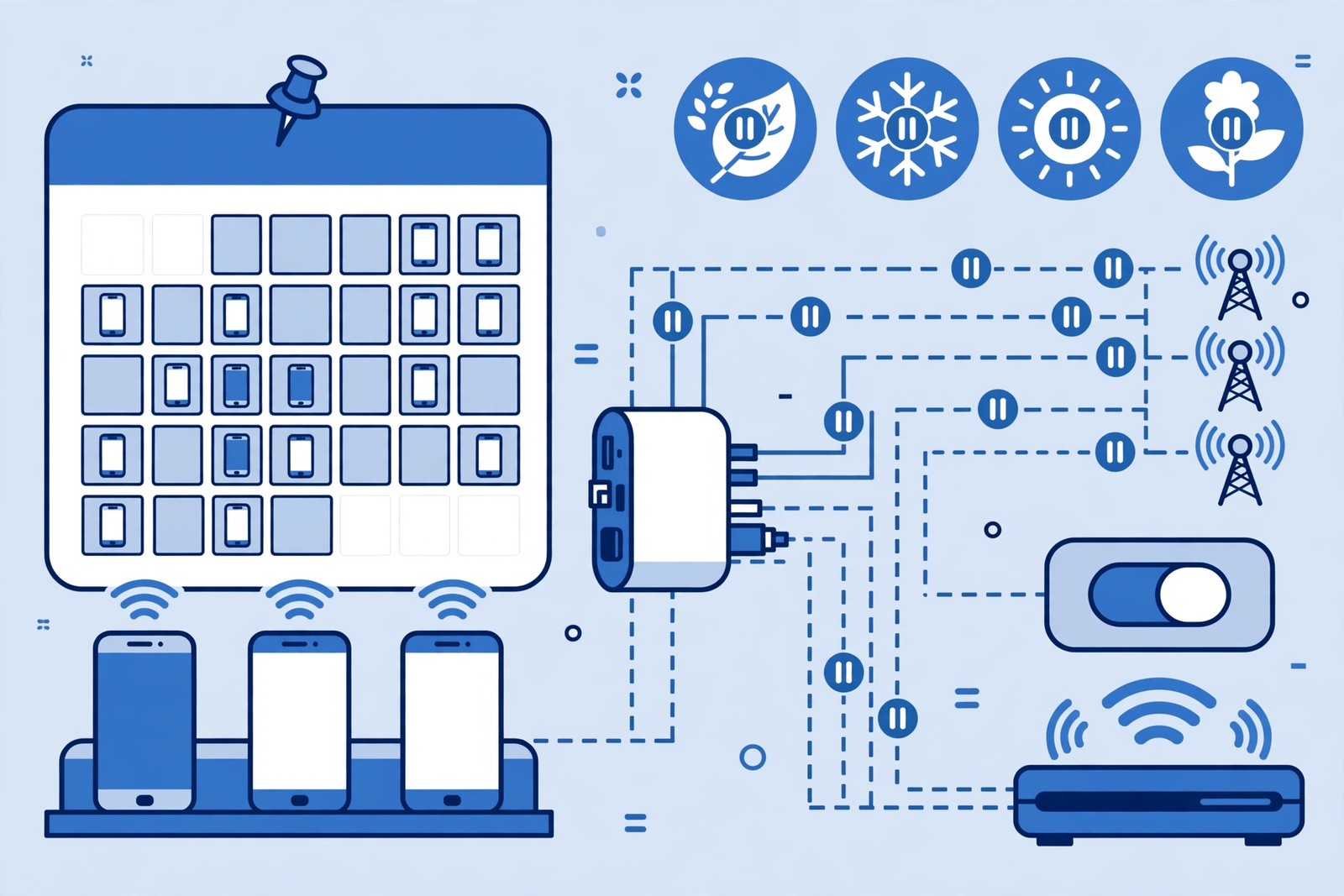
Temporary staff business wireless setup should be confirmed before day one, not discovered during the first shift. The manager should confirm the line is active, the device is charged and working, the worker knows the phone number, and the worker knows who to contact for help. A short test call and message before the worker starts can catch problems, such as a line assigned to the wrong device, while there is still time to fix them without disrupting customers or colleagues.
Day-one confirmation should also cover basic security and return expectations. The worker should know to lock the phone, report a loss immediately, and return the device at the end of the role. That conversation need not be long, but it should be explicit, because seasonal workers may not have received the same onboarding as permanent staff. A one-page handover, or a two-minute conversation plus a written contact name, is usually enough, provided the same steps are followed for every seasonal starter.
For smaller seasonal teams, it is worth checking how the account handles small numbers of lines. The guide to AT&T Business Wireless for teams of one to ten lines is useful background here, because many seasonal operations sit in that size range for part of the year and grow beyond it at peak times. Confirm with your AT&T Business rep how lines can be added as the team grows, and whether any terms change as the line count changes, so growth during a busy season does not create an unexpected billing change.
Business Wireless Line Management Seasonal: Setting Up Lines That Can Pause
Business wireless line management seasonal setup should make pausing easy later, even if no one is thinking about pausing at hiring time. That means recording, for each seasonal line, the worker, the role, the device, the plan, the start date, and the review date, in one place that a manager can check quickly. When the season ends, that record tells the manager exactly which lines need a decision, instead of forcing them to reconstruct the seasonal team from memory, messages, and old invoices.
Setup should also separate the line from the device in the record. A line can be paused, reassigned to a new worker, or closed, while the device can be checked, stored, or reissued independently. Keeping those two decisions separate prevents mistakes, such as closing a line that was meant to be reassigned, or reissuing a device that still belongs to a previous worker’s line. A simple list with columns for line, device, worker, and next review date is enough for most small seasonal teams, provided it is updated at every change.
Seasonal Staff Lines Business Wireless for Returning Workers
Seasonal staff lines business wireless planning is simpler when workers return for another season, because the business already knows the role, the device history, and the likely plan. For returning workers, the manager should still confirm that the line and device are in good order, that the plan still fits the role, and that the worker’s contact details are current. A returning worker should not be assumed to need the same plan automatically, because the role may have changed, and a brief review avoids carrying an unsuitable plan into a new season.
Disclaimer: This article contains affiliate links to AT&T Business services. We may earn a commission if you purchase through them, at no extra cost to you. Ortelcom.com is an independent publisher and is not affiliated with or endorsed by AT&T. Pricing, speeds, and availability are not guaranteed, were checked 31 October 2026, and vary by address and promotions — please confirm all details before ordering. AT&T and all related marks are trademarks of their respective owners.
Pausing Business Wireless Lines Between Seasons Without Losing Control
Pausing business wireless lines between seasons can be a useful option when a role will return, but the worker has left for now and the line is not needed. The key is to pause deliberately: confirm the pause with your AT&T Business rep, record the date, the line, and the expected review date, and tell anyone who might need to contact that worker that the line is paused. A paused line that is recorded and reviewed is a controlled asset; a paused line that is forgotten is just a line that may still appear on the bill.
Set a review date for every paused line, even if the next season is months away. That date should be early enough to restore or reassign the line before the season starts, not on the first day of the season. A short review, checking whether the role still exists, whether the worker is returning, and whether the plan still fits, turns pausing into a useful seasonal tool rather than a way of postponing a decision. If the role no longer exists at review time, close or reassign the line then, rather than pausing it again by default.
Adding Business Wireless Lines Quickly During a Seasonal Surge
Adding business wireless lines quickly during a seasonal surge requires preparation, because surge hiring rarely leaves time for careful account work. The most useful preparation is a standing process: a named account contact, a standard plan choice for common roles, a stock of checked spare devices, and a simple intake form for each new line. When a surge arrives, the manager can follow that process for each starter, rather than inventing a new approach for every hire under time pressure.
During a surge, resist the temptation to skip the record-keeping step. Even a brief entry, with the worker, line, device, plan, and start date, saves far more time at offboarding than it costs at onboarding. Surge periods are exactly when informal swaps happen, such as a phone handed to a new starter without updating the owner, and those swaps create the confusion that later makes pausing or closing lines difficult. A short intake habit, applied consistently even when busy, is what keeps a surge manageable.
Mix-and-match plans help during a surge, because different surge roles often need different allowances. The comparison of mix-and-match AT&T Business unlimited plans by employee shows how that flexibility works in practice, and the broader comparison of AT&T Business unlimited plans compared is useful when a manager needs to justify a role-based choice. Confirm the final plan for each new line on your quote, and record the choice alongside the worker’s details, so the plan can be reviewed at the end of the season.
Business Wireless Seasonal Staff Offboarding: Pausing, Reassigning or Closing Lines
Business wireless seasonal staff offboarding should begin before the worker’s last shift, with a short conversation about returning the device and what will happen to the line. The worker should know the return time and place, and should be given a fair chance to save personal contacts that do not belong to the business, within the rules the business has set. Planning the return in advance avoids chases after departure and reduces the chance that a device is kept simply because no one asked for it back.
On return, log the device, its condition, and any accessories, and give the worker a brief acknowledgement that the phone has been received. Then make an explicit line decision: pause the line if the role will return, reassign it to a new starter if the role continues, or close it if the role has ended, with terms confirmed with your AT&T Business rep or on your quote. Leaving a departed worker’s line active with no owner is one of the most common seasonal mistakes, because it creates an unmonitored line that still appears on the bill.
Seasonal Workers Mobile Plans: Data, Hotspot and Everyday Use

Seasonal workers mobile plans should be judged on everyday use, not on a single busy day. A worker may use far more data during a launch week than during a quiet week, so a manager should look at a typical shift: how many calls, messages, and app sessions are involved, whether maps or photos are used, and whether the phone shares its connection with another device. Those details determine whether a plan’s data allowance and hotspot allowance are comfortable, tight, or excessive for the role.
Hotspot use deserves special attention for seasonal roles, because it is easy to overlook until a worker needs it. A supervisor who shares a connection with a tablet, a driver who connects a second device, or a pop-up team working away from a fixed connection may all rely on hotspot sharing. Check the hotspot allowance for the chosen plan on your quote, and discuss it with the worker at onboarding, so they know whether sharing is expected for the role or should be avoided. That conversation prevents both underuse and surprise overuse during a busy period.
Temporary Staff Business Wireless Data Habits That Avoid Surprises
Temporary staff business wireless data habits are mostly about awareness, not restriction. Workers should know which apps are business tools, whether video or large downloads are part of the role, and who to tell if the phone behaves unusually or seems to be using far more data than expected. A worker who reports an issue early gives the manager time to check the plan and the device, while a worker who stays quiet may only raise the issue when the bill arrives. Encourage early reporting as a normal part of the role, not as an admission of fault.
Business Wireless Line Management Seasonal Records and Cost Checks
Business wireless line management seasonal records should make a cost check possible in minutes. For each seasonal line, the record should show the worker, the role, the plan, the start date, and the current status: active, paused, reassigned, or closed. With that list, a manager can review the bill and spot lines that should have been paused or closed, devices that have not been returned, and roles that no longer exist. Without that list, a bill review becomes a guessing game, and seasonal lines are the easiest to overlook.
| Season stage | Line action | Device action | Record to update |
|---|---|---|---|
| Before hiring | Plan lines and plans by role | Prepare checked spares | Seasonal line list |
| Day one | Activate and test the line | Hand over phone and charger | Worker, line, and device |
| During season | Review plan if role changes | Report losses immediately | Plan and status |
| Season end | Pause, reassign, or close | Collect, check, and store | Line status and device stock |
Common Mistakes in Business Wireless Seasonal Staff Line Management
Common mistakes in business wireless seasonal staff line management usually come from skipping a small step, not from a major error. The most frequent mistake is leaving a departed worker’s line active, followed by reissuing a device without checking it, and adding lines during a surge without recording the owner. Each mistake is easy to make under pressure, and each becomes harder to fix the longer it is left. A seasonal checklist that covers intake, review, and offboarding prevents most of them, provided the checklist is actually used for every worker, not just for permanent staff.
Frequently Asked Questions About Business Wireless Seasonal Staff Lines
Can business wireless lines be paused between seasons? Pausing may be available depending on your account and plan, but the terms, any charges, and the restoration process should always be confirmed with your AT&T Business rep or on your quote before you rely on them. If pausing is available, record the pause date, the line, and a review date early enough to restore the line before the next season starts. If pausing is not suitable, reassigning the line to another role or closing it may be the better choice.
How many lines should a seasonal business add? Add one line per role that genuinely needs a business phone, based on the hiring plan, not on a guess about peak staffing. A role-based list, with start dates and expected end dates, helps avoid both shortages on day one and spare lines that stay on the bill after the season ends. As hiring changes, update the list and review it with the budget holder, so the line count always reflects the team that is actually working.
What should happen to a seasonal worker’s phone at the end of a season? The phone should be returned, logged with its condition, checked, and then stored as a labelled spare or prepared for reissue. The line should receive an explicit decision at the same time: pause, reassign, or close. Handling the device and the line together, in one offboarding step, prevents the common problem of a returned phone sitting in a drawer while its line continues to appear on the bill with no owner.
Do seasonal workers need the same plan as permanent staff? Not necessarily. Plans can be mixed and matched across a team, so a seasonal role can use a plan that fits its data, hotspot, and travel needs, while permanent roles use different plans. Review the role’s everyday use, confirm the plan on your quote, and set a review date at the end of the season. That role-based approach is usually more efficient than giving every worker, seasonal or permanent, the same plan by default.
What is the simplest seasonal line procedure for a small business? Keep a single list of seasonal lines, with the worker, role, device, plan, start date, and review date, and review it at hiring, mid-season, and offboarding. For each line, the only decisions needed are add, pause, reassign, or close, with terms confirmed with your AT&T Business rep. That simple cycle, applied consistently, covers most seasonal situations without a complex system or a separate tool.
Seasonal staffing does not have to mean seasonal chaos on the wireless account. A clear cycle, with lines planned before hiring, recorded during the season, and given an explicit decision at offboarding, keeps costs understandable and devices accounted for. The most important habits are the simplest: one list, one review date per line, and one offboarding step that covers both the device and the line. Businesses that follow those habits find that adding a seasonal team is a routine task, not a billing surprise waiting to happen.
For teams planning their next busy season, AT&T Business Wireless offers mix-and-match plans that can be fitted to different seasonal roles, with pricing and pause terms confirmed on your quote before you order. Start with your role list, confirm the details with your AT&T Business rep, and build the simple seasonal cycle described here around it, so the next surge, pause, and return of seasonal staff is handled calmly and with a clear record for every line.

