
Ordering AT&T Business Fiber is straightforward, but the installation has more moving parts than most businesses expect. Here is the process in one paragraph: check availability at your business address, choose your tier, schedule the professional install, prepare the site (power, access, gateway location), and let the technician run the fiber line, install the ONT, connect the gateway, and activate your service — typically 2–4 hours on install day. Below is every step in detail, what to prepare, the costs nobody warns you about, and how to avoid downtime during the switch.
Looking for the fiber-first option?
Check whether AT&T Business Fiber serves your office and compare the 300 Mbps to 5 GIG speed tiers.
How to Order AT&T Business Fiber: The Availability Check Comes First
For the step-by-step address check, see our AT&T Business Fiber availability guide.
Everything starts with the business fiber availability check: fiber has to be built to your address before any tier, price, or install date means anything. You can order online or by phone — either route begins by confirming that AT&T Fiber is serviceable at your business address. If it is, you move straight to choosing a tier; if it is not, ask about construction timelines rather than assuming it will never arrive, because fiber footprints expand steadily.
For the full service overview, see our AT&T Business Fiber guide.
When you order, have ready: the exact service address, a contact who can authorize the work, and — if you lease — your landlord or building manager’s contact details. Fiber installation sometimes requires a small exterior-wall penetration or access to shared building infrastructure, and landlord approval can be the longest part of the whole process if you start it late.
Choosing Your AT&T Business Fiber Tier Before Install Day
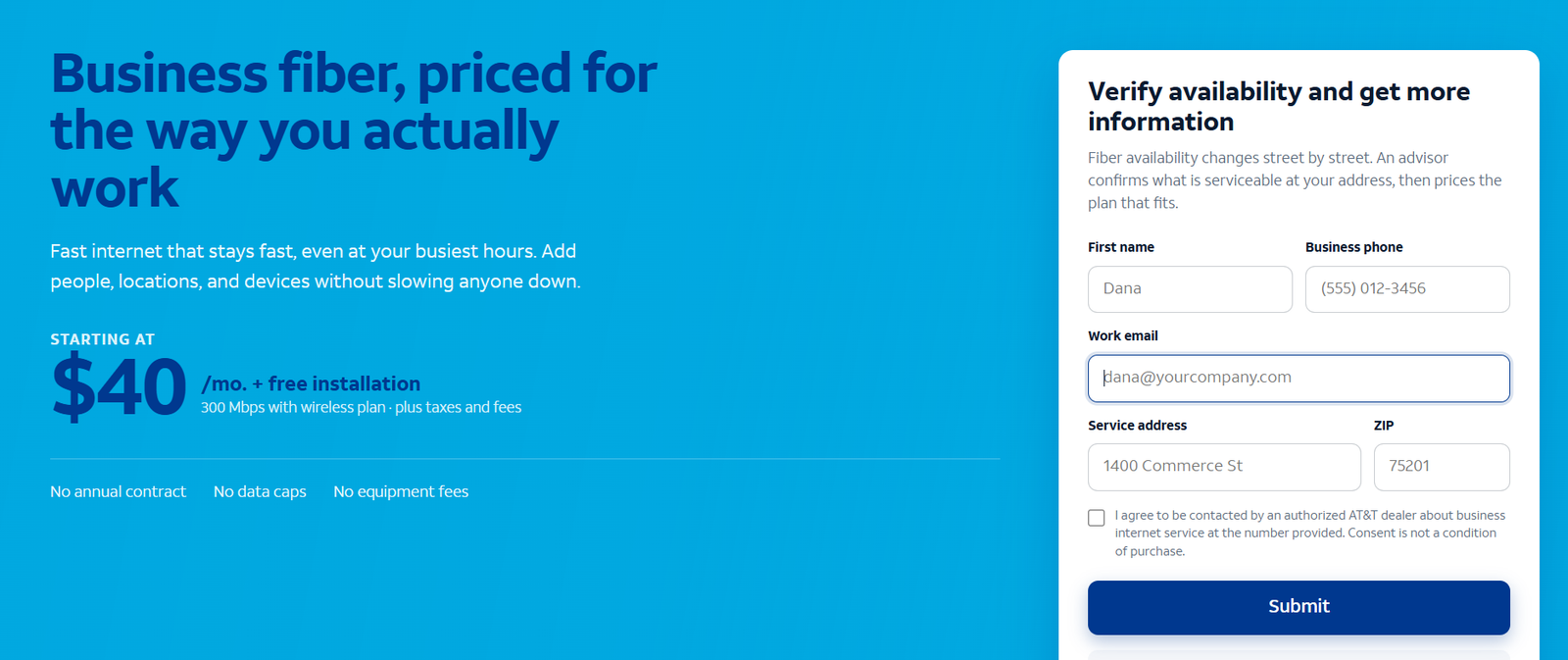
Pick the tier at order time so the install is provisioned correctly from the start. Quick reference (prices checked October 2026): 300 Mbps at $60, 500 Mbps at $100, 1 GIG at $140, 2 GIG at $185, and 5 GIG at $285 per month list — dropping to $40/$60/$90/$135/$235 with an eligible AT&T business wireless plan plus AutoPay and paperless billing.
The tier decision matters for the install because 1 GIG and faster includes built-in 5G internet backup at no extra cost — automatic failover to 5G if the fiber line drops. If uptime protects your revenue, factor that into the tier choice now rather than adding a separate backup later. Tier upgrades later are usually provisioning changes, not new construction, so do not agonize — pick for your next 12–18 months.
The Fiber Installation Process, Step by Step
Step 1: Site Survey for Your Business Fiber Installation
Before install day, AT&T determines how the fiber line reaches your building. The ONT installation — the small box that converts the fiber-optic light signal into data your network can use — goes indoors, but the fiber has to get there first. The survey establishes the path: an aerial drop from a nearby pole, or an underground run through conduit. If your building has never had fiber, this step decides whether the install is routine or a construction project — which is why you want it done early, not discovered on install day.
Step 2: Running the Fiber Line — Aerial Drop or Underground Conduit
On install day (or a preceding construction visit for complex sites), the technician runs the fiber line to your building. An aerial drop is the fast case: fiber strung from the pole to an attachment point on your building. Underground means pulling fiber through conduit or trenching a new path — slower, and the source of most “special construction” charges (more on those below). Either way, the line typically enters through a small exterior-wall penetration to reach the indoor ONT location.
Step 3: ONT Installation — Placement, Power, and What the Box Does
The ONT (optical network terminal) is installed indoors, and you get a say in where: utility rooms, garages, or near the electrical panel are common placements. Two requirements drive the placement decision — it needs a power outlet (the ONT is an active device, unlike old copper wiring), and it should sit somewhere sensible relative to where the AT&T gateway and your network equipment will live. Decide the gateway location before the technician arrives; moving an ONT later is a service call you do not want.
Step 4: Gateway Connection and Wi-Fi Setup on Install Day
The AT&T gateway connects to the ONT and becomes the heart of your office network — routing, Wi-Fi, and (on 1 GIG and faster) the built-in 5G backup radio. The technician connects it, verifies the link, and walks through the basics. If you run your own firewall, switches, or access points, have your IT person (or IT-savvy staffer) present: the handoff between the AT&T gateway and your equipment is the moment to get the configuration right, not a week later over the phone.
Step 5: Activation, Speed Tests, and the Install Walkthrough
Activation is the final step: the line is provisioned at your tier, and the technician runs speed tests to confirm you are getting what you ordered. Do not skip this. Run the test yourself on a wired device, note the numbers, and confirm the upload speed matches the symmetrical rating — 500/500 on the 500 Mbps tier, for example. Ask for the walkthrough of the gateway basics (Wi-Fi credentials, admin access, how the 5G backup behaves if you have it) before the technician leaves. This is your acceptance check — treat it like one.
How Long Does Business Fiber Installation Take? Timelines and Lead Times
Two timelines matter: lead time (order to install day) and install day itself. Lead time is typically several business days for standard installs — longer if construction, landlord approvals, or building access coordination is involved. The on-site install itself typically runs 2–4 hours for a standard installation where the fiber path is straightforward.
Plan for 4–6 hours if a new line must be run to a building that has never had fiber, and add buffer days (not hours) if trenching or conduit work is required. Businesses opening on a deadline should order the moment the lease is signed — the availability check and any landlord coordination can run in parallel with your other opening tasks, and they are the steps most likely to slip.
Fiber Install Day Preparation: Power, Access, and Gateway Location Checklist
Prepare these before the technician arrives — every one of them has delayed real installations:
- Gateway location decided: central to the office for Wi-Fi coverage, near power, with a path for Ethernet to your key equipment.
- Power outlet available at both the ONT location and the gateway location. The ONT needs power — no outlet, no internet.
- Building and landlord access: confirm who opens utility rooms, risers, telecom closets, and roof or exterior access points. Have that person’s number.
- Landlord approval in writing if the install needs exterior penetration or shared-infrastructure work. Get this before install day.
- IT presence: whoever manages your network should be on site for the gateway handoff and configuration.
- Clear the work areas: the ONT spot, the gateway spot, and the path between the building entry point and both.
- Old connection details: account numbers and credentials for the current provider — you will need them during the transition, not after.
Business Fiber Installation Costs: Special Construction Charges Explained
The monthly price is not the whole price. The cost category that surprises businesses is special construction: trenching, conduit installation, building entry work, and any non-standard line extension. These are one-time charges quoted for your specific site, and they can exceed the monthly service fee — sometimes by a lot, in buildings far from the fiber path or requiring significant underground work.
Protect yourself with one rule: every quote must separate one-time construction charges from the monthly service price. Never accept a blended number. Ask specifically: is there a special construction charge for my address? What exactly does it cover? Is any part of it waivable or negotiable? Get the answer in writing before install day. Standard professional installation for a straightforward fiber path is typically included — construction is the variable, so isolate it.
Free Business Fiber Installation Promos: What “Free Install” Really Means
You will see “free installation” offers when calling to order AT&T Business Fiber. Treat these as what they are: dealer promos, not permanent pricebook entries. A free-install promo typically covers the standard professional installation — the technician visit, the ONT, the gateway connection, activation. It does not necessarily cover special construction charges, which are quoted separately anyway.
The practical move: ask the rep to confirm exactly what the promo covers and until when it runs, in writing. Promos change; the construction quote for your building does not care about the promo. Confirm both numbers independently and you will never be surprised.
Disclaimer: This article contains affiliate links to AT&T Business services. We may earn a commission if you purchase through them, at no extra cost to you. Ortelcom.com is an independent publisher and is not affiliated with or endorsed by AT&T. Pricing, speeds, and availability are not guaranteed, were checked in October 2026, and vary by address and promotions — please confirm all details before ordering. AT&T and all related marks are trademarks of their respective owners.
Self-Install vs Professional Fiber Install: When Each Applies
Professional installation is the standard path for new AT&T Business Fiber — a technician runs the line, installs the ONT, connects the gateway, and activates service. Self-install exists, but only where AT&T Fiber is already in place at the location (the line and ONT from a previous tenant, for example). If the fiber path does not exist yet, there is no self-install option — the line has to be run by a technician, full stop.
Do not plan a business opening around self-install unless you have confirmed the existing fiber infrastructure at that exact address. “Fiber is in the area” and “fiber is in this suite” are very different statements.
Switching Business Internet Providers Without Downtime: The Overlap Rule
The single most important rule of switching business internet: keep the old connection until the new one passes acceptance checks. Do not cancel the old provider on install day. Run both connections in parallel for at least a few business days — a full week is better — and validate:
- Speed tests at peak hours match the tier you ordered (wired test, both directions).
- VoIP phones and video calls are stable through a full business day.
- Cloud apps, POS, VPNs, and remote access all work through the new line.
- Email deliverability is unaffected (check SPF/DKIM if your mail routes changed).
- The 5G backup (1 GIG+) fails over and reverts — test it once, deliberately.
Only then cancel the old service. The overlap costs you one extra month of the old bill; a botched cutover costs you a day of revenue and a week of IT firefighting. This is the cheapest insurance in the entire process.
What to Do When Fiber Is Not Available at Your Business Address
If the availability check comes back negative, you have three moves. First, ask about construction timelines — fiber footprints expand, and your address may be months (not years) away. Second, consider AT&T Internet Air for Business as the interim: self-setup in days, ~225 Mbps typical, no annual contract, and a 30-day money-back offer — a legitimate primary until fiber arrives. Third, if fiber construction is genuinely not planned, build your long-term setup around the best available alternative rather than waiting indefinitely; a working connection today beats a perfect one with no date.
Order AT&T Business Fiber: Pre-Order Checklist
For the wider decision framework behind this list, see our business internet buying checklist.
Run this list before you place the order and the rest of the process gets dramatically smoother:
- Confirm fiber availability at the exact business address.
- Choose the tier for your next 12–18 months (500 Mbps for most small teams; 1 GIG for growth or uptime-critical work).
- Get landlord/building approval for any exterior or shared-infrastructure work.
- Ask for the special construction quote in writing, separated from monthly pricing.
- Confirm what the install promo covers and its end date.
- Decide the ONT and gateway locations; confirm power outlets exist at both.
- Schedule install day with your IT person present.
- Plan the overlap: keep the old connection for at least a week past activation.
Check AT&T Business Fiber availability and start your order →
Business Fiber Install Problems and How to Avoid Them
Most fiber installs go smoothly. The ones that do not usually fail for the same handful of preventable reasons — here is the failure catalog and the fix for each:
- Landlord approval arrives late. The fix: request it the same day you place the order, in writing, with a clear description of the work (small exterior penetration, indoor ONT placement). Property managers move slowly; start them early.
- No power where the ONT needs to go. The fix: confirm outlets at the ONT and gateway locations during your pre-install walkthrough, not on install day. An electrician visit scheduled after the fact delays everything by days.
- Nobody with network authority is on site. The fix: the person who manages your firewall, VPN, and Wi-Fi must be present for the gateway handoff. A technician cannot configure equipment they are not allowed to touch.
- Construction charges surface on install day. The fix: get the special construction quote separated from monthly pricing in writing at order time. Surprises on install day mean the install stops while accounting argues.
- The old provider gets cancelled too early. The fix: the overlap rule — keep the old connection until the new line passes a full week of acceptance checks. This one mistake causes more business pain than all the others combined.
- Wi-Fi coverage was never planned. The fix: the AT&T gateway covers a typical small office, but larger or oddly shaped spaces need a coverage plan (access point placement, Ethernet runs) decided before install day, not discovered after.
How to Install AT&T Business Fiber: Frequently Asked Questions
How long does it take to install AT&T Business Fiber?
The on-site install typically takes 2–4 hours for a standard installation, or 4–6 hours if a new line must be run to the building. Lead time from order to install day is typically several business days — longer if construction, trenching, or landlord approvals are involved. Order as early as possible if you have a deadline.
Can I install AT&T Business Fiber myself?
Only where AT&T Fiber is already in place at the location (for example, infrastructure left by a previous tenant). New fiber runs — line to the building, ONT installation — require a professional technician visit. Confirm which situation applies to your address before planning.
What is an ONT and where does it go in a business?
The ONT (optical network terminal) converts the fiber-optic light signal into data for your network. It installs indoors — utility rooms, garages, or near the electrical panel are common — and needs a power outlet. You choose the placement with the technician; decide before install day because relocating it later means a service call.
Are there extra construction charges for business fiber installation?
Possibly. Standard professional installation is typically included, but special construction — trenching, conduit, building entry work — is quoted per site and can exceed the monthly service fee. Always get construction charges separated from monthly pricing in writing before install day.
Should I cancel my old internet before fiber install day?
No. Keep the old connection until the new fiber line passes acceptance checks: wired speed tests at peak hours, a full day of VoIP and video calls, and all cloud apps validated. Overlap for at least a few business days (a week is better), then cancel the old service.
Is business fiber installation really free?
“Free installation” is typically a dealer promo covering the standard professional install — confirm what it includes and when it ends, in writing. It does not automatically cover special construction charges, which are quoted separately for your site.
What should I prepare before the fiber technician arrives?
Decide the gateway and ONT locations, confirm power outlets at both, arrange building/landlord access to utility areas, have your IT person on site, clear the work areas, and keep your old provider’s account details handy for the transition.
Final Word: Order Early, Prepare the Site, Overlap the Cutover
The businesses that have smooth fiber installs all do the same three things: they order early enough for the lead time, they prepare the site (power, access, gateway location decided before the truck rolls), and they overlap the old connection until the new one proves itself. Do those three and the 2–4 hours on install day are the easiest part of the whole project.

