
Moving office is stressful enough without losing your internet on the way. A move business internet plan is really a relocation project in its own right: you need to end, transfer or start service at the right time, keep phones and payments working, and arrive at the new premises with a tested connection, not a hope. The good news is that most of the pain comes from timing and communication, both of which you can control if you start early and keep a single checklist for the whole move.
In this office relocation internet guide, we explain how to move business internet and wireless with you in the right order: checking the new address first, planning the overlap between sites, preparing the new network, moving equipment safely, and testing everything before the first working day. Pricing references use AT&T Business Fiber list prices checked 1 November 2026, and every price, speed and availability detail should be confirmed for your new address on your quote. Timelines in this guide are planning ranges to confirm with your provider, never guarantees, because building access and availability vary.
Check Fiber for Your New Office Before You Move
See AT&T Business Fiber plans and availability for your new office address.
How Moving Office Connectivity Works in Practice
Moving office connectivity works best when you think of it as two projects running in parallel: closing down the old site cleanly and opening the new site ready to work. The old site needs a clear end date for its service, a plan for returning or moving equipment, and a note of what must stay live until the last day of trading there. The new site needs an availability check, an ordered service, a designed network and a test day before staff arrive. When either side is treated as an afterthought, the move day itself becomes the test, and that is when problems hurt most.
Start by naming one person to own the connectivity move, even in a small business. That person keeps the checklist, holds the provider contacts, and knows the dates for both sites. Everyone else can then focus on packing, customers and the physical move, knowing that connectivity has an owner. A move without a named owner tends to drift: the new service is ordered late, the old service is cancelled early, and nobody notices until a team arrives at a new office with no working connection.
Check Office Relocation Internet Availability at the New Address First
The first practical step in any office relocation internet plan is an availability check for the exact new address, including suite, floor or unit details. Do this before you sign a lease if you possibly can, and certainly before you set a move date. Availability varies by address, and the service, speed and options at the new premises may differ from what you have now, even if the new office is only a short distance away. Get the result in writing on a quote, with the plan, price and any conditions spelled out, so there is no ambiguity later.
While checking availability, ask about the physical side of the new building as well. Find out where the service enters the premises, whether network points already exist, where equipment can be placed safely, and whether the landlord or building manager needs to approve any installation work. These details determine how straightforward the setup will be and whether extra cabling is needed. Also check wireless signal inside the new unit, since that affects backup options and mobile working during the transition. A short visit to inspect these points is time well spent before move week.
If the new address cannot get the same service as the old one, do not panic, but do plan around it early. Ask what alternatives are available at that address, what speeds they offer, and how they would affect your phones, payments and cloud tools. Changing service type during a move is manageable when it is planned, with a test day built in, but it is painful when it is discovered on move day. Our guide to AT&T Business Fiber availability explains how address checks work, and our overview of AT&T Business Fiber is a useful starting point for comparing plan options.
Planning a Business Internet Move Without a Gap in Service
The golden rule of a business internet move is overlap: the new site should be live and tested before the old site is switched off. Aim for a period where both sites have working connectivity, even if that means paying for two services briefly. The cost of a short overlap is small compared with the cost of a day with no payments, no phones and no access to cloud files. Confirm the overlap dates and any costs involved with your provider and in writing, because the exact arrangement depends on your contract and the services at each address.
Build the move around your quietest period if you can. A weekend or a naturally quiet day gives you room to test, fix problems and move equipment without customers waiting. Tell customers and suppliers in advance if any service, such as phone lines or online ordering, might be briefly affected, and give them a clear alternative contact route for move day. Most customers are understanding about a planned move when they are warned; almost none are understanding about an unexplained outage they discover themselves.
Keep a simple move-day communication plan. One person should be the contact for connectivity issues, with the provider support number and account details to hand, and staff should know to report problems to that person rather than trying individual fixes. A short printed note at the new site, listing the network name, the support contact and the first steps if the internet fails, prevents a lot of confusion in the first week. Moves are chaotic enough without staff hunting through emails for a support number.
Choosing an Office Move Wireless Internet Plan for the New Premises
Choosing an office move wireless internet plan for the new premises is a fresh decision, not an automatic repeat of the old plan. The new office may have more staff, a different layout, more customer Wi-Fi demand, or heavier cloud use than the old one. Count people, devices, payment terminals, cameras and guest Wi-Fi demand at the new site, then choose a plan that handles peak times comfortably, with room to grow. A plan that was perfect for a small first office may feel tight in a larger new space, and a move is the ideal moment to right-size.
For budgeting, AT&T Business Fiber list prices checked 1 November 2026 are 300 Mbps at $60 per month, 500 Mbps at $100, 1 GIG at $140, 2 GIG at $185 and 5 GIG at $285, plus taxes and fees, with lower prices when bundled with an eligible wireless plan at $40, $60, $90, $135 and $235 respectively. Treat these as planning figures only and confirm the price and availability for your new address on your quote. Our business internet cost guide for 2026 puts these figures in context for a new building.
| Move planning stage | What to confirm | Planning range to confirm |
|---|---|---|
| New address check | Service, speed and plan availability in writing | As early as possible, before signing |
| Order and installation | Plan, equipment, building access and permissions | Several weeks before move day, confirm exact timing |
| Network setup and testing | Wi-Fi, phones, payments and cloud tools working | Days before staff arrive, not on move day |
| Old site switch-off | End date, equipment return and final billing | After the new site is tested and trading |
The table above uses planning ranges only. Confirm every date, cost and condition with your provider, because building access, wiring needs and local availability can all shift the timing. If your move date is fixed by a lease, tell the provider that date at the very first conversation, so any timing risk is visible early rather than discovered late.
Relocate Business Internet Service: What to Ask Your Provider
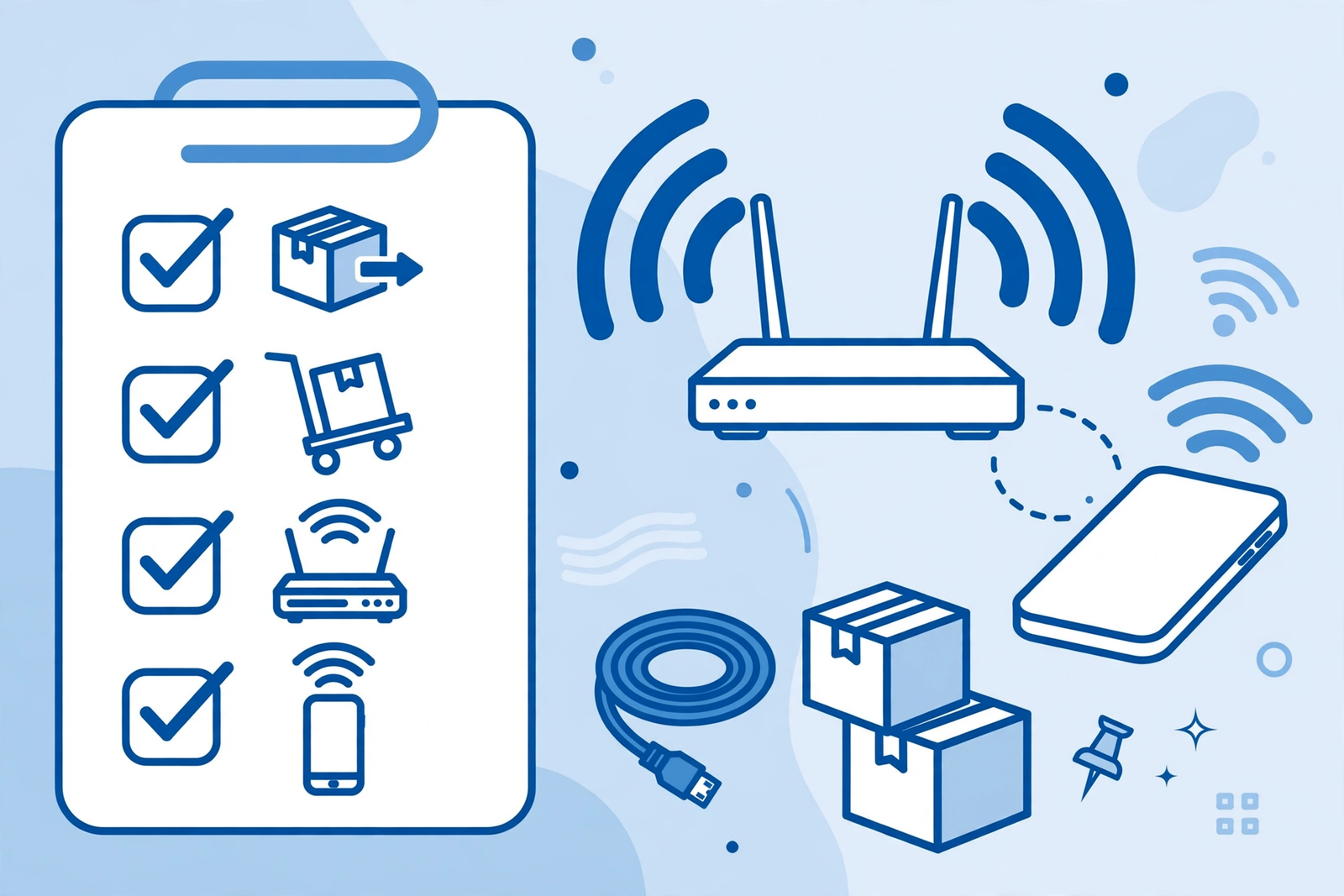
When you relocate business internet service, ask your provider a clear set of questions and note the answers. Ask whether the new address can keep the same plan and price, whether there is a relocation fee, and what happens to your existing contract term. Ask about installation dates, what access the installer will need, and whether the new site needs any wiring work before installation day. Also ask about equipment: what can move with you, what must be returned, and what will be supplied new at the new site. Having these answers in writing avoids disputes later.
Also ask about phone numbers and services tied to your internet. If your business phone numbers, email domains or cloud services depend on the old address or the old connection, confirm whether they move unchanged or need reconfiguration. Ask about the overlap period, the switch-off date for the old site, and what happens if installation at the new site is delayed. A provider that can answer these questions clearly is a good sign; a provider that cannot should prompt you to ask again before move week, not after.
Moving Office Connectivity Setup: Designing the New Network
A moving office connectivity setup should be designed on paper before anyone pulls a cable. Sketch the layout, mark where desks, meeting rooms, tills and customer areas will be, and place network points and wireless access points to cover them with room to spare. Put the router and main equipment in a secure, ventilated spot that staff can reach for a simple restart but visitors cannot casually disturb. Run cables to fixed desks and payment points where possible, since a wired connection is more stable than wireless for the devices that matter most, and reserve wireless for laptops, phones and guests.
Plan the network names and passwords before move day, and keep staff and guest wireless networks separate from the start. A separate guest network keeps visitors off your business systems and makes the new office safer from day one. Our guide to securing your business Wi-Fi network covers the settings worth getting right at setup, rather than fixing later. When the design is agreed, book the installation and cabling work with enough lead time that it can be finished and tested before furniture arrives and staff start work.
Disclaimer: This guide is general information for planning an office move, not a quote, a contract promise, or advice about a specific address or provider. Prices, speeds, availability, installation timing and contract terms vary by address and provider and change over time. Confirm every detail that matters, including plan, price, fees, timing and what happens to your existing contract, in writing on your quote before you sign, book installation or set a move date.
Business Internet Move Checklist for Equipment and Phones
A business internet move checklist for equipment and phones starts with a simple inventory. List every router, access point, switch, phone handset, payment terminal, camera and printer at the old site, note which items move, which are returned to a provider, and which will be replaced at the new site. Label cables and equipment before packing, photograph the back of each device so connections can be recreated, and pack network equipment separately from general office boxes so it is easy to find on move day. This small amount of preparation prevents the most common move-day delay: equipment that cannot be found or reconnected.
Test phones as carefully as you test internet. Make and receive test calls from every handset at the new site, check voicemail, call forwarding and any number that customers dial, and confirm that payment terminals process a test transaction before trading starts. If your phones run over the internet, they depend on the new connection working well, so test them under realistic conditions, with staff devices connected and a video call running, not in an empty office. Fix any call quality or payment problem during the test window, while there is still time to adjust settings or equipment.
Testing Office Relocation Internet Before Staff Arrive

Testing office relocation internet before staff arrive is the step that turns a move from a hope into a plan. Work through a simple test list: wired and wireless speeds at different points in the office, video calls from meeting rooms, cloud file access, email, phones, payment terminals and any customer-facing systems. Test at the times staff will actually use them, with the devices that will actually be connected, and note any dead spots or slow points while there is still time to move an access point or adjust settings. A test day is far cheaper than a first working day spent troubleshooting.
Also test your backup plan, not just your main connection. If you have a wireless backup, check that it takes over when the main connection is interrupted and that staff know it is there. Our wireless backup guide explains how backup connections are meant to work in practice. If anything fails during testing, log it, fix it and retest it, rather than hoping it will sort itself out on opening day. The goal is simple: when staff walk in on the first morning, everything they need should already be working.
Keeping Customers Connected During an Office Move Wireless Internet Transition
Keeping customers connected during an office move wireless internet transition is mostly about communication. Update your website, email signatures, voicemail messages and any online listings with the new address and any temporary contact arrangements, and do it before move day rather than after. Tell regular customers the move dates, whether any service will pause, and how to reach you during the transition. If orders, bookings or support requests could be delayed, say so plainly and give a realistic timeframe, since customers forgive a planned pause far more readily than silence.
Protect the systems customers rely on. Keep online ordering, booking and payment systems running through the transition if at all possible, and test them from the new site before you announce that you are open there. If a system must pause, put a clear notice in place and a way for customers to leave a message or place an order later. A move is also a good moment to check that your business listings, maps and directory entries will show the new address, so new customers are not sent to the old premises after you have left.
Common Office Move Wireless Internet Mistakes to Avoid
The most common office move wireless internet mistake is leaving the connectivity order until the last week. Installation, building access and wiring all take time, and a late order leaves no room to fix a problem. Another common mistake is assuming the new site will match the old one: same speed, same price, same setup. Check everything afresh, because buildings, wiring and availability differ. A third mistake is moving equipment without labelling it, which turns setup into guesswork at exactly the moment staff need to be working.
Other mistakes are smaller but still costly. Forgetting to update the address on listings and customer messages sends people to an empty office. Skipping the test day means problems surface on the first working day, when customers are waiting. And switching off the old site before the new one is tested removes your safety net. Avoid these by following the order in this guide: check, plan, overlap, design, test, and only then switch off and announce the new address with confidence.
Office Relocation Internet: Frequently Asked Questions
How early should I start planning a business internet move?
Start as soon as the new address is known, and ideally before you sign a lease. An availability check, a plan decision, installation and testing all take time, and building access or wiring can add delays. Starting early gives you room to fix problems without rushing, and it lets you keep an overlap between the old and new sites so there is no gap in service.
Can I keep the same plan and price at the new office?
Sometimes, but not always. Availability, speed and price depend on the new address, and your existing contract terms may affect what transfers and what does not. Ask your provider for a written quote for the new address, including plan, price, fees and any relocation charges, before you assume the old arrangement carries over unchanged.
What happens to my business phone numbers when I move?
It depends on how your phones are set up. Some numbers can move with you, while others may need reconfiguration or a new arrangement at the new site. Ask your provider early, test every handset and every number customers dial at the new site, and check voicemail and call forwarding before opening day.
Do I need a wireless backup during an office move?
A backup is strongly worth having during a move, because it covers the gap if installation is delayed or the main connection has a problem in the first week. Test the backup before staff arrive, so you know it takes over as expected and staff know it is there. It is a short-term safety net, not a replacement for a properly installed main connection.
When should I switch off internet at the old office?
Only after the new site is installed, tested and trading. Keep the old service running through the overlap period, confirm that phones, payments and cloud tools all work at the new site, and only then arrange the old site switch-off and equipment return. Switching off early removes your fallback at the worst possible moment.
Final Word on Relocating Business Internet Service to Your New Office
Moving office does not have to mean losing your internet, your phones or your customers. The businesses that move smoothly are the ones that check the new address early, plan an overlap, design the new network before furniture arrives, and test everything before staff walk in. It is not glamorous work, but it is the difference between a first week that feels like a fresh start and a first week spent apologising to customers. Start early, keep one person in charge of connectivity, and keep the old site live until the new one has proved itself.
If your move is coming up, begin with the availability check for your new address and a written quote, so you know exactly what plan, price and timing you are working with. For plan options and availability at your new premises, check AT&T Business Fiber plans and availability for your new office before you set a move date.

