
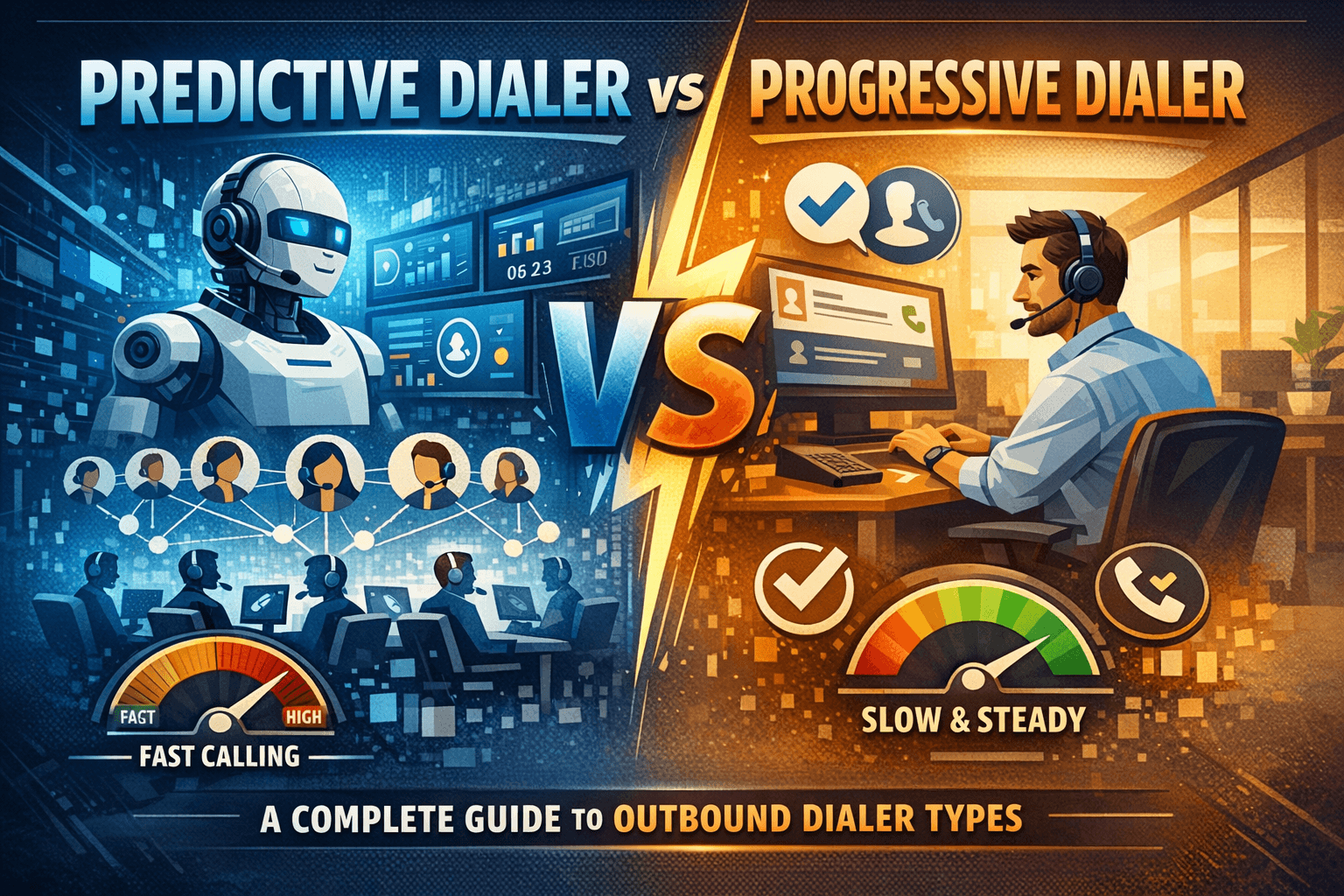
A predictive dialer automatically calls multiple numbers at once and connects answered calls to available agents, helping high-volume call centers maximize efficiency. It uses algorithms to predict when agents will be free, reducing idle time but sometimes causing abandoned calls. A progressive dialer calls one number at a time only when an agent is ready, then connects the answered call directly. This creates a smoother customer experience with fewer dropped or silent calls. In short, predictive dialers are best for large outbound campaigns focused on speed, while progressive dialers are better for quality conversations, compliance, and personalized customer interactions.
What are outbound dialers?
Outbound dialers are software systems that automatically place phone calls on behalf of your agents. Instead of a representative manually dialing each number, the system handles the mechanics — freeing agents to focus on the conversation itself.
Modern dialers sit at the heart of sales and support operations, directly influencing how efficiently teams reach prospects, how compliant calls remain, and how positive the customer experience is. The right choice depends on your industry, call volume, and conversation complexity.
The three main types — predictive, progressive, and preview — each make a different trade-off between speed and agent control.
1. What is a predictive dialer?
A predictive dialer uses algorithms to dial multiple numbers simultaneously, predicting when an agent will be free and connecting a live answer at exactly that moment. It analyses historical call data — average handle time, abandonment rates, answer rates — to calculate the optimal pace of dialing.
How it works
The system dials several leads at once. Calls that result in voicemails, busy signals, or no-answers are dropped automatically. When a human picks up, the dialer instantly connects that call to the next available agent — often within a second or two.
Key benefits
- Increases agent talk time from a typical 15–20 minutes per hour to 40–50 minutes
- Dramatically raises productivity for high-volume campaigns
- Automated filtering of voicemails, busy signals, and unanswered calls
- Best suited to large teams running low-complexity campaigns
Key considerations
Because multiple calls are placed at once, there is a risk of ‘abandoned calls’ — answered calls with no agent ready. Regulations (including Ofcom rules in the UK and TCPA in the US) cap the permissible abandonment rate, typically at 3%. Predictive dialers are best suited to large teams (10+ agents) where the algorithm has enough data to stay compliant.
Read More: Is It Illegal to Record a Conversation in Hong Kong? One Party Consent Explained
2. What is a progressive dialer?
A progressive dialer (sometimes called a ‘power dialer’) places exactly one call per available agent. It only dials the next number once an agent has finished their previous call and is confirmed free — eliminating the risk of abandoned calls entirely.
How it works
When an agent wraps up a call and marks themselves available, the system immediately dials the next record. The agent is connected only when a live person answers, so they never hear ringing or deal with voicemails.
Key benefits
- Zero abandoned calls by design
- Higher productivity than manual dialling without compliance risk
- Suits mid-sized teams running compliance-sensitive campaigns
- Works well for moderately complex conversations
Key considerations
Because one call is placed at a time, the raw throughput is lower than predictive. Agents will still experience idle time between connections, though far less than with manual dialing. For very large, low-complexity campaigns, predictive will typically outperform progressive on sheer volume.
3. What is a preview dialer?
A preview dialer surfaces the lead’s record to the agent before placing the call. The agent reviews the contact’s details — prior interactions, account notes, demographics — and then manually triggers the dial when ready.
How it works
The CRM record appears on screen with a timer or a manual ‘call’ button. The agent prepares their approach, then initiates the connection. The system handles the dialing mechanics but the agent controls the timing.
Key benefits
- Ideal for high-value, complex, or sensitive conversations
- Suits financial services, healthcare, enterprise sales
- Brief preparation window meaningfully improves call quality
- Best for small teams where personalization matters more than volume
Key considerations
Preview dialing is the slowest of the three modes by design. Productivity gains over manual dialing come from CRM integration and automatic record delivery rather than parallel dialing, so it is unsuitable for campaigns that depend on call volume.
Predictive vs. progressive vs. preview dialer
The table below summarizes the key differences across all three dialer types to help you evaluate them side by side.
| Feature | Predictive | Progressive | Preview |
| Dialling method | Multiple simultaneous | One at a time | Agent-triggered |
| Abandoned call risk | Yes (regulated) | None | None |
| Agent talk time | Very high | Moderate–high | Lower |
| Pre-call info | No | No | Yes |
| Best team size | 10+ agents | 5+ agents | Any |
| Compliance complexity | Higher | Lower | Lowest |
| Ideal use case | Mass outreach, collections | Mid-market sales, surveys | Enterprise, financial, healthcare |
Which dialer fits your business?
The best dialer type depends on your industry, team size, and the nature of your calls. The following scenarios illustrate how different businesses typically approach the decision.
| Scenario | Context | Recommended |
| Debt collection agency (40 agents) | High call volume, simple scripts, regulatory compliance needed | Progressive |
| SaaS cold outreach team (15 agents) | Volume matters, calls are brief and relatively uniform | Predictive |
| Financial adviser firm (6 agents) | High-value clients, personalised approach, regulated environment | Preview |
| Healthcare provider, patient follow-ups | Sensitivity required, context needed, compliance critical | Preview |
| Market research firm, survey calls | Medium volume, short calls, moderate complexity | Progressive |
| Insurance company, renewals (30 agents) | Large volume, compliance-sensitive, agents need full records | Progressive |
How to choose the best dialer for your team
The right dialer emerges from an honest assessment of four factors.
Team size
Predictive dialers need at least 8–10 simultaneous agents to function accurately. Below this threshold, the algorithm lacks enough data to predict agent availability, leading to compliance risk or excessive idle time. Progressive and preview dialers work well at any team size.
Call volume and complexity
If your campaign requires hundreds of calls per day with relatively scripted conversations, predictive will maximise throughput. For moderate volumes with more nuanced conversations, progressive offers a strong balance. For low-volume, high-stakes calls — enterprise prospects, regulated customers — preview is the right choice.
Regulatory environment
Financial services, healthcare, and debt collection operate under strict dialling regulations in both the UK and US. If your organisation must comply with Ofcom, TCPA, or FCA guidelines, progressive or preview dialers eliminate abandonment risk entirely and simplify your compliance posture.
Budget and CRM integration
Preview dialers deliver the most value when tightly integrated with your CRM. Predictive dialers require a larger agent pool to justify the infrastructure. Many modern platforms — including Vonage, Five9, and Genesys — support all three modes, allowing you to choose per campaign rather than per platform.
Easy dialing with Vonage
Vonage Contact Center (now part of Vonage Business Communications) offers all three dialler modes within a single platform, integrated natively with Salesforce, ServiceNow, and other major CRMs.
Key features include:
- Predictive, progressive, and preview dialling in one unified interface
- Native Salesforce and ServiceNow CRM integration
- Conversation Analyser with real-time speech analytics
- Built-in compliance tools for TCPA, GDPR, and Ofcom
- Flexible campaign management — change dialling mode per list segment
Vonage allows teams to run predictive dialling for large cold lists, switch to progressive for warm leads, and use preview for high-value accounts — all within the same platform.
Frequently asked questions about dialers
What is the main difference between a predictive and progressive dialer?
A predictive dialer calls multiple numbers at once and uses an algorithm to connect a live answer to a free agent, maximising throughput but risking abandoned calls. A progressive dialer places one call per available agent, eliminating abandoned calls at the cost of slightly lower raw volume.
Are predictive dialers legal?
Yes, but they are regulated. In the UK, Ofcom limits the abandoned call rate to 3% of live calls per campaign. In the US, the FCC and TCPA impose similar restrictions. Most enterprise platforms include compliance tools to stay within these limits automatically.
How many agents do I need for a predictive dialer to work well?
Most vendors recommend a minimum of 8–10 simultaneous agents. Below this threshold, the algorithm lacks enough data to predict agent availability accurately, which can lead to either excessive idle time or abandoned call violations.
Can I use more than one dialler mode in the same campaign?
Yes. Leading platforms like Vonage, Five9, and Genesys allow you to set different dialling modes per list segment. A common strategy is to use predictive for large cold lists, progressive for warm leads, and preview for high-value accounts — all within the same campaign run.
What is an abandonment rate and why does it matter?
The abandonment rate is the percentage of answered calls that are immediately disconnected because no agent was available. High abandonment rates damage your brand reputation, frustrate customers, and can trigger regulatory penalties. Progressive and preview dialers have a 0% abandonment rate by design.
Is a preview dialer just manual dialling?
Not quite. While the agent controls when the call is placed, the system still automates the actual dialling, records the outcome, logs it to the CRM, and queues the next record. The productivity gain over pure manual dialling comes from eliminating admin work, not from parallel dialling.

