
Verdict: For most warehouses and light industrial sites, the best internet for warehouses is AT&T Business Fiber, sized to keep scanners, cameras, office systems and floor networks working at the same time, with office and floor traffic kept separate. A warehouse does not fail because one device is slow; it fails when inventory scans do not sync, cameras drop frames, office systems lag, and staff lose time walking back to a spot with a usable signal. Fiber suits this environment because it offers symmetrical speeds, no data caps and no annual contract, with the capacity to support many simultaneous devices across a large, open site.
Warehouses and light industrial sites use the internet in a different pattern from offices and shops. The building is large and open, with high ceilings, metal racking, concrete and steel that affect wireless signals, and work that moves across the floor rather than staying at a desk. Scanners and inventory devices move with staff, cameras watch entrances, yards and high-value areas, and the office still needs reliable access to ordering, shipping and customer systems. A connection chosen only for the office, without planning for the floor, will leave the most important work — picking, packing, receiving and dispatching — on the weakest part of the network.
Best Internet for Warehouses: Scanners, Cameras and Floor Coverage
Choose fiber sized to your scanners, cameras and office systems, with office and floor networks kept separate for a calmer shift.
Start by mapping the site, not by picking a speed tier. Walk the floor and note where receiving happens, where picking and packing take place, where dispatch and loading bays sit, where high-value stock is stored, and where the office, break room and meeting areas are. Note the distances between those zones, the height of racking, the materials in walls and racking, and any areas where staff currently lose signal or have to return to the office to sync a device. That map becomes the basis for coverage planning, for deciding where wired points matter most, and for judging how much capacity the site really needs.
Best Internet for Warehouses: What Large Sites Actually Need
The best internet for warehouses is the connection that stays usable across the whole site during the busiest shift, not just in the office. That means scanners that sync promptly wherever staff are working, cameras that record without long gaps, office systems that respond while the floor is active, and a network layout that does not let a single crowded area slow everything else. It also means a plan for what happens when part of the network fails: which systems keep working, which workarounds staff use, and how quickly the site can recover.
Three needs dominate warehouse internet planning. First, coverage: a signal that reaches the far aisle, the loading bay and the yard office, not just the room where the gateway sits. Second, capacity: enough headroom for scanners, cameras and office systems to run at the same time, especially during receiving, dispatch and stock-count peaks. Third, separation: office traffic, floor traffic and camera traffic kept apart where possible, so that a busy camera feed or a large office upload does not stall a scanner sync at the moment a pallet is being checked in. A plan that addresses all three is far more useful than a plan that only quotes a download figure.
Site conditions shape the answer. Metal racking, tall shelving, concrete walls, large open spaces and moving vehicles all affect wireless performance. A warehouse that looks open on a floor plan can still have weak spots behind tall racking, in a cold store, or in a mezzanine office separated by steel and concrete. That is why coverage should be planned zone by zone and tested during a real shift, with racking full and staff moving, rather than assumed from a single test in the office. Prices, speeds and availability were checked in October 2026 and should be confirmed before ordering, because they vary by address and promotion.
Warehouse Internet Speed and Symmetrical Uploads for Inventory
Warehouse internet speed is best understood as simultaneous capacity, not as a single download number. Scanners send small, frequent updates that need prompt responses. Cameras send continuous video that needs steady upload capacity. Office systems download orders and upload dispatch information, invoices and stock updates. When all three run at once, the connection needs enough upload and download headroom to keep each one responsive. A connection that downloads quickly but uploads slowly can make camera feeds and cloud inventory sync feel sluggish, even if a basic speed test looks impressive.
That is why symmetrical speeds matter in a warehouse. AT&T Business Fiber offers the same speed up and down, which suits sites where cameras, cloud inventory and office uploads are as important as downloads. A site that uploads a large amount of camera footage, backs up inventory data to the cloud during the day, or shares large files with suppliers and customers will benefit from upload capacity that matches download capacity. When comparing options, ask how upload performance behaves under load, and whether the plan’s upload figure is symmetrical or significantly lower than its download figure.
When sizing, think in terms of peaks and patterns, not averages. Receiving and dispatch create sharp peaks, stock counts create sustained scanning loads, and camera traffic is continuous. A tier that handles an average day may still struggle during a dispatch peak when scanners, cameras, office uploads and label printing all coincide. Use the busiest shift as the sizing case, keep headroom for growth, and confirm the tier’s details with an AT&T Business representative before ordering, rather than assuming a tier will cope because it coped in a smaller unit.
Scanners and Inventory Devices on Warehouse Internet
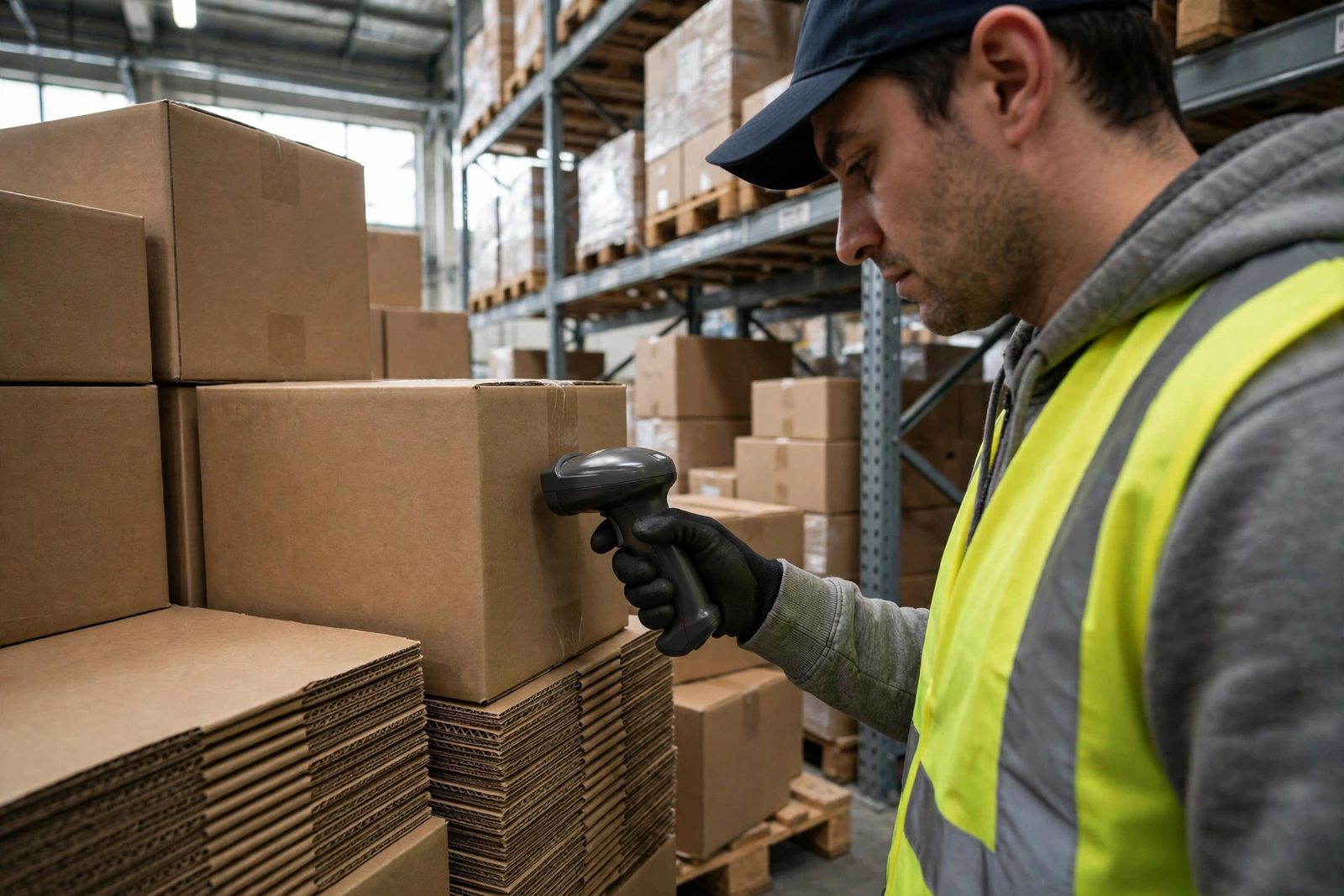
Scanners and inventory devices on warehouse internet need prompt, reliable sync wherever staff are working. A handheld scanner that updates stock in real time is only useful if the update reaches the inventory system before the next pick, pack or dispatch step. If the scanner has to wait, retry, or return to a known good spot to sync, the workflow breaks and errors creep in. Keeping scanner traffic on a well-planned floor network, with good coverage in every aisle and bay, is therefore a core requirement, not a convenience.
Cameras and Security on Warehouse Internet
Cameras and security on warehouse internet need steady upload capacity and a network layout that does not let camera traffic crowd out inventory and office work. Cameras at entrances, loading bays, yards and high-value storage areas generate continuous video, which can consume a significant share of upload capacity if it is not planned for. Separating camera traffic from scanner and office traffic — on a separate network segment where possible — keeps a busy camera feed from delaying a scanner sync or an office upload.
Warehouse Internet Coverage Planning for Large Open Spaces
Warehouse internet coverage planning for large open spaces starts with the building, not with the equipment catalogue. High ceilings, long aisles, metal racking, concrete floors and steel walls all shape how wireless signals travel. A signal that reaches well across an empty floor can weaken significantly once racking is full, pallets are stacked high, and vehicles are moving. Planning should therefore assume a working warehouse — full racking, busy aisles, closed roller doors where applicable — rather than an empty shell.
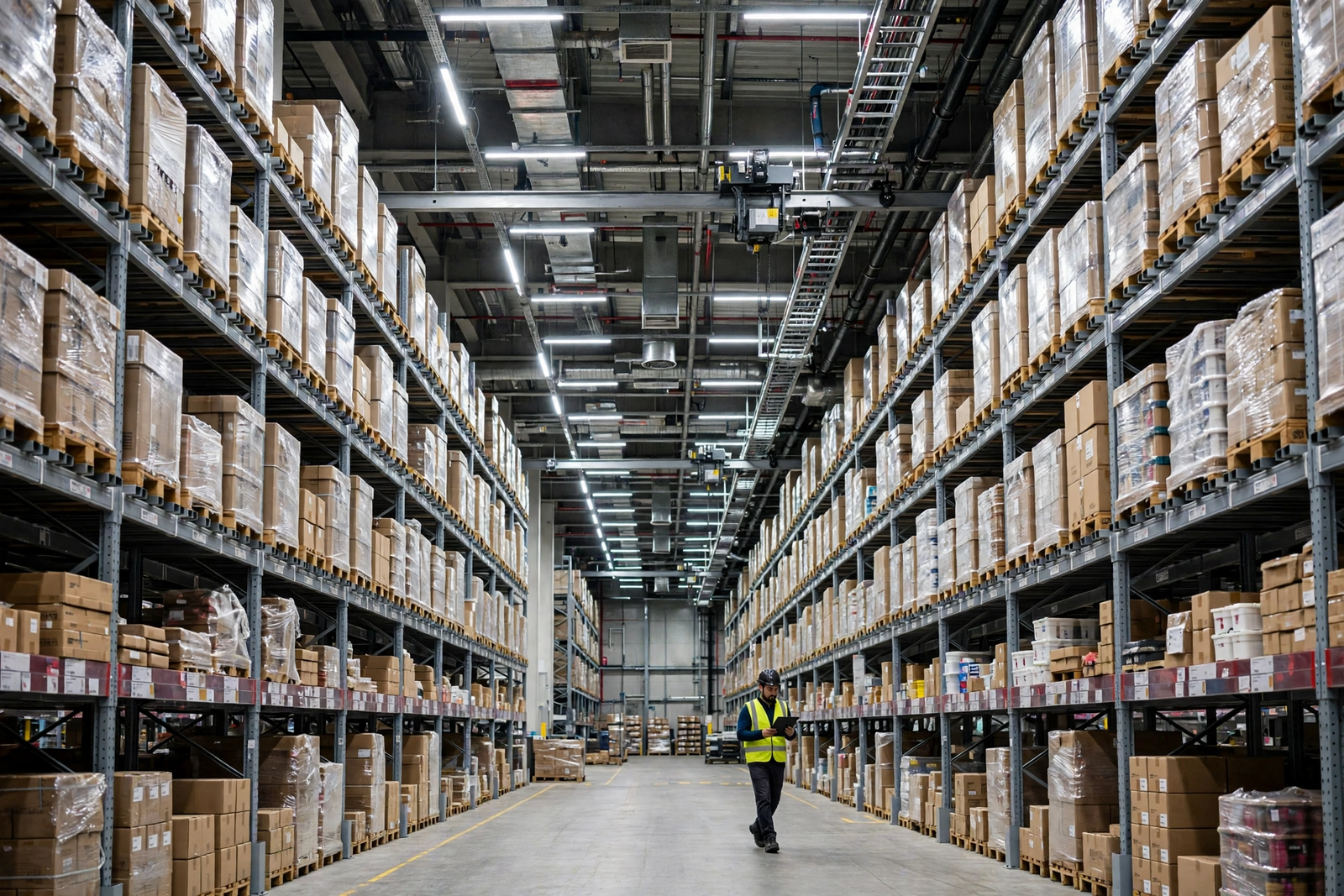
Zone the site before choosing equipment positions. Divide the floor into receiving, storage, picking, packing, dispatch and yard zones, plus office, break and meeting areas. For each zone, note which devices work there, how many staff are present at peak, and whether the work is fixed (a packing bench, a dispatch desk) or mobile (a picker moving through aisles). Fixed work points are good candidates for wired connections, which are more stable than wireless and reduce the load on the wireless network. Mobile work needs good wireless coverage along the actual routes staff take, including the far aisle and the loading bay, not just the centre of the floor.
Wired backhaul is the backbone of a reliable warehouse network. Where the building allows it, run wired connections to access points distributed across the floor, rather than relying on a single wireless gateway to cover the whole site or on wireless repeaters daisy-chained across a large space. Wired backhaul gives each access point a stable, high-capacity link back to the main connection, which keeps scanner sync and camera traffic responsive even when many devices are active. It also makes troubleshooting easier: if one zone struggles, you can check its wired link and its access point, rather than guessing whether the problem is the main connection or a distant wireless hop.
Wired Backhaul for Warehouse Wi-Fi Coverage
Wired backhaul for warehouse Wi-Fi coverage means connecting access points by cable to the main network, so that each access point has a reliable path back to the fiber connection. This approach suits warehouses because it separates the two jobs of the network: the cable carries traffic reliably across distance, while the access point provides wireless coverage in its local zone. A picker moving through an aisle connects to the nearest access point, which sends the traffic over cable, rather than relying on a wireless hop across the whole floor.
Separating Office Wi-Fi and Warehouse Floor Internet
Separating office Wi-Fi and warehouse floor internet is one of the simplest ways to keep a warehouse network calm. Office systems — ordering, invoicing, customer service and supplier portals — should not compete directly with scanner sync, camera feeds and floor tablets for the same network segment. Keeping them on separate networks, or separate segments with clear rules, means that a large office upload or a busy camera period is less likely to delay a scanner update at the moment a pallet is being checked in.
Separation also helps security. Office computers hold customer, supplier and financial information that floor devices and guest devices do not need to access. Contractors, delivery drivers and visitors who need limited internet access should be given a guest or contractor network that does not reach office or inventory systems. Staff devices on the floor should have access to the inventory and dispatch systems they need, and no more. This separation is a practical security step, not just a performance one, and it makes it easier to investigate a problem when one segment struggles while others work normally.
Disclaimer: This article contains affiliate links to AT&T Business services. We may earn a commission if you purchase through them, at no extra cost to you. Ortelcom.com is an independent publisher and is not affiliated with or endorsed by AT&T. Pricing, speeds, and availability are not guaranteed, were checked in October 2026, and vary by address and promotions — please confirm all details before ordering. AT&T and all related marks are trademarks of their respective owners.
AT&T Business Fiber Pricing for Warehouses
AT&T Business Fiber pricing for warehouses, checked in October 2026, offers five tiers, all with symmetrical speeds, no data caps and no annual contract, and all including ActiveArmor security. The list prices are $60 per month for 300 Mbps, $100 for 500 Mbps, $140 for 1 GIG, $185 for 2 GIG and $285 for 5 GIG. With an eligible wireless plan, those figures fall to $40, $60, $90, $135 and $235 respectively. Confirm before ordering, because the exact figure for your address depends on eligibility, promotions and the wireless plan you hold, and dealer promotional pricing can differ from these official figures.
Choosing a tier for a warehouse is a sizing decision, not a prestige decision. A small light-industrial unit with a handful of scanners, two cameras and a small office may be well served by 300 Mbps or 500 Mbps, provided coverage is planned well. A larger warehouse with many scanners, extensive camera coverage, a busy office and frequent cloud uploads may need 1 GIG or more, especially during dispatch peaks. The tier should cover the busiest shift with headroom, not just the average hour, and it should leave room for growth in racking, shifts or clients over the next year or two.
| Fiber tier for warehouses | List price per month | With eligible wireless | What it suits in a warehouse |
|---|---|---|---|
| 300 Mbps | $60 | $40 | Small light-industrial units with a few scanners, limited cameras and a small office |
| 500 Mbps | $100 | $60 | Growing units with more scanners, cameras and office systems at peak |
| 1 GIG | $140 | $90 | Busy warehouses with many simultaneous devices, cameras and cloud uploads; includes built-in 5G backup |
| 2 GIG | $185 | $135 | Large sites with heavy simultaneous use across floor, cameras and office |
| 5 GIG | $285 | $235 | Very large or high-throughput sites with extensive camera and data loads |
Plans at 1 GIG and above include built-in 5G backup at no extra cost, which is valuable for a warehouse that cannot afford to lose inventory sync or dispatch systems during an outage. That backup needs an uninterruptible power supply (UPS) to keep working during a power outage — without one, the backup will stop when the power stops. Warehouses that suffer power cuts, or that run critical dispatch work through the evening, should factor a UPS into the backup plan and test it, rather than assuming backup alone covers a power failure. For a broader view of fiber versus other options, see the comparison of AT&T Business Fiber versus cable and the AT&T Business Fiber overview.
When comparing fiber pricing with other options, include the cost of coverage work — cabling, access points and installation planning — in the total, not just the monthly tier price. A lower tier with good coverage planning can outperform a higher tier with poor coverage, because scanners and cameras depend on a usable signal in their zone, not just on capacity at the gateway. Conversely, a higher tier without coverage planning will still leave far aisles and bays weak. Budget for both capacity and coverage, and confirm installation details for your site before ordering.
Fiber Installation for Warehouses: What to Prepare
Fiber installation for warehouses needs preparation that goes beyond the office. The installation team needs access to the entry point, the route to the main network equipment, and the areas where access points and wired points will be placed. Clear those routes in advance, note any areas where forklift traffic, racking or cold storage may affect access, and agree a time that minimises disruption to receiving and dispatch. A warehouse that plans installation around its shift pattern will experience far less disruption than one that treats installation as an office-only job.
Prepare a simple site plan before installation day. Mark the office, receiving, storage, picking, packing, dispatch and yard zones, the locations of fixed work points, and the routes staff take through the floor. Note where wired points are desired, where access points are planned, and any restrictions on cabling or drilling. Share that plan with the installation team and with your own IT or network contact, so that decisions on the day are based on the working warehouse, not on a guess made in the office. For a detailed installation-day checklist, see the guide to preparing for fiber installation day, which covers the same preparation logic in a wider business context.
Warehouse Internet Backup and Reliability During Shifts
Warehouse internet backup and reliability during shifts is about keeping inventory, dispatch and office systems working when the primary connection fails. A backup does not need to carry every camera feed at full quality; it needs to keep scanners syncing, dispatch notes printing, and office orders flowing long enough for the primary connection to recover or for staff to switch to a manual process. That distinction helps you judge backup options realistically and cost them against the revenue and time cost of a stalled shift.
Fiber plans at 1 GIG and above include built-in 5G backup at no extra cost, subject to the UPS requirement for power outages noted above. For tiers below 1 GIG, or for sites where an additional backup path is warranted, a separate backup connection — for example, a wireless-based business connection as failover — can provide a second path. The principle is the same: two different types of connection are less likely to fail at the same time than two connections of the same type. Decide the backup level from the cost of a lost shift, not from a general rule, and confirm backup details and eligibility for your address before ordering.
Warehouse Internet Limitations to Check Before Ordering
Warehouse internet limitations to check before ordering are rarely about a single flaw; they are about the gap between a plan’s general description and your specific building, shift and address. Signal behaviour in a warehouse depends on racking height, materials, vehicle movement and the distance between zones. Capacity depends on the number of scanners, cameras and office systems active at peak, not on the number of devices owned. Availability depends on the exact site address, not on a neighbouring unit. Checking these factors for your own site, rather than relying on a general claim, is the most reliable way to avoid a poor choice.
If you are ready to check fiber availability for your warehouse or light industrial site, start with a tier sized to your busiest shift, plan coverage zone by zone with wired backhaul where possible, and keep office and floor networks separate. Use the pricing in this guide as a starting point, confirm the current figure for your address, and test the connection during a real shift before relying on it for full dispatch operations. You can check AT&T Business Fiber for your warehouse here and confirm availability and pricing for your site.
Warehouse Internet FAQ
What internet speed do warehouses need for scanners?
There is no single warehouse internet speed that fits every site, because the need depends on how many scanners, cameras and office systems are active at once. Scanners need prompt, reliable sync rather than very high peak speed, while cameras need steady upload capacity. Fiber tiers with symmetrical speeds suit warehouses because upload and download capacity match. Size for your busiest shift, plan coverage zone by zone, and confirm tier details before ordering.
How should warehouse internet coverage be planned for large spaces?
Warehouse internet coverage should be planned zone by zone, starting with a map of receiving, storage, picking, packing, dispatch and office areas. Use wired backhaul to access points distributed across the floor where the building allows it, so that each zone has a stable link back to the main connection. Test during a real shift, with racking full and staff moving, and do not rely on a coverage claim for a specific site without testing it in that site.
Should office Wi-Fi and warehouse floor internet be separate?
Yes, where possible. Separating office Wi-Fi and warehouse floor internet keeps office uploads and customer systems from delaying scanner sync and camera traffic, and it improves security by limiting what floor, guest and contractor devices can reach. Keep office systems, floor inventory systems and camera traffic on separate segments where the site allows it, and give visitors limited guest access that does not reach office or inventory systems.
How much does Business Fiber pricing cost for warehouses?
Business Fiber pricing for warehouses, checked in October 2026, is $60 per month for 300 Mbps, $100 for 500 Mbps, $140 for 1 GIG, $185 for 2 GIG and $285 for 5 GIG at list, with eligible wireless discounts of $40, $60, $90, $135 and $235 respectively. Speeds are symmetrical, with no data caps and no annual contract, and ActiveArmor is included. Confirm before ordering, because the exact figure depends on eligibility, address and promotions.
Does warehouse fiber internet include backup?
Fiber plans at 1 GIG and above include built-in 5G backup at no extra cost, but that backup needs an uninterruptible power supply to keep working during a power outage. Without a UPS, it will stop when the power stops. For tiers below 1 GIG, or for sites that need an additional path, a separate backup connection can provide failover. Confirm backup eligibility and details for your address before ordering, and test the backup during a shift.
When should a warehouse upgrade its internet tier?
A warehouse should consider upgrading its internet tier when scanners hesitate during peaks, camera feeds drop frames, office uploads slow floor work, or the site is adding racking, shifts, staff or clients that will increase simultaneous use. Upgrade the tier and the coverage together: a higher tier without good coverage will still leave far aisles weak, and good coverage without enough capacity will still struggle during dispatch peaks. Confirm the new tier and installation details before ordering.

