
Verdict: For most salons, gyms and other appointment-based businesses, the best internet for salons and gyms is a connection that keeps bookings, card payments and guest Wi-Fi working at the same time, even during a busy Saturday rush. AT&T Internet Air for Business is a strong fit where fiber is not yet available or where you need a quick, fixed-address setup, while AT&T Business Fiber remains the upgrade path where it is available and your space needs the highest, most consistent capacity. The right choice depends less on a headline speed number and more on how your front desk, your treatment rooms or training floor, and your waiting area all share one connection during peak hours.
Salons and gyms do not use the internet the way a quiet office does. Bookings arrive all day, often from phones, and a missed confirmation or a frozen calendar can mean an empty chair or an unattended class. Card readers need a steady link to authorise payments without making a client wait at the till. Guests expect Wi-Fi while they wait, and many spaces play music or show video on screens throughout the day. None of these loads is huge on its own, but together, and at the same moment, they can expose a weak connection quickly. That is why this guide looks at real loads first, then at pricing, installation and backup, rather than starting with a speed tier and working backwards.
Best Internet for Salons and Gyms: Bookings, POS and Guest Wi-Fi
Choose a connection sized to your bookings, tills and guest traffic, with a fixed-address setup that works from day one.
Appointment-based businesses also have a timing problem that other small businesses do not. A booking system is only useful if it is reachable at the exact moment a client tries to book, reschedule or cancel. If the connection drops or slows during that moment, the client may book elsewhere, or your team may double-book a slot because a cancellation did not sync. The same logic applies to payments. A card reader that stalls does not just delay one sale; it holds up the next client, creates a queue at the desk, and puts pressure on staff to rush the rest of the checkout. Reliability and steady performance under simultaneous use therefore matter at least as much as maximum download speed.
Best Internet for Salons and Gyms: What Appointment Businesses Actually Need
The best internet for salons and gyms is the connection that stays usable when every part of the business is active at once. That means a booking platform that loads quickly, a payment terminal that authorises without repeated retries, guest Wi-Fi that does not collapse when several people join, and music or video that keeps playing without constant buffering. It also means a setup your team can understand: a clear place for the gateway, a separate guest network where possible, and a simple plan for what to do if the connection slows or drops.
Start with three questions. First, how many people and devices are online during your busiest hour, including guests? Second, which tasks cannot wait — bookings, payments and access control usually sit at the top of that list, ahead of guest browsing and streaming. Third, what happens if the connection fails for thirty minutes during a peak period? If the answer is lost bookings, unprocessed payments and a full waiting room with no music or screens, then backup and placement deserve as much attention as the monthly price. These questions also help you talk to a provider in practical terms, rather than guessing at a tier from a marketing page.
Internet Speed and Booking Reliability for Salons and Gyms
Internet speed for salons and gyms is best understood as headroom during simultaneous use, not as a single number on a plan page. Booking software, client records and card payments are generally light, steady tasks that depend more on a responsive, stable connection than on very high peak speed. Guest Wi-Fi and streaming are the loads that grow quickly with the number of people in the room. When guests join, stream video or upload photos, they compete for the same connection as the booking system, unless the network is set up to keep business-critical traffic prioritised in practice.
For planning purposes, AT&T Internet Air for Business is described with a typical speed of around 225 Mbps, with no speed caps, no data caps and no overage fees on the plan itself. That typical figure is a planning guide, not a guarantee for a specific address, and actual performance will vary with signal, building layout and how many devices are active. It is useful because it shows that a well-placed Internet Air setup can comfortably support a typical salon or gym peak — bookings, tills, staff devices, guest browsing and background music — while still leaving room for a busy spell. If your space regularly hosts very large classes, a crowded waiting area with heavy video use, and multiple screens, you should test that peak against a fiber option as well.
Reliability also includes how the connection behaves when it is busy, not just whether it stays online. Internet Air Premium includes 250GB of AT&T Turbo for Business priority per bill cycle, after which traffic may slow when the network is busy. That detail matters for a salon or gym that relies on priority during peak hours every week, because the benefit of priority is tied to that allowance and to network conditions. Standard Internet Air does not include that priority allowance. If your peak loads are concentrated on a few very busy days, ask how priority and busy-period performance are described in the current plan details, and confirm them before ordering.
Booking, POS and Guest Wi-Fi Loads on Your Salon and Gym Internet
It helps to split the load on your salon or gym internet into four groups, because each one fails in a different way. Booking and client records need a responsive connection that does not stall when someone else starts a video. Card payments need a steady, low-latency link that authorises quickly and does not require repeated attempts. Guest Wi-Fi needs enough capacity for many small sessions at once, without letting one heavy user crowd out the front desk. Music, screens and cameras need a steady stream or upload, often in the background, that should not be allowed to dominate the connection during a payment or booking.
Booking Software and Internet Reliability for Salons
Booking software is the load most appointment businesses feel first, because clients interact with it directly. A slow or failed booking page does not just waste a minute; it can lose a client who moves on to a competitor, or create a gap in the diary that is hard to fill at short notice. Most booking platforms are not heavy in raw bandwidth, but they are sensitive to interruptions and to pages that take a long time to load. That is why a connection that is consistently responsive, with good signal to the desk and treatment areas, often matters more than a very high headline speed that fluctuates.
POS, Card Readers and Internet Speed for Gyms
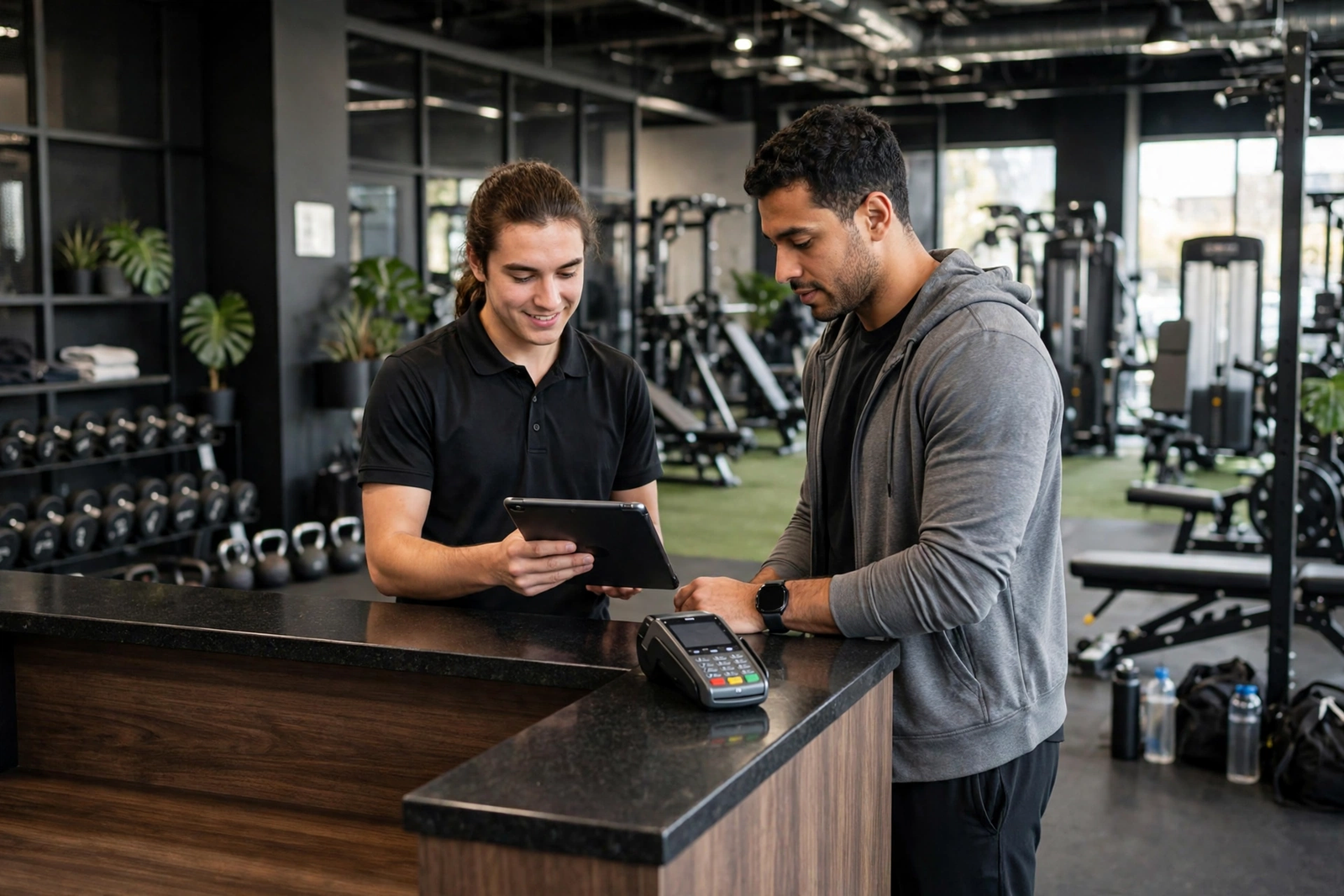
Card readers and point-of-sale terminals are a second critical load. They usually need only a small amount of data per transaction, but they need it promptly and reliably, especially when several clients are paying at once after a class or during a lunch rush. A reader that takes several attempts, or that loses its link mid-transaction, slows the whole desk and creates a poor last impression. Keeping the payment terminal on a stable part of the network, with a clear signal and a backup plan if the main connection drops, is therefore a practical priority, not a technical luxury.
Where a terminal connects over Wi-Fi, its placement and the network it joins matter. A terminal at the far end of a salon or gym, behind a wall or a metal rack, may struggle even if the gateway itself is performing well. The same applies to a tablet used for check-in or for taking payments at a class desk. For more on keeping tills and printers on a stable business network, see how to connect POS and printers on business Wi-Fi.
Guest Wi-Fi and Music Streaming on Salon Internet
AT&T Internet Air Pricing for Salons and Gyms
Internet Air pricing for salons and gyms is straightforward on paper, but the price you actually pay depends on how you are billed and whether you also hold an eligible AT&T business wireless plan. The Standard plan is listed at $65 per month, or $60 per month with AutoPay and paperless billing, or $40 per month when combined with an eligible business wireless plan. The Premium plan is listed at $105 per month, or $100 per month with AutoPay and paperless billing, or $80 per month with an eligible business wireless plan. Those are the figures checked in October 2026, and they can change with promotions, taxes and fees, so confirm the current total before you order.
The difference between Standard and Premium is not just price. Premium includes the 250GB of AT&T Turbo for Business priority per bill cycle described above, which can matter during busy periods when many devices are online. Standard does not include that priority allowance. For a salon or gym, the choice therefore turns on how much of your business depends on staying prioritised during a peak, and whether the extra $40 per month at list price is worth that protection. A small space with a quiet waiting area and a single till may not need Premium. A busy gym with classes, check-in tablets, guest Wi-Fi and streaming screens all active at once is a stronger candidate for it.
| Plan | List price | With AutoPay and paperless billing | With eligible business wireless | Includes |
|---|---|---|---|---|
| Internet Air Standard | $65/mo | $60/mo | $40/mo | Fixed-address Internet Air, typical speed around 225 Mbps |
| Internet Air Premium | $105/mo | $100/mo | $80/mo | Fixed-address Internet Air, typical speed around 225 Mbps, plus 250GB Turbo priority per bill cycle |
Internet Air is also described with a 30-day money-back offer, which can reduce the risk of trying it in your actual space. That is worth using properly: test it during a real busy period, not just on a quiet morning, and check bookings, payments, guest Wi-Fi and streaming together. If the connection struggles only during your peak, that is the evidence you need to either adjust placement, add equipment, or consider fiber instead. Keep a note of what you tested and when, so you can compare fairly if you later change plans.
Internet Air Installation and Signal Placement for Salons and Gyms
Internet Air installation for a salon or gym is usually simpler than a wired installation, because there is no need to run new cabling to the premises in the same way. The gateway is set up at the registered business address, connected to power, and positioned to get the best available signal. That simplicity is a real advantage for a business that wants to open, move or refurbish without waiting for an engineer visit to pull cables through walls. It also means the work shifts from installation engineering to placement: where the gateway sits in your space can make a noticeable difference to performance.
Internet Installation Placement for Strong Salon Wi-Fi
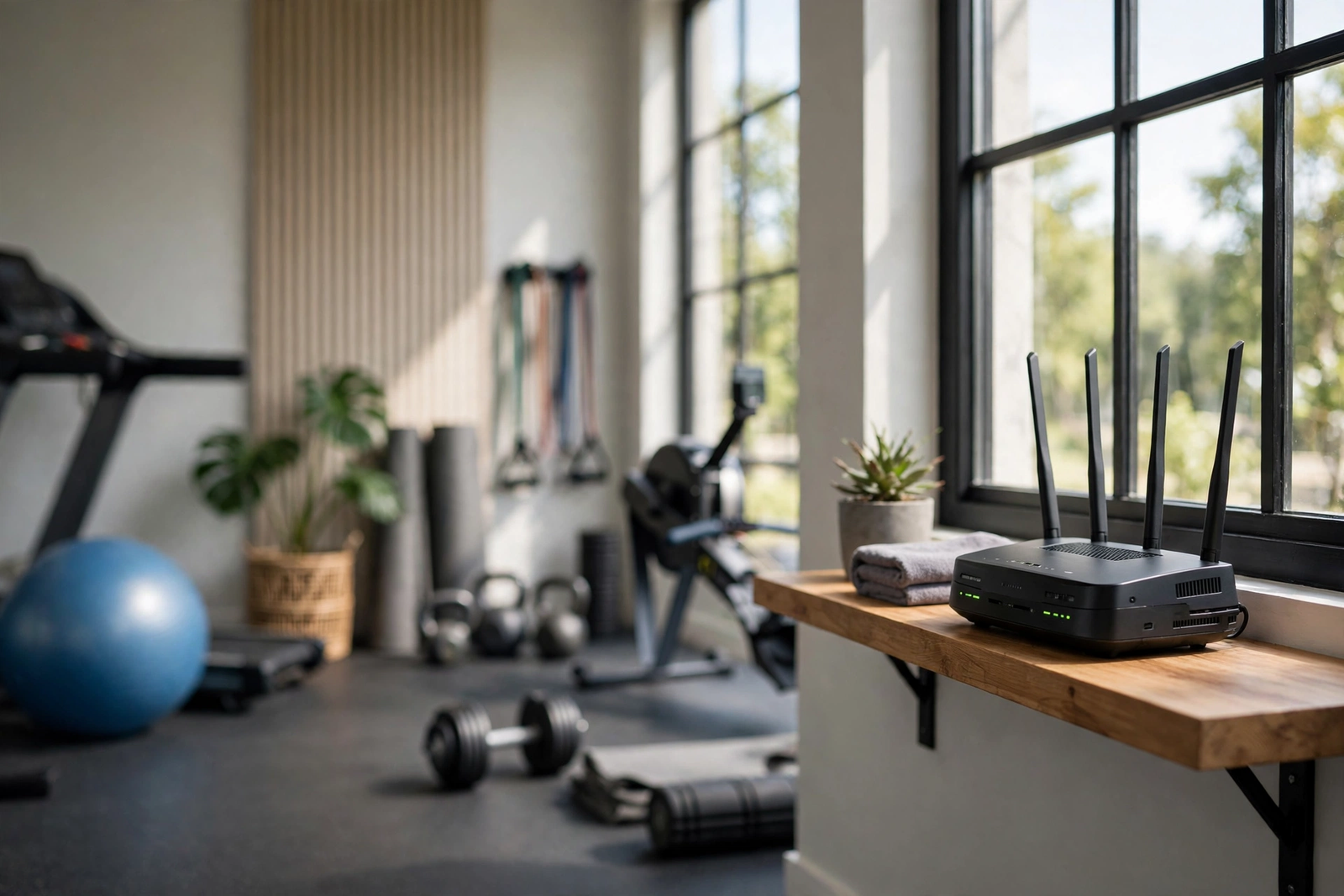
Gateway placement is the single most controllable factor in how well Internet Air performs in a salon or gym. A gateway tucked behind a metal cabinet, inside a back room with thick walls, or on the floor behind the desk will usually perform worse than the same gateway placed higher, near a window, and with a clear path to the areas where clients and staff actually use the connection. Large mirrors, metal racks, treatment beds and gym equipment can all affect signal inside the space, so a quick test in two or three positions is worth the effort before you settle on a final spot.
The gateway should also be placed with the whole space in mind, not just the desk. A salon needs good coverage at the chairs and the waiting area, not only at reception. A gym needs coverage at the entrance, the class desk and the training floor, where members check in and use apps. If the gateway alone cannot cover the whole space evenly, a suitable Wi-Fi extender or mesh setup can help, but it should be planned around the same principle: keep the gateway where the signal is strongest, then extend from there, rather than hiding the gateway and trying to compensate later. For practical placement guidance, see AT&T 5G gateway placement for the strongest signal.
Fixed Address Rules for Gym Internet Air
Internet Air is a fixed-address service, which means it is tied to the business address where it is registered. That matters for salons and gyms that move premises, open a second location, or run a pop-up or outdoor class. You cannot simply take the gateway to a new address and expect it to work in the same way, and you should check the rules for moving or re-registering the service before you rely on it at a different site. If your business regularly operates from more than one address, ask how each location should be set up, rather than assuming one gateway can cover them all.
Disclaimer: Ortelcom.com is an independent publisher and is not affiliated with, endorsed by, or sponsored by AT&T. Pricing, speeds and availability described in this article were checked in October 2026 and may vary by address, plan and current promotions. Always confirm current pricing, speed expectations and service availability for your specific business address before ordering.
Internet Backup for Salons and Gyms When Bookings Cannot Stop
Backup matters for appointment businesses because the cost of downtime is measured in lost bookings and stalled payments, not just in inconvenience. A single connection, however good, is still a single point of failure. If it drops during a Saturday peak, bookings stop syncing, card readers may fail, and staff are left trying to take bookings on paper while clients wait. A backup plan does not need to be elaborate, but it should be decided in advance, written down, and known to everyone on the desk. The simplest version is a second connection or a mobile hotspot that can keep bookings and payments running while the main connection is restored.
For Internet Air users, the gateway itself can also serve as a backup to a wired connection, or a second Internet Air setup can provide redundancy where fiber is the main connection. The key is to test the backup before you need it: switch to it during a quiet period, confirm that bookings sync, that a test payment authorises, and that guest Wi-Fi still works, then switch back. A backup that has never been tested is not a plan; it is a hope. For a structured approach to keeping bookings and payments online during an outage, see the Internet Air backup and failover guide.
When Fiber Internet Is the Better Upgrade for Salons and Gyms
Fiber becomes the better upgrade when your space outgrows what a wireless connection can comfortably deliver at peak, or when you need the most consistent performance for a large, busy premises. AT&T Business Fiber is listed at $60 per month for 300 Mbps, $100 for 500 Mbps, $140 for 1 GIG, $185 for 2 GIG and $285 for 5 GIG, or $40, $60, $90, $135 and $235 respectively when bundled with an eligible business wireless plan. Those plans are symmetrical, with no data caps and no annual contract, and they include ActiveArmor internet security. Plans of 1 GIG and above also include built-in 5G backup, which requires an uninterruptible power supply to keep the gateway running during a power cut. If your salon or gym regularly fills every chair and every class slot, with heavy guest use and multiple screens, fiber is worth pricing against Internet Air before you commit long term.
Internet Limitations for Salons and Gyms to Check Before Ordering
Before ordering, check the limitations that apply to your specific address and space. Internet Air performance depends on signal strength at that address, on building materials, and on how busy the network is at peak times. A space with thick walls, a basement treatment area, or a large open gym floor may need extra Wi-Fi equipment to spread coverage evenly, and that equipment is part of the real cost. Fiber, where available, removes the signal question but may involve installation lead times, building permissions, or a longer wait before you can open with the new connection. Either way, confirm availability, installation requirements and the total monthly cost, including taxes, fees and any equipment charges, before you sign.
Also confirm what happens if you move, expand or add a second location, since Internet Air is tied to a fixed address and fiber availability varies by premises. A plan that works perfectly for one salon may not transfer directly to a new site, and a gym that adds a second studio will need its own assessment. For a comparison of wired options, see AT&T Business Fiber for salons and gyms, and for the wireless option covered in this guide, see AT&T Internet Air for Business.
Internet FAQ for Salons and Gyms
What internet speed do salons and gyms need for booking?
Most salons and gyms do not need an extreme headline speed for booking alone, because booking software is a light, steady task. What matters is headroom during simultaneous use: bookings, payments, staff devices and guest Wi-Fi all active at once. A typical Internet Air speed of around 225 Mbps can comfortably cover a typical peak, but a large, crowded space with heavy guest video use should compare that against fiber as well. Test your actual peak, not just a quiet morning, before deciding.
Can salon internet handle POS and guest Wi-Fi at the same time?
Yes, provided the network is set up to keep business-critical traffic usable when guests join. Keep payment terminals on a stable part of the network with good signal, consider a separate guest network where possible, and avoid letting guest streaming dominate the connection during a payment rush. Placement matters: a terminal far from the gateway, behind walls or metal racks, may struggle even if the overall connection is performing well.
Is Internet Air internet reliable for gym bookings?
Internet Air can be reliable for gym bookings where signal at the address is strong and the gateway is well placed, with a backup plan for outages. Reliability here means more than staying online: it means bookings syncing promptly, payments authorising without repeated retries, and guest Wi-Fi staying usable during class changeovers. If your gym depends on bookings every hour of the day, test the connection during a real peak and confirm a backup route before relying on it alone.
How much does Internet Air pricing cost for salons?
Internet Air Standard is listed at $65 per month, or $60 with AutoPay and paperless billing, or $40 with an eligible business wireless plan. Premium is listed at $105, $100, or $80 on the same basis, and adds 250GB of Turbo priority per bill cycle. Those figures were checked in October 2026 and can change with promotions, taxes and fees, so confirm the current total for your address and billing setup before ordering.
Can I move gym internet to a new salon address?
Internet Air is tied to a fixed business address, so you cannot simply take the gateway to a new address and expect it to work in the same way. Check the rules for moving or re-registering the service before a move, and assess the new premises separately for signal and coverage. If you run more than one location, each site should be set up on its own terms rather than assumed to be covered by a single gateway.
When should a salon upgrade to fiber internet?
Upgrade to fiber when your space regularly outgrows wireless capacity at peak, when guest and streaming loads are consistently heavy, or when you need the most consistent performance for a large premises. Fiber plans from $60 to $285 per month at list, or $40 to $235 bundled, offer symmetrical speeds with no data caps, and 1 GIG and above include built-in 5G backup with an uninterruptible power supply. If your peak test shows Internet Air struggling despite good placement, fiber is the natural next step to price.

