
To host a successful virtual open house, plan your goals, choose the right platform, create high‑quality digital assets, engage attendees in real time, and follow up with leads. Use interactive video tours, live Q&A, and efficient promotion to maximize reach, create trust, and convert visitors into buyers or participants, all from anywhere.
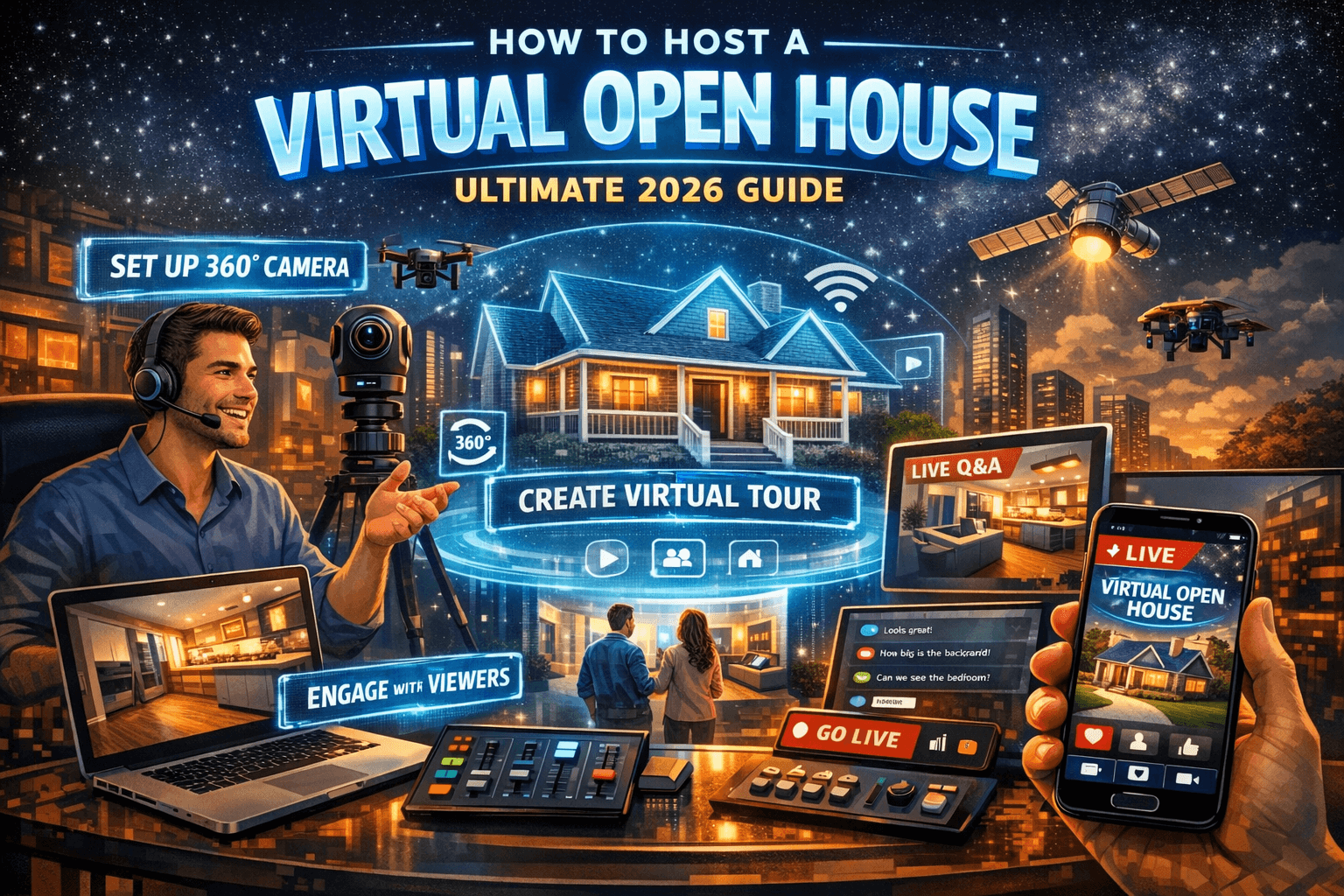
In today’s digital world, a virtual open house isn’t just a trend — it’s a powerful way to showcase properties, products, schools, events, and more. Whether you’re a real estate professional, an event organizer, or a business owner, hosting a virtual open house can expand your audience, increase engagement, and save time and resources.
In this guide, we’ll walk through:
✔ What a virtual open house is
✔ Why it matters
✔ Step‑by‑step instructions
✔ Tools & platforms
✔ A real scenario
✔ A personal success story
✔ Comparison with in‑person events
✔ Unique value advantages
✔ Full FAQ section
Let’s dive in!
What Is a Virtual Open House?
A virtual open house is a fully online event that allows people to explore a property, product, service, or experience through digital means — typically video tours, live streaming, interactive content, or on‑demand recordings.
Instead of requiring physical attendance, participants can join from anywhere with an internet connection on desktop or mobile devices.
Virtual open houses can be:
-
Live broadcasts (with real‑time interaction)
-
Pre‑recorded tours (on demand)
-
Interactive 360° virtual walkthroughs
They have applications in real estate, education, product launches, exhibitions, training demos, and more — making them flexible and useful in any industry that relies on visual presentation and audience engagement.
Why Host a Virtual Open House?
Here’s why so many professionals are moving toward virtual open houses:
1. Expanded Reach
Geographically limited open houses limit your audience. A virtual event lets people from anywhere participate.
2. Convenience for Attendees
Participants can join from home — no travel, scheduling, or time conflicts.
3. Better Data and Analytics
Virtual platforms can track engagement, views, questions, and behavior — far more measurable than traditional events.
4. Cost Savings
No staging, refreshments, or on‑site staffing costs.
5. Health & Safety
Especially useful in times of limited contact or remote participation.
Personal Experience: My First Virtual Open House
When I hosted my first virtual open house for a mid‑level suburban listing, I had no idea how transformative the experience would be.
The Initial Challenges
-
No expectations — this was new to me.
-
Poor video quality at first.
-
Technical hiccups mid‑tour.
After investing in a better camera, a virtual tour platform, and running a rehearsal, everything changed.
What Worked ✔ 360° walkthrough
✔ Professional narration
✔ Live chat for questions
✔ Follow‑up emails
Result: We reached twice as many qualified buyers as with any previous in‑person open house — and we received multiple offers within 48 hours.
This taught me the value of preparation, quality visuals, and active engagement.
Example: Virtual Open House for a High‑Demand Property
📅 Problem
An out‑of‑state family was interested in a property but couldn’t travel due to scheduling conflicts.
✔ Solution
We hosted a live virtual open house using a 360° walkthrough and live Q&A.
🔍 Outcome
-
120+ live attendees
-
40+ questions in real time
-
5 serious offers
-
Home sold above market price
This scenario highlights one of the biggest benefits: enabling remote buyers to engage fully as if they were there in person.
Step‑by‑Step: How to Host a Virtual Open House
Here’s a complete workflow you can follow:
1. Define Your Goal
Start with a clear objective:
-
Generate leads?
-
Sell a property?
-
Educate prospects?
-
Launch a product?
Define success metrics: number of attendees, qualified buyers, form submissions, etc.
2. Choose the Format
There are three main formats:
| Format | Description | Best For |
|---|---|---|
| Live Stream | Real‑time walkthrough with interaction | Events, Q&A |
| 360° Tour | Pre‑recorded, immersive navigation | Real estate, showcase |
| On‑Demand Recording | Anytime access video | Flexible audiences |
3. Select the Right Tools
| Tool Type | Purpose | Example |
|---|---|---|
| Virtual Tour Software | 360° walkthroughs | Matterport, EyeSpy360 |
| Video Platforms | Host live or recorded tours | Zoom, YouTube Live |
| Lead Capture Forms | Register attendees | Typeform, Google Forms |
| CRM Integration | Follow‑up & automation | HubSpot, Salesforce |
| Engagement Tools | Live Q&A, polls | Slido, Intercom |
4. Prepare Digital Assets
Invest in: ✔ High‑quality photos
✔ Floor plans
✔ Video walkthroughs
✔ Interactive hotspots
✔ Brochures and data sheets
5. Promote the Event
Effective promotion increases turnout:
-
Email campaigns
-
Social media ads
-
Listing websites
-
Partner referrals
-
Landing pages with RSVP forms
Pro tip: Ask registrants to submit questions ahead of time — it increases engagement.
6. Host the Event
On the day of your virtual open house:
✔ Log in early to test audio/video
✔ Welcome participants
✔ Present the tour clearly
✔ Respond to live questions
✔ Encourage interaction
✔ Thank attendees and explain next steps
7. Follow Up
Send follow‑up emails:
-
Thank you message
-
Recording of the event
-
Additional assets (floor plans, brochures)
-
Call to action (schedule appointment)
Custom follow‑ups boost conversions.
Virtual Open House vs. Traditional Open House
| Feature | Virtual Open House | Traditional Open House |
|---|---|---|
| Accessibility | Unlimited | Local only |
| Scheduling | Flexible | Fixed times |
| Cost | Low‑medium | High |
| Audience Size | Potentially large | Limited |
| Tracking & Analytics | Detailed | Limited |
| Interaction | Online Q&A, polls | In‑person engagement |
| Follow‑Up Tools | Automated | Manual |
Best Platforms to Host Your Virtual Open House
Here are popular categories and examples:
360° Virtual Tour Tools
-
Matterport
-
EyeSpy360
-
Ricoh Theta
Video Streaming Platforms
-
Zoom
-
YouTube Live
-
Facebook Live
Lead Capture + CRM
-
HubSpot
-
Salesforce
-
Zoho CRM
Engagement Add‑Ons
-
Slido (polls)
-
Intercom (live chat)
-
Chatbot apps
Unique Value of Hosting a Virtual Open House
Here’s what makes virtual open houses stand out:
✔ Broader Pool of Potential Buyers
No travel equals more participants.
✔ Data‑Driven Insights
Track who watched, how long, and where they clicked.
✔ Time Efficiency
No need to repeat tours — one event reaches many.
✔ Lower Overhead
No staffing, staging, or refreshments required.
✔ Better Follow‑Up
Integrate with CRM to automate touchpoints.
Engagement Strategies That Work Every Time
✔ Use a co‑host to answer chat questions
✔ Add polls and interactive prompts
✔ Share downloadable resources during the event
✔ Encourage viewers to tour again later
✔ Offer incentives for attending live
These techniques keep audiences focused, engaged, and more likely to convert.
Legal, Ethical & Accessibility Considerations
When hosting virtual events: ✔ Respect privacy (no hidden cameras)
✔ Provide accessible formats (captions, transcripts)
✔ Secure user data and follow privacy laws
✔ Use clear consent for recordings
Following these standards improves trust and professionalism.
Frequently Asked Questions (FAQ)
1. How long should a virtual open house last?
Aim for 30–60 minutes, including time for Q&A and interaction.
2. Do I need special equipment?
You’ll benefit from quality video, tripod, lighting, and a stable internet connection, but even a good smartphone can work.
3. Can a virtual open house replace an in‑person one?
It depends on audience preferences. Many professionals use both (hybrid) to maximize reach and engagement.
4. How do I capture leads?
Use registration forms, chat prompts, CRM pop‑ups, and follow‑up automation.
5. How should I promote the event?
Email, social media, press releases, paid ads, and partner networks are all effective.
6. Should I allow anonymous viewership?
Registration helps capture emails, but anonymous options may increase overall attendance. Choose based on goals.
7. How do I measure success?
Track attendance, engagement time, chat interactions, form submissions, and conversions.
8. What platforms are best?
Zoom and YouTube are accessible; Matterport and EyeSpy360 are excellent for immersive tours. Choose based on your technical comfort and audience.
9. Are virtual open houses secure?
Yes — but use password protection, secure links, and good moderation to avoid unwanted participants.
10. How can I re‑use virtual open house content?
Turn recordings into on‑demand tours, embed on your website, or share on social channels.
Final Thoughts
Hosting a virtual open house is more than streaming video — it’s about creating an engaging digital experience that educates, builds trust, and guides people toward a confident decision. With the right tools, preparation, and follow‑up, virtual open houses can deliver results that rival or exceed traditional in‑person events.

