
Cloud calling, sometimes referred to as cloud-based telephony or VoIP calling, represents a modern approach to voice communication. Unlike traditional telephone systems that rely on physical lines, cloud calling operates entirely over the internet. This technology uses cloud servers to route calls, manage phone numbers, and integrate with other business applications, providing unparalleled flexibility and scalability.
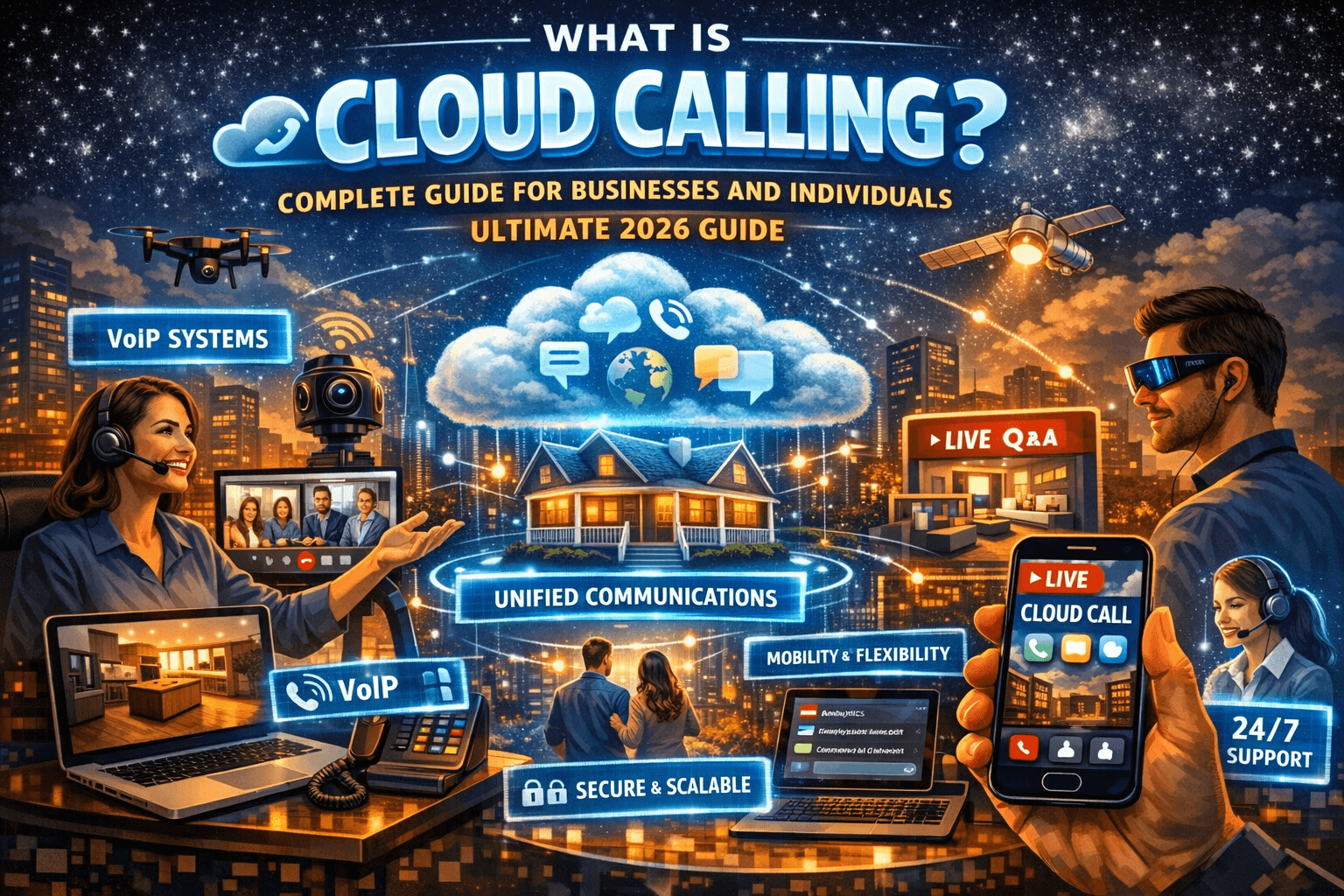
At its core, cloud calling eliminates the need for expensive on-site PBX hardware. Users can make and receive calls via software applications on computers, smartphones, or dedicated VoIP devices. This approach is not only cost-efficient but also allows seamless integration with other productivity tools, customer relationship management (CRM) systems, and collaboration platforms.
What is Cloud Calling?
Cloud calling is a modern communication method that allows voice calls over the internet instead of traditional phone lines. Hosted on cloud servers, it offers flexibility, scalability, and remote accessibility. Businesses can connect teams, integrate with CRM tools, and manage calls from anywhere, reducing infrastructure costs while improving communication efficiency.
Benefits of Cloud Calling
1. Flexibility and Remote Accessibility
Cloud calling enables employees to make and receive calls from any location with an internet connection. Unlike traditional phone systems, which tie employees to physical phones in an office, cloud calling supports remote and hybrid work environments. For example, a sales representative can attend client calls while traveling, and a support agent can work from home without compromising call quality or access to business systems.
Businesses can instantly provision new numbers for remote employees, manage call routing from dashboards, and ensure that customer communication is seamless across multiple devices. This flexibility significantly increases productivity and employee satisfaction.
2. Cost-Effectiveness
Traditional phone systems involve high upfront costs for PBX hardware, maintenance, and international calling fees. Cloud calling significantly reduces these expenses. Most providers charge a subscription-based fee, often with unlimited calling plans and minimal maintenance requirements.
Companies can avoid costly upgrades or hardware replacements, and because calls travel over the internet, international calls are much more affordable. Over time, this approach can save thousands of dollars for medium to large businesses, making cloud calling a financially sound choice.
3. Scalability
Cloud calling systems are highly scalable. Businesses can easily add or remove lines and users based on current needs without investing in physical infrastructure.
During periods of growth or seasonal demand, scaling a cloud-based calling system is as simple as updating the software dashboard or purchasing additional licenses. This flexibility ensures that businesses are always equipped to handle customer communication needs efficiently.
4. Integration with Business Tools
Cloud calling integrates seamlessly with CRM systems, helpdesk software, and collaboration platforms.
For instance, when a customer calls, their information can automatically pop up in a CRM system, enabling personalized service and faster response times. Integration also facilitates call logging, analytics, and performance tracking, allowing businesses to measure the effectiveness of their communication strategies.
5. Enhanced Call Management
Cloud calling offers advanced call management features such as call forwarding, auto-attendants, voicemail transcription, call recording, and analytics dashboards.
These features help businesses maintain professionalism, monitor employee performance, and ensure customer satisfaction. Automated call routing ensures that calls reach the right department or person instantly, reducing wait times and enhancing the overall experience.
Personal Experience: Transitioning to Cloud Calling
I remember when our company first switched from a traditional PBX system to a cloud calling solution. Initially, there was skepticism about the reliability of internet-based calls and employee adaptation.
The Experience:
-
We onboarded 50 employees across multiple locations.
-
Initial training involved navigating the software interface and using mobile apps for calls.
-
Within a week, remote team members could attend client calls without any technical issues.
-
Call quality remained consistent, and integrations with our CRM allowed agents to pull customer history in real time.
Outcome:
-
Call resolution times improved by 20%.
-
Employee satisfaction increased due to remote flexibility.
-
Operational costs decreased by 30% within the first quarter.
This personal experience highlighted that cloud calling isn’t just a technical upgrade; it transforms business communication culture.
Real-World Scenario: A Retail Company Implements Cloud Calling
A mid-sized retail company needed to manage customer support efficiently across multiple locations. Previously, they relied on physical PBX systems, causing delays and high maintenance costs.
Implementation:
-
Migrated to a cloud calling solution with a centralized dashboard.
-
Integrated the system with a CRM for customer insights.
-
Enabled remote support agents during peak holiday seasons.
Results:
-
Customer wait times decreased from 5 minutes to under 90 seconds.
-
The company scaled support agents up and down based on demand without extra hardware.
-
Call analytics provided actionable insights to optimize operations.
This scenario illustrates the real-world efficiency and strategic advantage provided by cloud calling.
Comparison Table: Cloud Calling vs Traditional Phone Systems
| Feature | Cloud Calling | Traditional PBX |
|---|---|---|
| Infrastructure Cost | Low (subscription-based) | High (hardware, maintenance) |
| Remote Access | Full (anywhere with internet) | Limited (on-premises) |
| Scalability | Instant scaling via software | Requires hardware upgrade |
| Integration | CRM, helpdesk, analytics | Limited or none |
| Call Features | Advanced (auto-attendant, IVR, recording) | Basic, often manual |
| Reliability | Dependent on internet quality | Generally reliable |
| Maintenance | Managed by provider | Requires in-house support |
-
Seamless Hybrid Communication: Whether teams are in-office or remote, cloud calling unifies communication channels.
-
Data-Driven Decisions: Real-time analytics and call tracking enable businesses to optimize operations.
-
Global Reach: Businesses can connect with international clients without extra costs.
-
Enhanced Customer Experience: Personalized greetings, CRM integration, and automated features improve engagement.
-
Disaster Recovery: Cloud systems remain operational even if physical offices experience disruptions.
How Cloud Calling Works
Cloud calling uses Voice over Internet Protocol (VoIP) technology. Here’s a simplified breakdown:
-
Call Initiation: A user dials a number through a software application or VoIP device.
-
Data Conversion: Voice is converted into data packets.
-
Internet Transmission: Packets are transmitted over secure cloud servers.
-
Call Routing: The cloud system routes packets to the recipient.
-
Data Reversion: Recipient’s device converts packets back to voice.
This process happens in milliseconds, providing real-time communication comparable to traditional phone systems.
Advanced Features of Cloud Calling
-
Call Recording: Track and review calls for training or quality assurance.
-
Voicemail Transcription: Convert voicemails into text for easier review.
-
Automated Call Routing: Direct calls to appropriate teams without manual intervention.
-
Interactive Voice Response (IVR): Allow callers to navigate options efficiently.
-
Mobile Apps: Employees can use cloud calling from smartphones, maintaining connectivity on the go.
FAQ
1. Is cloud calling secure?
Yes, most cloud calling providers use encryption, secure authentication, and compliance with regulations like GDPR or HIPAA.
2. Do I need a high-speed internet connection?
Reliable internet improves call quality. Most systems work well with standard broadband or 4G/5G connections.
3. Can cloud calling replace traditional phones?
Yes, especially for businesses looking for flexibility, scalability, and integration with digital tools.
4. What devices support cloud calling?
Laptops, desktops, smartphones, tablets, and dedicated VoIP phones.
5. Is setup complicated?
Setup is typically straightforward: register, configure numbers, install apps, and integrate with other systems if needed.
6. Can I make international calls?
Yes, often at lower costs than traditional international calling rates.
7. How does cloud calling help remote teams?
Remote teams can communicate seamlessly, access the same tools as office-based employees, and collaborate without location restrictions.
8. Can I record calls for training purposes?
Absolutely. Most cloud calling solutions provide recording and archiving options.
9. Are there hidden costs?
Most providers offer transparent subscription plans; however, optional add-ons may incur additional fees.
10. How scalable is cloud calling?
Extremely scalable — businesses can add or remove lines, users, or features instantly without hardware investment.
Final Thoughts
Cloud calling is more than a modern telephony solution — it’s a strategic tool for improving communication efficiency, reducing costs, and enabling remote collaboration. With its advanced features, scalability, and flexibility, cloud calling is becoming an essential component of business infrastructure in 2026 and beyond.
Whether you’re a small business owner, enterprise manager, or remote worker, cloud calling provides the tools to stay connected, productive, and competitive in a rapidly changing digital landscape.

