
If your business needs internet that stays in one place, fixed wireless usually wins. If your team needs internet that travels with each person, mobile broadband usually wins. That simple split explains most of the wireless broadband vs Internet Air for business debate, and it keeps you from comparing two tools that were built for different jobs.
AT&T Internet Air for Business is fixed wireless internet for a service address. A gateway sits at that address and serves the office, shop, or site around it. Mobile broadband, by contrast, is phone-based or hotspot-based connectivity that moves with the user. For a fixed location, start with Internet Air. For people who are constantly on the road, start with a mobile plan and confirm the details on your quote.
Check Internet Air for Business for Your Address
See if fixed wireless fits your office before you choose mobile broadband.
What Wireless Broadband vs Internet Air for Business Really Means
Wireless broadband is a broad label. It can describe a phone plan with hotspot use, a dedicated hotspot device, or a fixed wireless gateway. Because the label covers so much, two businesses can both say they use wireless broadband and mean completely different setups. The useful question is not whether the connection is wireless, but whether it is tied to an address or tied to a person.
Internet Air for Business is tied to an address. You install a gateway at that location, connect your office devices to it, and use it as the internet for that site. Mobile broadband is tied to a person or a device. It goes where the phone or hotspot goes, which makes it flexible but also makes it a poor substitute for whole-office internet when many people need a stable connection at once.
How Internet Air for Business Fixed Wireless Works at One Address
With Internet Air for Business fixed wireless, the gateway becomes the hub for that location. Staff connect laptops, printers, payment devices, and other office equipment through the gateway, much as they would with a wired router. The difference is how the gateway reaches the internet, rather than how your team connects inside the building.
This address-based model matters for planning. You think about the office layout, where the gateway sits, how many devices will be online during peak hours, and what happens when visitors arrive. A good starting point is to review how AT&T Internet Air for Business is set up for a single site, so you can picture the gateway, the devices, and the daily routine before you decide.
How Mobile Broadband Business Use Differs From Fixed Wireless
Mobile broadband business use centers on the individual. A field technician, sales rep, or delivery coordinator uses a phone or hotspot to check email, update records, and stay in touch while moving between sites. The connection is personal, portable, and available wherever that person happens to be working at the time.
That portability is valuable, but it does not automatically scale to an office. Ten people sharing one phone hotspot in a conference room will have a very different experience from ten people connected to a gateway designed for that location. Fixed wireless is built around the site. Mobile broadband is built around the person. Choosing between them starts with deciding which pattern matches the work.
AT&T Internet Air Business Plans: Standard and Premium Explained
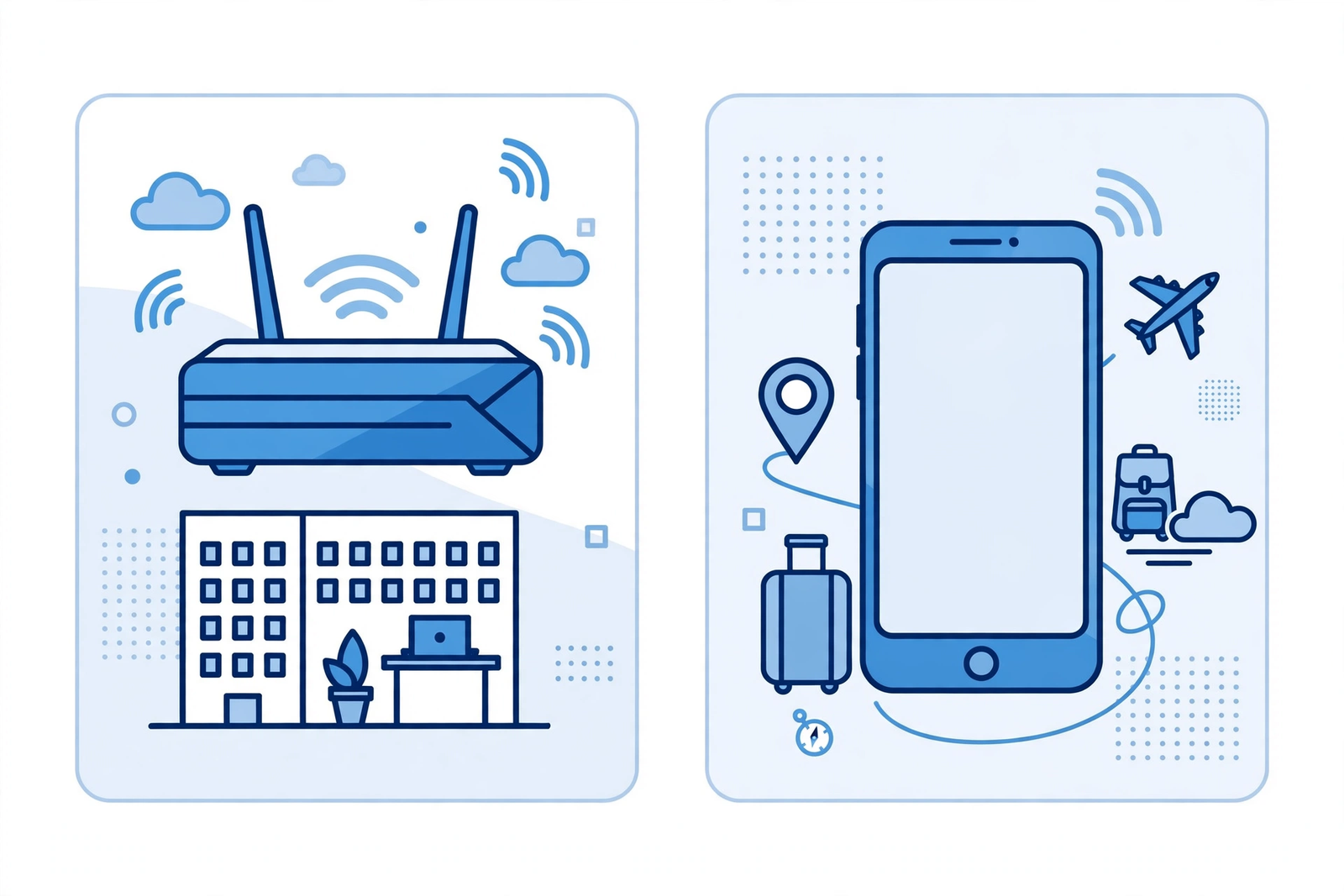
AT&T Internet Air business plans come in two main options, Standard and Premium. Standard is listed at $65 per month, or $60 per month with AutoPay and paperless billing, or $40 per month with an eligible wireless plan. Premium is listed at $105 per month, or $100 per month with AutoPay and paperless billing, or $80 per month with an eligible wireless plan. For any other pricing detail, confirm on your quote.
Premium also includes 250GB of Turbo priority data per bill cycle. That distinction matters if your location regularly runs many devices, video calls, cloud tools, and uploads at the same time. Standard may suit a smaller, lighter-use site, while Premium gives a larger allowance for heavier, busier locations. Pricing and plan details should always be confirmed before ordering, since promotions and eligibility can change.
Business Fixed Wireless Internet for Offices, Shops, and Small Sites
Business fixed wireless internet fits locations where a wired install is slow, difficult, or simply not the right fit. A new shop, a temporary office, a pop-up location, or a site waiting for a longer-term install can often get online faster with a gateway than by waiting for construction or a lengthy wired provisioning process. The key is that the site itself is the unit you are connecting.
For a retail counter, a small office, or a service business with a stable address, fixed wireless keeps the focus on the location. Staff arrive, connect, and work. Customers use guest access if you offer it. Payment and booking tools run from the same site connection. That consistency is hard to replicate by asking each employee to share a personal phone connection all day.
Mobile Broadband Business vs Fixed Wireless for Teams on the Move
When the work itself moves, mobile broadband business tools make more sense. A team that spends most of the day visiting clients, inspecting properties, or working from vehicles and job sites needs connectivity that follows the worker, not the office. In that pattern, a fixed gateway back at headquarters does not help the person standing in a parking lot or a client lobby.
Many businesses end up with both patterns, even if they do not label them that way. The office runs on fixed wireless, while field staff run on mobile broadband. The mistake is to force one pattern to cover both jobs. A gateway cannot travel with a technician, and a phone hotspot cannot comfortably carry a whole office through a busy day. Matching the tool to the pattern avoids both problems.
Internet Air Standard Premium Business Choice: Which Fits Your Usage
The Internet Air Standard Premium business choice comes down to how your site actually uses the internet. Count the devices that are online at peak times, not just the total number of devices you own. Include laptops, phones on Wi-Fi, printers, cameras, payment terminals, and any always-on tools. Then think about the heaviest tasks: video meetings, large file uploads, cloud backups, and point-of-sale traffic during busy periods.
If peak use is light and mostly email, browsing, and occasional video, Standard may be enough for a small site. If peak use is heavy, frequent, or business-critical, Premium and its 250GB of Turbo priority data per bill cycle may be a better fit. When you are unsure, describe your peak-hour routine in detail when you request a quote, and confirm on your quote which plan and price apply to your address.
Wireless Broadband vs Internet Air Business Planning for a New Site
Opening a new site forces the fixed versus mobile choice in a concrete way. You need to know how many people will work there each day, which tools must run all day, and whether customers or visitors will also use the connection. A site with a counter, a back office, and shared devices needs a site connection first. A site that is really just a meeting point for people who work elsewhere may manage differently, but that is the exception rather than the rule for most small businesses.
Walk the new space with that checklist in mind before you order anything. Note where staff will sit, where payment and printing will happen, where visitors will wait, and where a gateway could sit without blocking work or creating a trip hazard. That short walk often answers the main question by itself. If the work clearly lives at that address, fixed wireless deserves the first look. If the work clearly lives with traveling staff, mobile broadband deserves the first look.
Internet Air for Business Fixed Wireless Questions for a Second Location

A second location adds a planning step that a single site does not have. Each address needs its own check, its own plan, and its own routine for busy hours. What works well at headquarters may not match a smaller branch with fewer staff, different hours, and different peak tasks. Treat each location as its own decision, even if you prefer the same provider and the same general approach across the business.
For the second site, repeat the same basic questions you asked for the first. How many devices will be online at peak times, what are the heaviest tasks, who is responsible for basic troubleshooting, and what happens if the connection has trouble during a busy period. Answering those questions per address keeps you from copying a plan that fits one site onto another site where the work pattern is genuinely different.
Before either site opens for a full trading day, brief the staff who will actually use the connection. Show them how to connect, where the gateway sits, whom to tell if something looks wrong, and what to do if a payment device or printer drops offline during a busy period. A ten-minute briefing on day one prevents confused calls later, and it gives the team confidence that the new setup is something they understand rather than something they simply hope will work.
Disclaimer: This article contains affiliate links to AT&T Business services. We may earn a commission if you purchase through them, at no extra cost to you. Ortelcom.com is an independent publisher and is not affiliated with or endorsed by AT&T. Pricing, speeds, and availability are not guaranteed, were checked 31 October 2026, and vary by address and promotions — please confirm all details before ordering. AT&T and all related marks are trademarks of their respective owners.
Wireless Broadband vs Internet Air Business Costs Without Guesswork
Comparing costs only works when you compare the same thing. A fixed wireless plan for one address is not directly comparable to a mobile plan for one person, because the number of users, the location, and the included features differ. Start by writing down what each option must cover: one site with many users, or many people each needing their own connection.
For Internet Air, use the listed plan prices above as your starting point and confirm on your quote for taxes, fees, equipment terms, and any promotion conditions. For mobile broadband, do not assume a price from an article. Ask for a quote that lists lines, hotspot allowances, and any business features separately, so you can see the full monthly picture for your team rather than a single headline figure.
Wireless Broadband vs Internet Air Business Cost Questions to Ask
Ask whether the price you are quoted is per site or per line, what happens when you add a second location or a second user, and whether AutoPay, paperless billing, or an eligible wireless plan changes the monthly price. For Internet Air, those conditions are already part of the listed Standard and Premium prices above. For mobile broadband, the answers will depend on the plan you choose, so get them in writing on your quote.
Internet Air for Business Fixed Wireless Setup and Daily Use
Setup for Internet Air for Business fixed wireless centers on gateway placement and everyday reliability. The gateway needs a sensible spot in the building, good coverage for the areas where people actually work, and a clear plan for connecting printers, payment devices, and shared equipment. A short walk-through of the space before install day usually prevents most later headaches.
Daily use is deliberately ordinary. Staff connect to the office network, join video calls, use cloud apps, and process payments without thinking about the connection type. If signal or placement becomes an issue, the fix is usually practical: move the gateway, adjust the layout, or check for interference. Guidance on gateway placement for the strongest signal can help you think through that first setup decision.
Mobile Broadband Business Limits When Used as Office Internet
Using mobile broadband as full office internet creates three common limits. First, capacity is shared from a single phone or hotspot, so performance drops as more people join. Second, battery and device management become office problems, because the connection depends on one charged, available device. Third, troubleshooting becomes personal, because the fix often means touching one employee’s phone rather than checking one office gateway.
None of this makes mobile broadband a bad tool. It makes it the wrong primary tool for a busy fixed site. Keep mobile broadband for travel, backup, and individual work. Keep fixed wireless for the site itself. That division gives each tool a job it can actually do well, and it keeps a single weak link from affecting the whole office.
Business Fixed Wireless Internet Reliability and Backup Thinking
Reliability for business fixed wireless internet is best judged by your site routine, not by a single label. Think about what must stay online during your busiest hour, what can wait, and what happens if the primary connection has trouble. A shop that cannot process payments, a clinic that cannot access records, and an office in the middle of client calls all have different tolerance for disruption.
That is why many businesses pair a fixed wireless site connection with a backup plan for critical tasks, rather than relying on one connection for everything. The backup might be mobile broadband for a key device, or a second way to keep payments and essential tools running. Plan the backup before you need it, test it during a quiet period, and make sure staff know when and how to switch.
Business Fixed Wireless Internet Backup Checklist for Small Teams
Write down which tools must stay online, who is responsible for switching to backup, and how customers are told if there is a delay. Keep the backup steps short enough to follow under pressure. A one-page checklist near the gateway and a quick practice run will do more for real reliability than a long policy document nobody reads during a busy shift.
AT&T Internet Air Business Plans Compared With Fiber Thinking
Some readers compare Internet Air with fiber, and that comparison is useful only if you keep the use case clear. Fiber is a wired option for a fixed address, while Internet Air is fixed wireless for a fixed address. Both serve a site, but they reach that site differently and may have different availability at your address. Availability is address-specific, so a general comparison cannot tell you what is available at your building.
If you are weighing fixed wireless against fiber, start with availability at your exact address, then compare the plan, install timeline, and monthly price you are actually quoted. A helpful comparison is AT&T Business Fiber vs Internet Air, which walks through the site-based choice in more detail. For mobile work, keep that comparison separate, because a phone plan is not a site plan.
Wireless Broadband vs Internet Air Business Decision Guide by Work Pattern
Use work pattern as your decision guide. Choose fixed wireless when most work happens at one address, many devices share one site connection, and staff expect to arrive and connect without managing personal hotspots. Choose mobile broadband when most work happens away from a fixed site, each person needs their own portable connection, and the team rarely gathers in one office for a full day.
Choose both when your business has both patterns. That is common for service firms, sales teams, and multi-site operations. The office gets a site connection, field staff get mobile connections, and the business avoids asking either tool to do a job it was not designed for. If you are still unsure, list your top three work locations and your top three daily tasks, then match each task to the pattern that supports it best.
| Choice | Best for | How it works | Watch out for |
|---|---|---|---|
| Internet Air for Business fixed wireless | One office, shop, or site with many users | Gateway at a service address serves that site | Availability is address-specific; confirm on your quote |
| Mobile broadband business | Staff who travel, visit clients, or work in the field | Phone or hotspot connection moves with the user | Sharing one hotspot for a whole office strains capacity |
| Both together | Office plus field team | Site connection plus individual mobile connections | Compare site price and per-person price separately |
Internet Air Standard Premium Business Pricing Details to Confirm
Before you order, confirm the full pricing picture for your address. Standard is listed at $65 per month, or $60 with AutoPay and paperless billing, or $40 with an eligible wireless plan. Premium is listed at $105 per month, or $100 with AutoPay and paperless billing, or $80 with an eligible wireless plan, and Premium includes 250GB of Turbo priority data per bill cycle. Those are the figures you can use as a starting point.
For anything beyond those listed figures, including taxes, fees, equipment terms, installation details, and promotion end dates, confirm on your quote. A detailed look at Internet Air for Business pricing can help you prepare questions, but the quote for your address is the final source. Do not order based on a headline price alone if your site has special requirements.
Wireless Broadband vs Internet Air Business Frequently Asked Questions
Is wireless broadband vs Internet Air for business the same thing?
No. Wireless broadband is a broad category that includes both mobile and fixed wireless. Internet Air for Business is a specific type of fixed wireless for a service address. Mobile broadband moves with the person, while Internet Air stays with the site. The distinction matters because a mobile plan and a site plan solve different problems, even though both use wireless technology.
Can mobile broadband business plans replace Internet Air for Business fixed wireless?
For one traveler, mobile broadband can be enough for email, calls, and light cloud work. For a busy office, it is usually a poor replacement, because one phone or hotspot must carry many users, devices, and business tools at once. If your team works mainly at one address, fixed wireless is generally the better primary connection, with mobile broadband kept for travel and backup.
What do AT&T Internet Air business plans cost for Standard and Premium?
Standard is listed at $65 per month, or $60 with AutoPay and paperless billing, or $40 with an eligible wireless plan. Premium is listed at $105 per month, or $100 with AutoPay and paperless billing, or $80 with an eligible wireless plan, and Premium includes 250GB of Turbo priority data per bill cycle. For any other figure, including taxes, fees, or promotion terms, confirm on your quote before ordering.
Is business fixed wireless internet available at every address?
No. Availability is address-specific, so you need to check your exact service address rather than assuming coverage from a general description. Ask for a quote tied to that address, confirm which plan is offered there, and confirm the price and terms in writing. That address check is the step that turns a general comparison into a decision you can act on.
Should a business with both an office and field staff choose wireless broadband or Internet Air?
Many such businesses choose both. Use Internet Air for Business fixed wireless for the office or shop, and mobile broadband for field staff who need connectivity away from the site. That split matches each tool to its work pattern, avoids overloading a single hotspot, and keeps the office running on a site connection designed for many users at once.
For most fixed sites, the verdict is clear: start with fixed wireless and treat mobile broadband as the portable complement, not the office replacement. That approach keeps daily work simple, gives the site a connection built for many users, and leaves field staff free to work wherever the job takes them.
If your main site fits that fixed-location pattern, check AT&T Internet Air for Business for your address and confirm the Standard or Premium plan, price, and availability on your quote before you order.

