
If you are choosing between business fiber and fixed wireless for your company, here is the short version: fiber wins on speed consistency, latency, and symmetrical uploads, while fixed wireless wins on setup speed, flexibility, and backup roles. Most businesses that can get AT&T Business Fiber should make it their primary connection, and fixed wireless services like AT&T Internet Air for Business are excellent as a fast-deployed primary for locations fiber cannot reach — or as a backup for fiber itself.
Looking for the fiber-first option?
Check whether AT&T Business Fiber serves your office and compare the 300 Mbps to 5 GIG speed tiers.
This guide compares fiber vs fixed wireless business internet on the things that actually affect your workday: latency, upload speed, reliability in bad weather, real pricing, and which business profiles fit each. All prices checked October 2026.
We compare AT&T’s two business internet options head-to-head in our AT&T Business Fiber vs Internet Air comparison.
Fiber vs Fixed Wireless Business Internet: Side-by-Side Price and Speed Comparison
| Factor | AT&T Business Fiber | AT&T Internet Air for Business (fixed wireless) |
|---|---|---|
| List price (checked October 2026) | 300 Mbps $60 / 500 Mbps $100 / 1 GIG $140 / 2 GIG $185 / 5 GIG $285; from $40/$60/$90/$135/$235 with eligible wireless plan | Standard $65 list ($60 with AutoPay+paperless, $40 with wireless) / Premium $105 list ($100 with AutoPay+paperless, $80 with wireless) |
| Typical download speed | Full rated speed at the gateway (300 Mbps up to 5 GIG) | About 225 Mbps typical |
| Upload speed | Symmetrical — matches download on every tier | Lower than download; varies with signal |
| Latency consistency | Very low, consistent, weather-proof | Higher and more variable; degrades with congestion |
| Data caps | None | None; no speed caps or overage fees (Premium includes 250GB priority per cycle) |
| Install path | Professional installation (typically 2–4 hours) | Self-setup in days — no technician visit |
| Best role | Primary connection for offices fiber reaches | Fast primary where fiber is unavailable; backup or pop-up link |
New to the category? Start with our explainer on what 5G business internet is.
Prices checked October 2026; vary by address and promotions — confirm before ordering.
What Business Fiber Actually Delivers: Symmetrical Upload Speeds and Low Fiber Latency
For the full plan lineup and current tiers, see our AT&T Business Fiber overview.
AT&T Business Fiber runs on a glass fiber-optic line brought directly into your building. The two properties that matter most for business use are symmetrical upload speeds and low, consistent fiber latency.
Symmetrical means your upload speed matches your download speed on every tier. A 500 Mbps business fiber plan gives you 500 Mbps up and 500 Mbps down. That symmetry is the quiet workhorse of modern offices: video calls send as much as they receive, cloud backups upload gigabytes without choking the connection, and point-of-sale systems sync instantly. Cable and fixed wireless connections are usually asymmetric — fast downloads, uploads a fraction of that — which shows up as frozen video calls and sluggish cloud sync the moment your team grows.
Fiber latency is low and, more importantly, predictable. Because light travels through fiber unaffected by weather, terrain, or tower congestion, ping times stay stable hour after hour. For businesses running voice-over-IP phones, video conferencing, remote desktop sessions, or any real-time application, that consistency matters more than raw download speed. A stable 15ms matters more than a connection that swings between 25ms and 120ms depending on the time of day.
How Fixed Wireless Business Internet (Internet Air) Works at Your Business Address
AT&T Internet Air for Business is a fixed wireless business internet service: instead of a physical line into your building, you get a small device that connects over the 5G cellular network. “Fixed” means it is tied to the qualified business address — this is not a mobile hotspot you take on the road, and it must be used at that address.
Setup is the standout advantage: it is self-install, typically up and running in days rather than weeks, with no technician visit and no wiring work. For a pop-up shop, a construction trailer, a seasonal location, or any site where you need internet this week, that timeline alone can decide the question.
Internet Air has no data caps, no speed caps, and no overage fees. The Standard plan is $65 list ($60 with AutoPay and paperless billing, $40 with an eligible wireless plan), and the Premium plan is $105 list ($100 with AutoPay+paperless, $80 with wireless). Premium’s substantive difference is 250GB of AT&T Turbo for Business priority data per bill cycle — prioritized network treatment that may keep speeds more consistent when the network is busy; after that 250GB, speeds may slow during congestion. Standard has no priority window, so all its usage may slow when the network is busy. Both plans carry a 30-day money-back offer.
Fiber vs Fixed Wireless: Latency and Consistency Under Real Business Loads
This is where fiber vs fixed wireless business comparisons get decided. On paper, fixed wireless looks like a fair fight — ~225 Mbps typical downloads is plenty for many offices. In practice, the difference shows up in three places:
Business Fiber Latency for Video Calls and VoIP Phone Systems
Fiber’s latency is low and flat across the day. Fixed wireless latency is higher to begin with, and it moves: tower congestion during business hours, weather, even building materials between your device and the tower can nudge it around. For email and web browsing you will never notice. For a 10-person video call or a hosted VoIP phone system carrying your customer calls, jitter is what people hear — robotic voices, frozen screens, calls that drop at the worst moment.
Fixed Wireless Business Internet During Peak Congestion Hours
Cellular networks are shared resources. When everyone around your location is online at the same time, fixed wireless speeds and latency can soften. Fiber is a dedicated line — your neighbors’ usage does not touch your connection. If your business’s critical work happens during normal business hours (exactly when networks are busiest), fiber’s immunity to congestion is a genuine business advantage, not a spec-sheet brag.
Weather Independence: Fiber Reliability vs Wireless Signal in Storms
Fiber is weather-proof: rain, wind, and heat do not change what happens inside a glass cable. Fixed wireless depends on a radio link, and heavy weather can degrade that link. This does not mean wireless fails in every storm — it means fiber reliability is the same on the worst day of the year as the best, which is what businesses with uptime requirements should be planning around.
Symmetrical Upload Speeds: The Decisive Fiber Advantage for Cloud-Based Businesses
Most businesses dramatically underestimate how much they upload. Consider a normal day for a modern small business:
- Cloud backup software pushes changed files all day.
- Video calls send your camera feed continuously.
- POS and inventory systems sync transaction data to the cloud.
- Security cameras upload footage to cloud storage.
- Designers, engineers, and accountants push large files to shared drives.
- VoIP phones stream two-way audio all day.
Fiber’s symmetrical upload speeds handle all of this at the tier’s full rated speed. Fixed wireless uploads are a fraction of downloads and share the same variable radio link. If your team lives in cloud apps, fiber’s upload capacity is often worth more than a higher download number on paper.
AT&T Business Fiber Pricing and Tier Options for Offices (Checked October 2026)
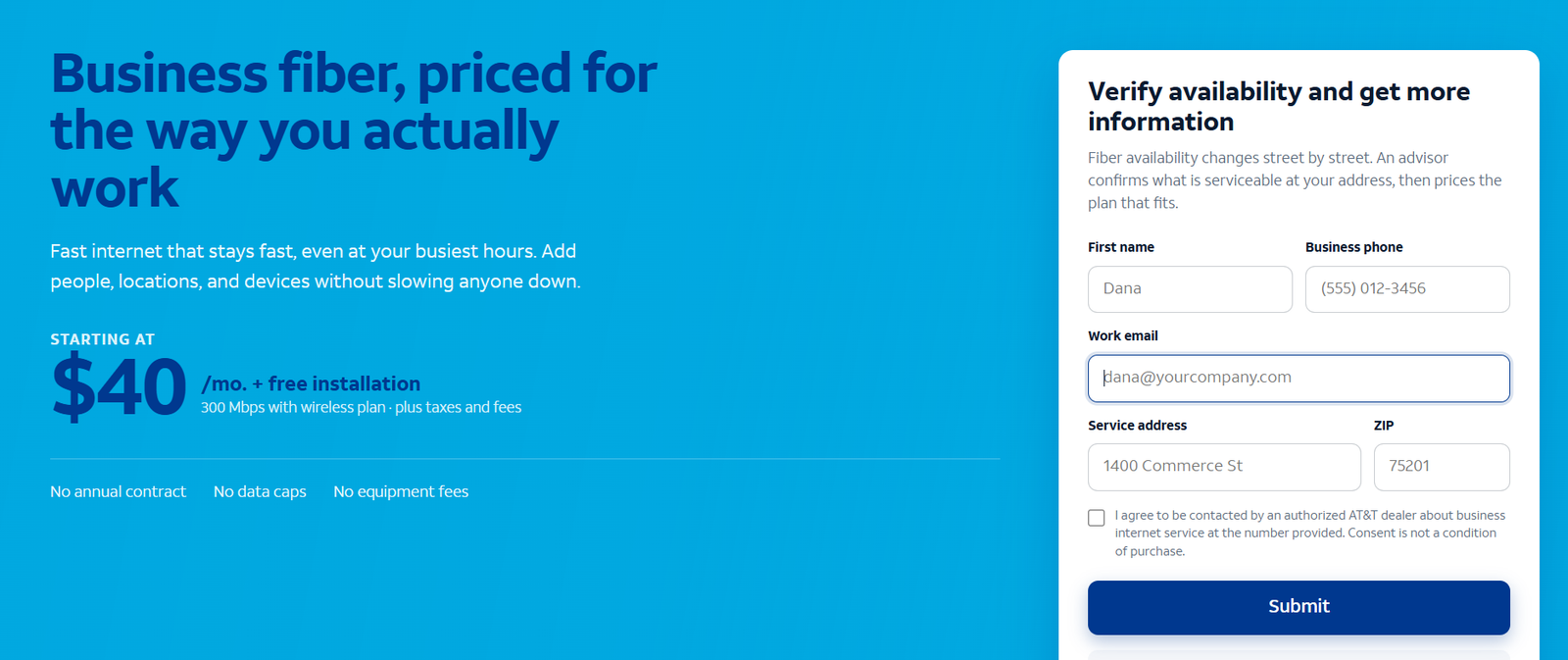
Business fiber tiers and list pricing: 300 Mbps at $60, 500 Mbps at $100, 1 GIG at $140, 2 GIG at $185, and 5 GIG at $285 per month. With an eligible AT&T business wireless plan, those drop to $40, $60, $90, $135, and $235 respectively. Every tier includes symmetrical speeds, no data caps, ActiveArmor security, the gateway included, and no annual contract.
Tiers at 1 GIG and faster also include built-in 5G internet backup at no extra cost — automatic failover to 5G if the fiber line drops, reverting when service is restored. Note it needs power to work during an outage (a UPS covers short outages), which is worth knowing before you plan around it.
When Fixed Wireless Business Internet Is the Right Primary Choice
Fiber wins the technical argument, but the right answer is the one that fits your situation. Fixed wireless is the better primary connection when:
- Fiber has not been built to your address. Fiber availability is the single most common reason businesses choose fixed wireless. If construction is not planned for your building, a working connection beats a perfect one you cannot buy.
- You need internet this week, not next month. Self-setup in days is the killer feature for pop-ups, seasonal locations, construction offices, and businesses opening on a deadline.
- Your workloads are light. Email, web apps, cloud POS, a few video calls a day — the typical light office runs fine on ~225 Mbps typical fixed wireless, especially if congestion hours do not overlap your busy periods.
- You are avoiding construction. Landlords, historic buildings, and leased spaces where you cannot run new wiring make wireless attractive.
Internet Air vs Fiber as a Backup: Building a Failover Internet Connection
The other natural role for fixed wireless is backup. A fiber primary with a wireless failover covers you against line cuts and provider outages; a wireless primary with a second link covers you against tower issues. Two paths beats one path, regardless of the technology.
AT&T’s built-in 5G backup (free with 1 GIG and faster fiber) is the simplest version of this: automatic failover, no second bill, no extra hardware to manage. If you choose a lower fiber tier, adding Internet Air Standard ($65 list, or less with discounts) as an independent backup path is a reasonable manual version of the same idea. Test failover quarterly — a backup you have never tested is a hope, not a plan.
Worked Example: What Latency and Upload Speeds Cost a 12-Person Office
Take a 12-person professional services office: hosted VoIP phones, all-day video calls, cloud file sharing, and nightly off-site backups. On 500 Mbps fiber ($100 list, or $60 with an eligible wireless plan):
- VoIP and video calls get stable low latency all day — no per-user complaints about call quality.
- 500 Mbps symmetrical uploads clear the nightly backup in the overnight window with room to spare.
- Cost: $1,200/year list, or $720/year with the wireless discount.
The same office on Internet Air Premium ($105 list): uploads top out well below fiber’s symmetrical speeds, nightly backups take noticeably longer, and call quality depends on tower load during business hours. The price is close to fiber’s — which tells you everything about where the products sit: when fiber is available at your address, the dollar math rarely favors wireless. Wireless earns its place on availability and speed of setup, not on price or performance.
Disclaimer: This article contains affiliate links to AT&T Business services. We may earn a commission if you purchase through them, at no extra cost to you. Ortelcom.com is an independent publisher and is not affiliated with or endorsed by AT&T. Pricing, speeds, and availability are not guaranteed, were checked in October 2026, and vary by address and promotions — please confirm all details before ordering. AT&T and all related marks are trademarks of their respective owners.
Business Fiber Reliability: Uptime, SLAs, and What “Always On” Costs
Fiber’s reliability story goes beyond weather. A buried or aerial fiber line has fewer active failure points between you and the network than a radio path has, and fiber networks are engineered for business uptime. Businesses for which an outage means lost revenue — retail POS, restaurants, clinics — should treat fiber as the primary by default and spend the backup budget on a second path, not a second technology argument.
That said, fiber is not magic: a cut line is a cut line, which is why the free 5G backup on 1 GIG and faster matters, and why keeping your old connection until the new one passes acceptance checks is standard practice for any business internet change.
Fixed Wireless Business Pricing vs Fiber Pricing: The Honest Cost Comparison
List pricing puts Internet Air Standard ($65) just under fiber’s entry tier 300 Mbps ($60) — and well above fiber’s 300 Mbps with the wireless discount ($40). At the premium end, Internet Air Premium ($105) sits between fiber 500 Mbps and 1 GIG. The takeaway: wireless is not meaningfully cheaper than fiber at comparable tiers. Businesses sometimes assume fixed wireless is the budget option; on AT&T’s current pricing, the budget option is fiber 300 Mbps with an eligible wireless plan at $40.
Where wireless genuinely saves money is installation: no construction charges, no wiring, no electrician. In buildings where running fiber would require trenching, conduit, or landlord-approved construction, the wireless device avoids five figures of one-time work. That is the real cost comparison to make when fiber exists at your address but getting it inside your building is expensive.
Choosing Between Fiber and Fixed Wireless: A Business Decision Checklist
Work through this order, because it eliminates most of the debate:
- Is business fiber available at your address? If yes, it should be your primary unless the build cost is prohibitive.
- When do you need to be online? Days = fixed wireless wins. A month or more = fiber’s install timeline is fine.
- How many uploads do you push? Heavy uploads (video, backups, cameras) = fiber’s symmetrical speeds are decisive.
- Do you run real-time apps? VoIP phones, video calls, remote desktop = fiber’s stable low latency.
- What does downtime cost you? If it is expensive, budget for two paths regardless of which is primary.
Fiber vs Fixed Wireless Business Internet: Frequently Asked Questions
Is fixed wireless business internet as reliable as fiber?
No. Fiber is the more reliable technology — weather-proof, immune to tower congestion, with stable latency. Fixed wireless is a solid option where fiber is unavailable or speed of setup matters, and it works well as a backup or pop-up connection, but for a primary business connection fiber is the safer long-term bet.
Can I use Internet Air for Business at multiple locations?
No. Internet Air is fixed wireless — it must be used at the qualified business address where service was established. It is not a mobile service, so do not plan on moving it between sites.
Does AT&T Business Fiber really have no data caps?
Yes. All AT&T Business Fiber tiers come with no data caps, no speed caps on the rated tier, and the gateway included, with no annual contract. Internet Air also has no data caps or overage fees; Premium adds 250GB of priority data per bill cycle for more consistent speeds during congestion.
Which fiber tier should a small business start with?
300 Mbps ($60 list, $40 with eligible wireless) covers light offices; 500 Mbps ($100 / $60) fits teams with steady video calls; 1 GIG ($140 / $90) adds the free built-in 5G backup and headroom for growth. Most offices land in this range.
Can fixed wireless replace fiber for a business with VoIP phones?
It can work, but it is the riskier choice. VoIP is sensitive to latency jitter, which is exactly where fixed wireless is weakest relative to fiber. If phones are critical, fiber’s stable latency is worth it — or keep phones on fiber and use wireless as backup.
How fast can Internet Air for Business be set up?
It is self-setup, typically operational in days, with no technician visit. Compare that with professional fiber installation (usually 2–4 hours on site, plus days to weeks of lead time) and the trade-off is clear: fiber takes longer to start, then runs better for years.
Final Verdict: Pick Fiber for Performance, Fixed Wireless for Flexibility
For a business choosing a primary connection in 2026: get AT&T Business Fiber if your address is serviceable — symmetrical upload speeds, low stable latency, and weather-proof reliability are worth more to a business than any spec sheet. The 300 Mbps tier at $60 list ($40 with an eligible wireless plan) is the best-value entry point.
Check AT&T Business Fiber availability at your address →
Choose Internet Air for Business when fiber cannot reach you, when you need to be online in days, or as a backup path alongside fiber. It is the fastest way to get a business online — and as a backup, it is the cheapest insurance you will ever buy for uptime.

