
Verdict: the best internet for retail stores is a symmetrical fiber connection sized to the store’s tills, guest traffic, and cameras, with point-of-sale devices kept off the guest network and a tested backup so a single outage never stops trade. Retail internet fails in a specific way: the till stops, the card reader stalls, or the queue builds while customers wait. That failure is rarely about headline download speed alone. It is about upload capacity for cameras and cloud systems, about a guest network that does not crowd out the till, and about a backup that actually works when the main connection does not. Get those three right, and most retail stores will trade happily on a mid-tier fiber plan. Get them wrong, and even a fast plan will disappoint at the worst moment.
This guide explains retail store internet for small and mid-sized shops: how point-of-sale, guest Wi-Fi, and cameras load a connection, how to size a plan with stated assumptions, and when fixed wireless fits as a backup or as the main connection for a site without fiber. Pricing and availability were checked October 2026 and must be confirmed for your store’s address. Camera bandwidth is not given as a invented per-camera figure anywhere in this guide — instead, it tells you how to work it out from your own camera specifications and concurrent streams, because cameras vary too much for a single number to be honest.
Best Internet for Retail Stores: POS, Guest Wi-Fi and Cameras
Choose symmetrical fiber sized to your tills, guests and cameras, with a tested backup that keeps you trading.
What Retail Store Internet Needs to Handle Every Day
A retail store’s internet carries three very different loads at the same time, and a plan that handles one well may struggle with another. First, point-of-sale and card payments: small, frequent, latency-sensitive transactions that must succeed every time, even when the shop is busy. A payment that fails once is an embarrassment; a payment system that fails repeatedly is a lost sale and a queue. Second, guest Wi-Fi: bursty, unpredictable traffic from customers browsing, streaming, and sharing, which should never be allowed to crowd out the till. Third, cameras and cloud systems: steady upload traffic that grows with the number of cameras and the number of streams viewed or stored at once, plus back-office tasks such as stock systems, email, and video calls.
That mix is why retail internet planning starts with the store’s working pattern, not with a speed number. A small boutique with one till, a handful of guests, and two cameras has a very different load from a busy convenience store with three tills, a constant stream of guests, and a dozen cameras. Both may be “small businesses,” but their internet needs differ by a wide margin. Before you compare plans, list the store’s loads: how many tills and card readers, how many staff devices, how many cameras and how they are viewed or stored, whether guests get Wi-Fi at all, and what back-office systems run over the same connection. That list is the sizing input; everything else follows from it.
Also consider the trading pattern. Retail load is rarely flat. A shop that is quiet on weekday mornings and packed on Saturday afternoons needs a connection that handles the peak, not the average. A plan that feels fast at 10 a.m. on a Tuesday may struggle at 4 p.m. on a Saturday when tills, guests, cameras, and staff devices all peak together. Size for the peak, test at the peak where you can, and keep the guest network isolated so a Saturday crowd cannot slow the till. If you are still deciding how much speed a business needs in general, our guide to how much internet speed a business needs is a useful companion to this retail-specific guide.
Best Internet for Retail Stores: Why Symmetrical Fiber Fits Shops
Symmetrical fiber — the same speed up and down — fits retail because retail uploads more than most people expect. Cameras upload continuously. Cloud point-of-sale systems sync constantly. Stock, accounting, and backup systems upload through the day. A connection with a fast download but a slow upload will feel fine for browsing and streaming, but it will strain exactly when the shop is busiest: cameras uploading, tills syncing, and guests browsing all at once. Fiber’s symmetrical speeds remove that bottleneck, and its lack of data caps means a busy month of camera and guest traffic does not become a billing surprise. AT&T Business Fiber, checked October 2026, is symmetrical with no data caps and no annual contract, and it includes ActiveArmor security features.
For planning, AT&T Business Fiber list prices checked October 2026 are $60 for 300 Mbps, $100 for 500 Mbps, $140 for 1 GIG, $185 for 2 GIG, and $285 for 5 GIG, with lower prices alongside an eligible wireless plan ($40, $60, $90, $135, and $235 respectively). Most single-site retail stores will find their answer in the lower half of that range, with the choice driven by tills, guests, and cameras rather than by a desire for the largest number. A store should only move to the higher tiers when measured peak use, camera count, or multi-site needs justify it — not because a larger number feels safer. Availability and the exact offer at the store’s address must be confirmed before ordering, and our full tier breakdown is in our guide to AT&T Business Fiber pricing.
Fiber also brings a resilience benefit that matters for retail: at 1 GIG and above, AT&T Business Fiber includes built-in 5G backup at no extra cost, with automatic failover and recovery in a single box. That backup needs an uninterruptible power supply, because it dies in a power outage without one — a detail that matters for a shop that trades through storms and power cuts. For stores below 1 GIG, or for stores that want a second, independent path, Internet Air for Business can serve as a wireless backup fed into a failover router, as explained in our failover guidance. Either way, the principle is the same: a shop should never depend on a single untested path for its ability to take payment.
Retail Business Internet for POS: Keeping Tills and Card Readers Reliable
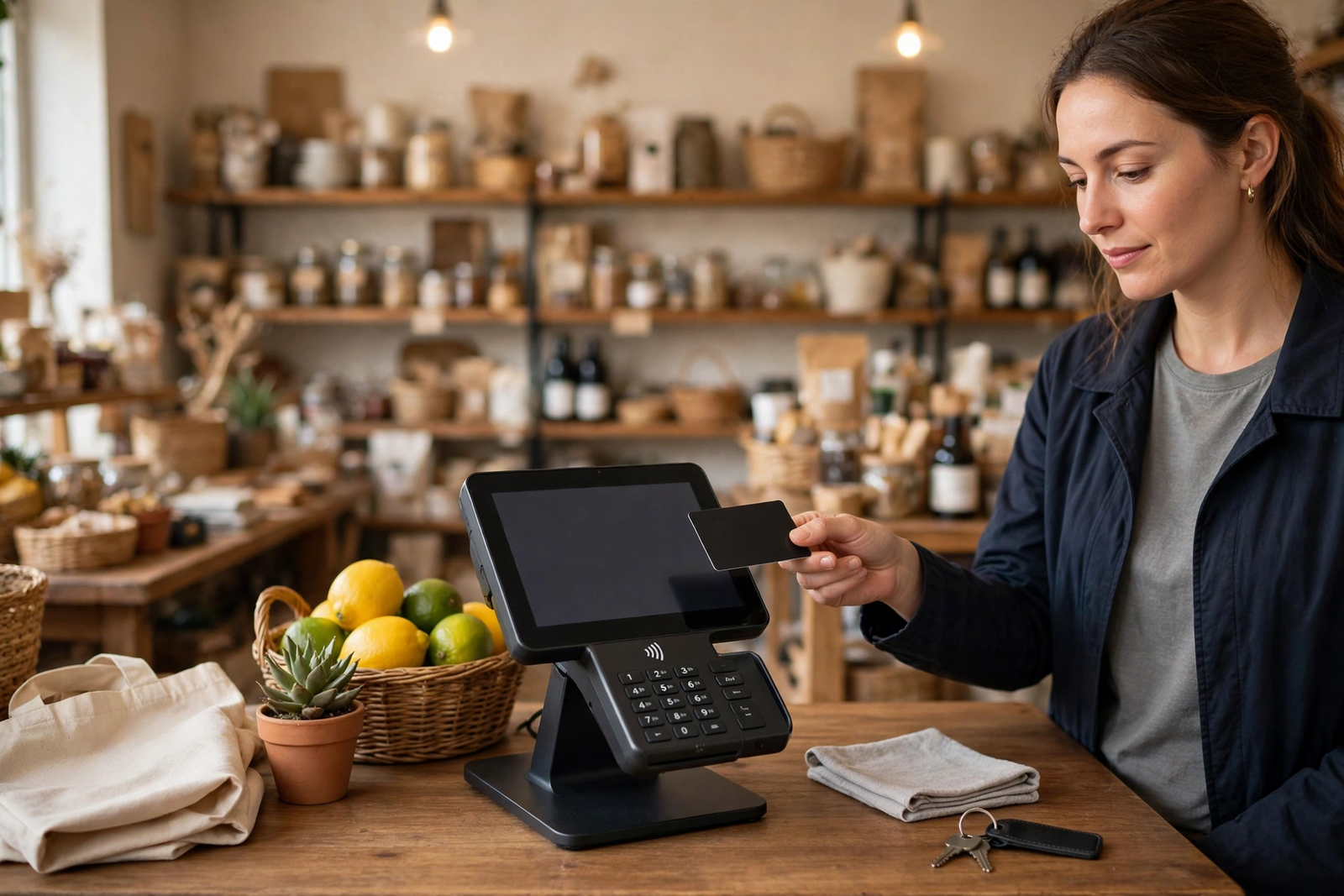
Point-of-sale reliability starts with separation and stability, not with raw speed. Keep tills, card readers, and printers off the guest network, on the business network, where guest traffic cannot crowd them out and guests cannot reach them. Where a device supports Ethernet, wire it: a wired till does not compete for Wi-Fi airtime, does not suffer from a dead zone at the far end of the shop, and does not drop when the guest network gets busy. Where a device must use Wi-Fi, keep it in good coverage — near the gateway or an extender, not at the edge of the signal — and check that it stays connected through a full trading day, not just for a single test transaction.
Many point-of-sale printers and card readers are 2.4GHz-only devices, a practical detail that causes more retail Wi-Fi trouble than any other. These devices will not see or join a 5GHz-only network, and they may behave inconsistently if the network steers them between bands. Keep them on the 2.4GHz band they support, give them a stable connection in good coverage, and consider a reserved or DHCP-reservation address for each one, so its network address does not change and break a printer or payment configuration. This is best-practice guidance, not a device specification, and it should be checked against your own point-of-sale manufacturer’s documentation. Our guide to connecting printers, POS and card readers to business Wi-Fi covers these steps in detail.
Test point-of-sale as a business task, not as a network ping. During setup and after any change, run real transactions: a card payment, a refund, a receipt print, and a stock lookup, at the till’s actual location, during a realistic level of shop activity. A till that passes a quiet-morning test but fails on a busy Saturday has not really been tested. Also plan for the failure case: what does the shop do if the internet fails mid-transaction? A tested backup, a clear staff procedure, and a way to keep taking payment — even temporarily — are worth more than any speed upgrade, because they protect revenue on the worst day rather than improving comfort on the best day.
Store WiFi POS System: POS Devices That Need Extra Care
Some retail devices need extra attention during planning. Mobile card readers used on the shop floor, at a market stall, or at a pop-up counter depend on Wi-Fi coverage across the whole trading area, not just near the till. Self-service kiosks, price checkers, and digital signage each add a steady load that is easy to forget when sizing a plan. Back-office computers running stock, accounting, and delivery systems compete for the same connection as the shop floor, and a large cloud backup scheduled during trading hours can slow everything else. List every device, not just the tills, and schedule heavy back-office tasks — backups, large downloads, system updates — outside peak trading where possible. That scheduling costs nothing and often fixes a “slow internet” complaint without any plan change.
Also think about growth. A shop that plans a second till, a new camera system, or a loyalty app that brings more guests onto Wi-Fi should size today’s plan with tomorrow’s load in mind, or at least know what the upgrade path looks like. Fiber tiers make that upgrade straightforward in most cases, but the time to think about it is before the new till arrives, not on the day it needs to go live. Note planned changes in the store’s connectivity record, so the next quarterly review can check whether the plan still fits.
POS Guest WiFi Cameras Internet: Setting Up Guest Wi-Fi Safely
Guest Wi-Fi is a customer service, not a business system, and it should be treated as one: generous to guests, but strictly separated from everything the shop depends on. Set up a separate, isolated guest network with its own name and password, so guests can browse and share without reaching tills, printers, business computers, or camera systems. Rotate the guest password regularly — quarterly at minimum, and immediately if it has been widely shared or if a staff member with access leaves. A guest password written on a chalkboard for a year is not a guest network; it is an open door that happens to have a password on it.
Guest traffic should also be managed with the shop’s peak in mind. Guests streaming video, uploading photos, and browsing social media can consume a large share of a connection during a busy period, and if that traffic shares the same network as the till, the till will feel it. Isolation solves the security problem; sensible sizing and, where your equipment allows it, sensible traffic management solve the performance problem. Guidance, not a guarantee, says: do not promise guests unlimited high-speed streaming if your plan cannot support it alongside tills and cameras at peak. A guest network that works well for browsing and messaging, with clear expectations, is better than a guest network that promises everything and slows the shop.
Make guest Wi-Fi easy to join and easy to leave. A clear network name, a simple password, and a sign or card at the counter are enough for most shops. Avoid collecting unnecessary personal data from guests, and avoid systems that require guests to install apps or accept intrusive terms just to check a message. The goal is a happy customer who returns, not a data collection exercise. Our guide to setting up guest Wi-Fi on AT&T Business Internet explains the setup steps, including the separate-network principle, in full.
Retail Store Internet for Cameras: Sizing Without Invented Numbers
Cameras are the retail load most often sized badly, because a single invented figure — so many megabits per camera — is tempting and wrong. Real camera bandwidth varies with resolution, frame rate, compression, whether the camera records continuously or only on motion, how many streams are viewed live at once, and whether footage is stored locally, in the cloud, or both. A camera system with two low-resolution cameras recording on motion uses a fraction of the upload of a dozen high-resolution cameras streaming continuously to the cloud. Any guide that gives you one number for “a camera” is guessing about your system, and this guide will not do that.
Instead, work it out from your own system, in four steps. First, count the cameras and note each camera’s resolution and recording mode from its own specifications. Second, count concurrent streams: how many cameras are viewed live at once, and how many upload to cloud storage at once — the peak, not the average. Third, check the camera manufacturer’s specifications or calculator, if one is provided, for the bandwidth those settings require; if no calculator is provided, ask the camera vendor or installer for a peak upload figure for your exact configuration, and treat any figure they give as specific to that configuration. Fourth, add that peak camera upload to the shop’s other peak loads — tills, guests, staff devices, and back-office systems — and size the plan for the total peak, with headroom. That method is slower than a single invented number, but it is the only method that will not under-size a busy shop or over-size a quiet one.
Upload symmetry matters here more than anywhere else in retail. A connection with a slow upload will bottleneck cameras first, because cameras upload continuously while most other shop traffic is intermittent. That is the structural case for symmetrical fiber in camera-heavy shops, and it is also the reason a cable-style connection with a much slower upload than download can disappoint a shop with many cameras, even if its download number looks impressive. Compare upload speeds, not just download speeds, when you compare options for a camera-heavy store, and confirm the actual upload at your address before committing. No competitor prices are quoted in this guide, because the point is structural — symmetrical versus asymmetrical upload — not a price comparison that would be out of date quickly.
Best Internet for Retail Stores: Camera Placement and Network Design
Camera network design deserves the same care as camera sizing. Wire cameras where possible, because wired cameras do not compete for Wi-Fi airtime with tills and guests, and they are less affected by shop layout, shelving, and stock that blocks wireless signals. Where cameras must use Wi-Fi, keep them in good coverage and on the business network, never on the guest network. Separate camera traffic from guest traffic in the same way you separate tills from guests: isolation protects both performance and security, because a guest should never be able to reach a camera system.
Also plan camera storage honestly. Cloud storage uploads continuously and counts against upload capacity every hour of the day. Local storage uploads only when footage is viewed remotely, but it needs a local recorder that is itself secure, backed up, and accessible. Neither choice is universally better; the right choice depends on how the shop views footage, how long it keeps it, and what its upload capacity can support at peak. Decide storage before you size the plan, because a shop that switches from local to cloud storage after sizing its plan may discover its upload is no longer sufficient — and that discovery usually arrives as a camera system that stutters during the busiest trading hours.
| Retail setup by store type | Typical loads to plan for | Connectivity priorities |
|---|---|---|
| Small boutique or salon | One or two tills, few guests, two to four cameras, light back-office use | Symmetrical fiber, isolated guest network, wired till where possible |
| Busy convenience or grocery store | Multiple tills, steady guest traffic, many cameras, stock and delivery systems | Higher fiber tier sized to peak, wired tills and cameras, tested backup |
| Café or restaurant with seating | One or two tills, heavy guest Wi-Fi, cameras, music and ordering systems | Isolated guest network, strong coverage across seating, backup for payments |
| Multi-site retail or franchise | Repeated single-store loads across sites, central stock and camera viewing | Consistent per-site setup, central monitoring, tested backup at each site |
| Pop-up, market stall, or site without fiber | Mobile tills, card readers, light guest use, no fixed wiring | Fixed wireless as main or backup connection, tested on site before trading |
Disclaimer: This article contains affiliate links to AT&T Business services. We may earn a commission if you purchase through them, at no extra cost to you. Ortelcom.com is an independent publisher and is not affiliated with or endorsed by AT&T. Pricing, speeds, and availability are not guaranteed, were checked in October 2026, and vary by address and promotions — please confirm all details before ordering. AT&T and all related marks are trademarks of their respective owners.
Retail Business Internet Backup: Keeping the Shop Trading Through Outages
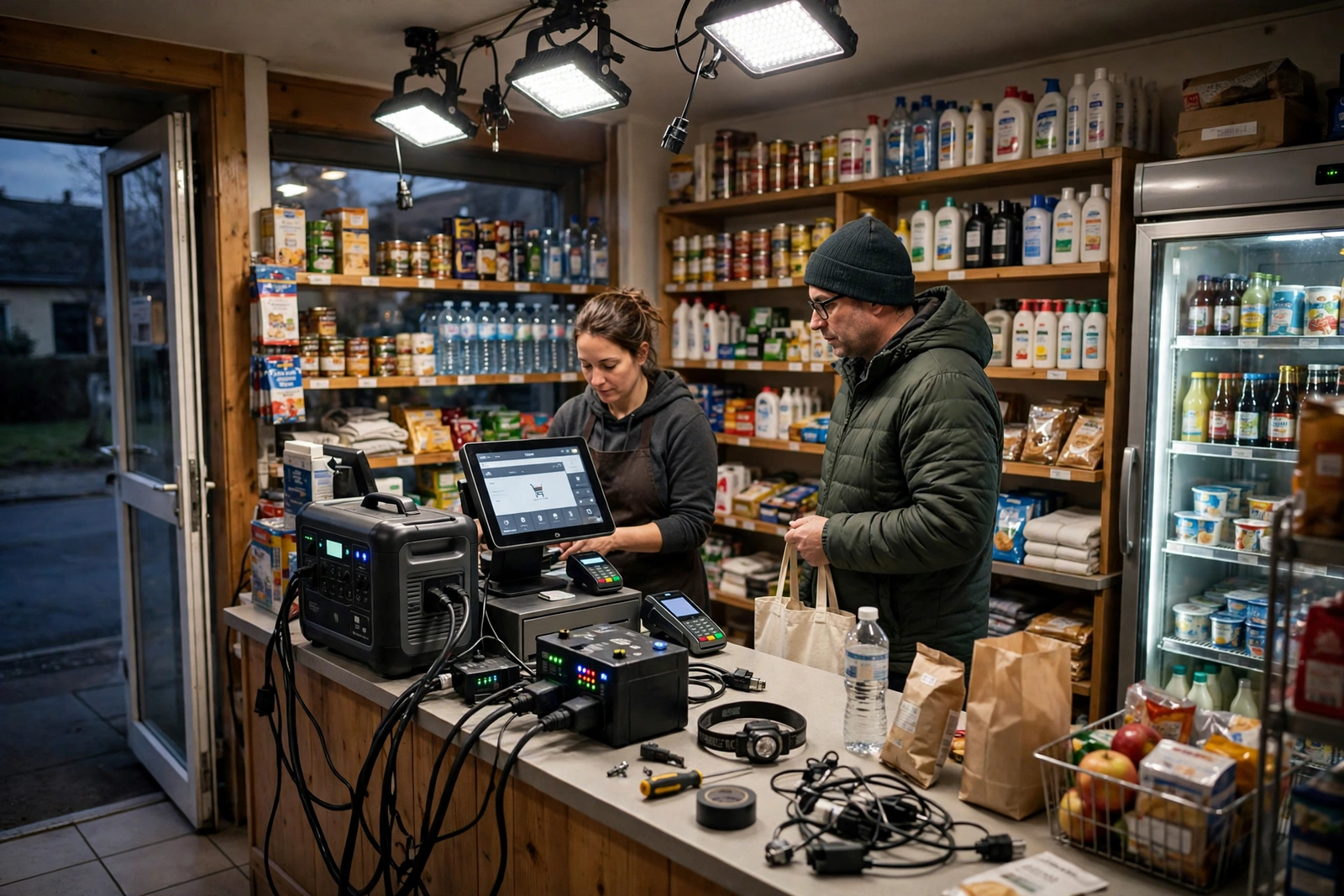
For a retail shop, backup is not an IT luxury; it is the difference between trading and closing. A shop that cannot take card payments cannot trade normally, and a shop that cannot access its stock or ordering system cannot serve customers properly. Every retail connectivity plan should therefore include a tested backup, and the backup should be tested as a business task — can the shop take a card payment, print a receipt, and look up stock on the backup path? — not merely as a network light turning green. Test outside peak trading, record the result, and retest quarterly, because a backup that worked six months ago may not work today if equipment, passwords, or plans have changed.
Internet Air for Business fits retail backup in two ways. For a shop with fiber, it can serve as a wireless backup path fed into a failover router, giving the shop a second, independent route when the wired path fails. For a shop, pop-up, or market site without fiber, it can serve as the main connection, provided it is tested on site first — fixed wireless must stay at the qualified business address, and its performance depends on signal at that specific site. Internet Air pricing checked October 2026 is $65 per month for Standard and $105 for Premium at list, $60 and $100 with AutoPay and paperless billing, and $40 and $80 with an eligible business wireless plan, with a typical speed of around 225 Mbps, no speed caps, no data caps, and no overage fees. Premium includes 250GB of Turbo priority per bill cycle, after which speeds may slow when the network is busy. Those figures are for planning; confirm availability and the exact offer at the store’s address.
Also plan the human side of an outage. Staff should know what to do when the internet fails: which backup to use, how to switch to it, what to do if card payments are affected, and who to call. A written one-page outage procedure, kept at the till, is worth more than a technically perfect backup that nobody on shift knows how to use. Train new staff on it, test it during the quarterly backup test, and update it whenever equipment or plans change. The best backup in the world does not help a shop if the staff on duty do not know it exists.
Common Retail Store Internet Mistakes to Avoid
The most common retail mistake is putting everything — tills, guests, cameras, and staff devices — on one network with one password. It feels simple, and it fails in every direction at once: guests slow the till, guests can reach business systems, and a single password change disrupts the whole shop. Separate networks for business and guests, with tills and cameras on the business network only, prevent all three problems at once, and they cost nothing beyond the initial setup. If your shop currently runs everything on one network, separating it is the single highest-value change in this guide.
The second mistake is sizing a plan on download speed alone, while ignoring upload. Cameras, cloud point-of-sale, and back-office uploads all need upload capacity, and a plan with a fast download but a slow upload will disappoint a camera-heavy shop at peak. Compare upload speeds, size for the peak total load, and work out camera upload from your own system’s specifications and concurrent streams rather than from a generic figure. The third mistake is never testing the backup, or testing it once at setup and never again. Backup, like any safety equipment, needs regular testing, and the quarterly audit is the right rhythm for it.
The fourth mistake is placing the gateway or router for convenience rather than coverage — behind a till, under a counter, or in a stockroom — and then wondering why the shop floor struggles. Gateway placement matters for Wi-Fi coverage across the whole trading area, and a central, elevated position with clear air around it will serve the shop far better than a hidden corner. Test coverage at the till, at the farthest table or shelf, and at any outdoor seating or yard the shop uses, and fix dead zones before they become customer complaints. For a comparison of fiber and fixed wireless as retail options, our guide to AT&T Business Fiber versus Internet Air explains the trade-offs in full.
Best Internet for Retail Stores FAQ: POS, Guest Wi-Fi and Cameras
What is the best internet for retail stores with POS and cameras?
For most shops with fiber available, a symmetrical fiber connection sized to peak tills, guest traffic, and camera upload, with tills and cameras on an isolated business network and a tested backup, is the strongest choice. Size the tier from your store’s actual peak loads, not from a generic figure, and confirm availability and pricing for your store’s address before ordering.
Retail Store Internet: Should Retail POS Devices Be on the Guest Wi-Fi Network?
No. Keep tills, card readers, and printers on the business network, off the guest network, and wire them where they support Ethernet. Many point-of-sale devices are 2.4GHz-only, so keep them on the band they support, in good coverage, and test real transactions at the till’s actual location before relying on the setup.
Retail Store Internet Cameras: How Much Bandwidth Do Retail Security Cameras Need?
It varies too much for a single honest figure, because it depends on resolution, frame rate, compression, recording mode, concurrent live streams, and cloud versus local storage. Work it out from your camera system’s own specifications and your peak concurrent streams, or ask your camera vendor or installer for a peak upload figure for your exact configuration, then add that peak to your other peak loads and size the plan for the total.
Can Internet Air for Business work as retail store internet?
Yes, in two roles: as a wireless backup for a fiber-connected shop, or as the main connection for a site without fiber, provided it is tested on site first. It must stay at the qualified business address, and its typical speed of around 225 Mbps, checked October 2026, varies with signal and congestion. Test it at the store, at peak trading times, before relying on it for payments.
Best Internet for Retail Stores: What Should a Retail Shop Test Before Opening With a New Connection?
Test real business tasks at their real locations: card payments and receipt printing at each till, guest Wi-Fi in the seating or browsing areas, camera viewing and recording, and back-office stock and email systems. Then test the backup path the same way. A connection that passes a single laptop test but fails a till transaction at peak has not been properly tested.
Your Next Step for Retail Store Internet That Keeps Trading
Start with a list, not a plan: tills and card readers, staff devices, cameras and how they store footage, guest Wi-Fi needs, and back-office systems, all at peak trading. Work out camera upload from your own system’s specifications and concurrent streams, size a symmetrical fiber tier for the total peak with headroom, separate business and guest networks, and put a tested backup and a written outage procedure in place. That sequence — list, size, separate, back up, test — is the whole retail connectivity plan, and it works for a boutique, a café, and a busy convenience store alike.
If fiber is available at your store, compare tiers against that peak-load list, and confirm pricing and availability for your address before ordering. Reference list prices checked October 2026 start at $60 for 300 Mbps, rising through $100 for 500 Mbps and $140 for 1 GIG, with higher tiers for larger or multi-site stores. A well-planned retail connection does not just feel faster; it lets the shop trade through busy Saturdays, guest crowds, and the occasional outage without a queue forming at the till — and that is the real measure of the best internet for retail stores.

