
A business continuity checklist for internet, phones, and power is the short document that decides whether a bad morning becomes a lost day. When any one of those three fails, the effects spread quickly: orders cannot be taken, customers cannot reach you, staff cannot access cloud tools, and card payments may stop. When two fail together, such as internet and power, the disruption is harder still. A checklist written in advance tells the team what to check first, what to protect first, and who does what, instead of leaving everyone to improvise while customers wait.
In this guide, we build a practical business continuity checklist for internet, phones, and power, aimed at small businesses that depend on connectivity all day. You will learn how to map your critical systems, protect your connection and your phones against both internet outages and power outages, assign clear roles, and test the plan before a real disruption. Pricing and plan details mentioned here were checked 1 November 2026, and you should confirm the specifics for your address on your quote before ordering.
Build Continuity Around Reliable Business Fiber
Check AT&T Business Fiber plans and availability for your office, including qualifying plans with built-in backup.
What a Business Continuity Checklist Covers for Internet Phones Power
A business continuity checklist covers the three foundations of a working office: internet, phones, and power. Internet carries email, cloud software, bookings, and card payments. Phones carry customer calls, supplier calls, and internal coordination, whether they run over the internet or over traditional lines. Power runs everything else, including the gateway, the office network, computers, and phone equipment. A checklist that covers only one of the three leaves the office exposed to the other two, which is why the strongest plans treat them as a single system rather than three separate problems.
The checklist itself should be short enough to use under pressure. A long, detailed manual has its place, but the document people reach for during an outage should fit on a page or two and answer four questions: what has failed, what is the backup, who is in charge, and what should staff do differently until service is restored. Everything else, such as supplier contacts, account details, and step-by-step recovery notes, can sit in a supporting document that the person in charge can consult. The checklist is the front door; the supporting notes are the rooms behind it.
It also helps to be honest about what continuity means for a small business. It does not mean pretending nothing has happened, or matching normal performance during a major disruption. It means keeping the essential work going, communicating clearly with customers, and returning to normal as smoothly as possible. An office that can take payments, answer important calls, and access its core systems during a disruption is practising continuity, even if some non-essential work waits until later. Setting that expectation in advance prevents disappointment and keeps the team focused on what matters most.
Business Continuity Internet Basics: Your Office Continuity Checklist Starting Point
The starting point for any business continuity internet plan is a map of what your office actually depends on. List the systems that stop work when the internet stops: email, cloud documents, booking or ordering software, card payment terminals, internet-based phones, and any industry-specific tools that run in the cloud. Then list the systems that keep working without the internet, if any, such as a traditional phone line or a standalone till. This map is the foundation of the checklist, because it tells you what your backup connection needs to carry and what can safely wait.
Finally, agree on the priority order for working on a backup connection. Payments, bookings, phones, and essential cloud tools come first. Large downloads, system updates, cloud backups, and non-essential video calls wait until the main connection is restored. Write that priority list into the checklist and share it with the team, so nobody has to guess during a real outage. A backup connection that is shared equally among everything, including the least important tasks, will feel slower for the work that matters most, while a backup connection guided by priorities will carry the essential work comfortably. For budgeting context, see our guide to how much business internet costs in 2026.
Power Outage Business Internet: Keeping the Connection Alive When Power Fails
Power outage business internet planning starts with an uncomfortable fact: a backup internet connection cannot help if the equipment that runs it has no power. The gateway, the office switch, and any wireless access points all need electricity, and a building-wide power outage takes them all down together. That is why power planning belongs in the same checklist as internet planning, not in a separate document that nobody connects to it. The question is not only “what happens when the internet fails” but also “what happens when the power fails, and what keeps running then.”
The practical response is layered. For short power interruptions, an uninterruptible power supply can keep the gateway and key network equipment running long enough to ride through the interruption or to shut down gracefully. For longer outages, the office needs a different answer: either a generator arrangement, a decision to work from another location, or a decision to pause and communicate clearly with customers. Which answer fits depends on the office, its location, and how critical continuous operation is, and the checklist should record the decision rather than leaving it to be made during the outage. Confirm any power equipment with a qualified electrician or supplier, and confirm what it can and cannot support, rather than assuming it will carry the whole office.
Business Phone Continuity When Internet or Power Goes Down
Business phone continuity deserves its own section in the checklist, because phones are how customers reach you when something goes wrong, and they are also the first thing customers notice when they cannot. Start by confirming how your phone system actually works: does it run over your internet connection, over traditional lines, or as a mix of both? The answer changes everything about your continuity plan. Internet-based phones need both internet and power, so they need both a backup connection and backup power to survive a disruption. Traditional lines may survive an internet outage but still depend on powered handsets or office equipment in some setups, so confirm the details for your own system rather than assuming.
Next, decide what should happen to incoming calls during a disruption. Options vary by system and provider, and may include diverting calls to a mobile phone, playing a recorded message, or routing calls to another location. Whatever the option, it should be set up and tested before it is needed, not discovered during an outage. The checklist should record who is authorised to change call routing, how it is changed, and what message customers will hear. A customer who hears a clear message explaining a disruption and offering an alternative will usually be patient; a customer who hears endless ringing or a dead line will usually try a competitor.
Building Your Continuity Plan Small Business Playbook for the Whole Team
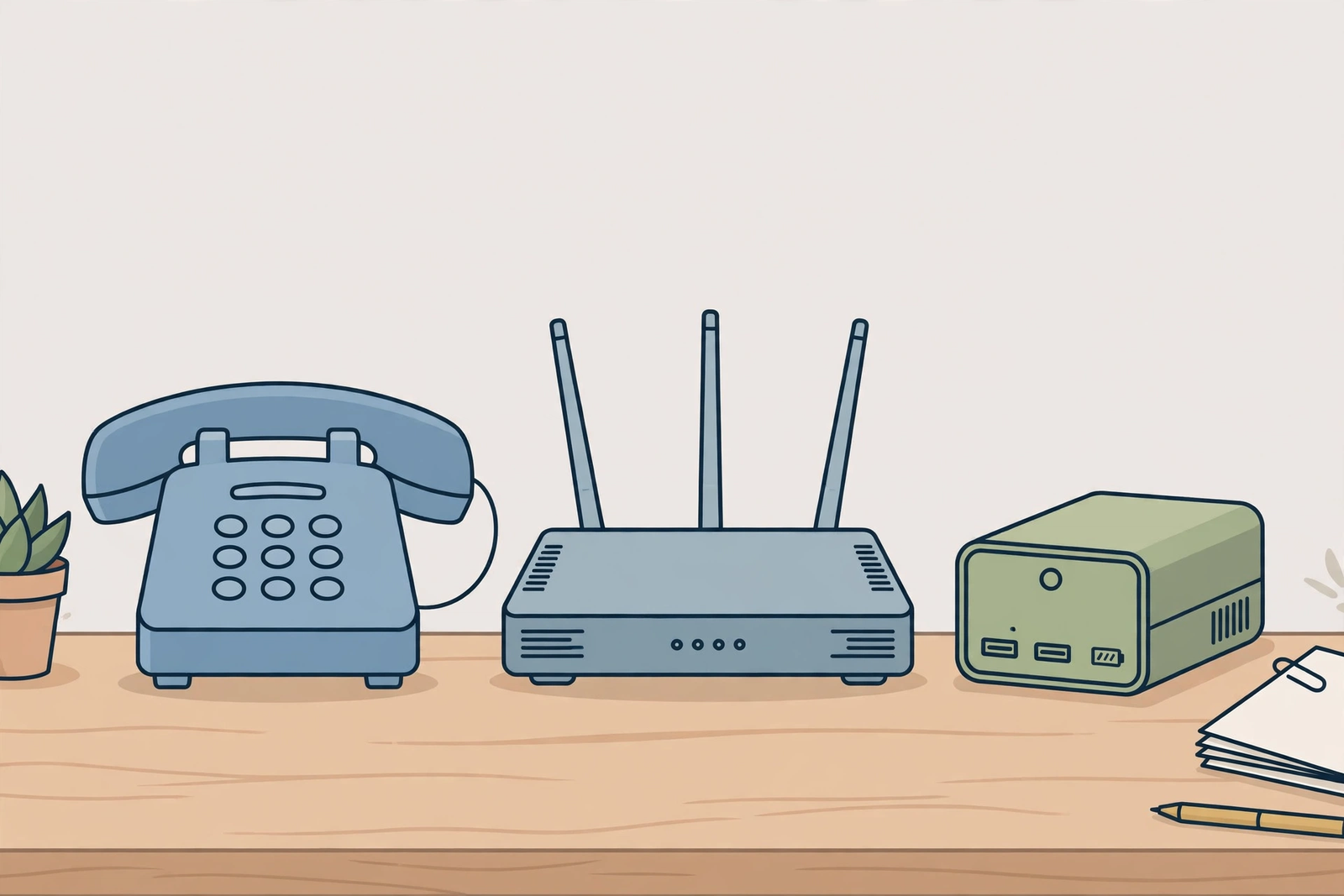
A continuity plan small business playbook is the human side of the checklist: it turns a list of systems into a list of people and actions. Start by naming one person as the point of contact during a disruption, and a deputy for when that person is away. That person coordinates the response, contacts support, sends customer updates, and decides when the office returns to normal working. Without a named coordinator, everyone tries to fix things independently, support receives several overlapping reports, and customers receive conflicting messages. With one coordinator, the response stays orderly even when the disruption is not.
Next, write the team message that will be sent when a disruption starts. It only needs a few lines: what has failed, what the backup arrangement is, what staff should prioritise, and what they should postpone. Prepare the wording in advance, so the coordinator can send it quickly rather than drafting under pressure. Do the same for a customer message: a brief, factual update explaining the disruption, what it affects, and when the next update will come. Customers do not need technical detail; they need honesty, a timeframe for the next update, and an alternative way to reach you if one exists.
Internet Continuity Checklist for Cloud Tools, Payments and Remote Staff
Cloud tools, payments, and remote staff each add a layer to the internet continuity checklist, because each depends on the office connection in a different way. Cloud tools are the most straightforward: if the office moves to a backup connection, staff can usually keep using them, though more slowly, and the priority list from earlier in this guide applies. The main risk is not the tools themselves, but the assumption that everything will feel normal on the backup. Setting expectations in advance, and postponing heavy cloud tasks until the main connection returns, keeps the essential work moving.
Payments deserve special attention, because a payment failure is immediately visible to customers and directly affects revenue. Confirm how your payment terminals connect: do they run over the office internet, over a mobile connection, or over a traditional line? Test a payment on the backup connection during your next continuity test, rather than assuming it will work. If a terminal depends on the office internet and the backup connection is slow, staff should know whether payments can still be processed, whether there is a fallback method, and what to tell a customer if a payment cannot be completed. That knowledge, shared in advance, turns an awkward moment into a handled one.
Power Continuity Checklist: Protecting Phones and Internet Equipment
A power continuity checklist for phones and internet equipment starts with an inventory: what equipment must keep running during a short power interruption, and what can safely go down? The gateway and the office switch are usually at the top of the must-keep list, because without them there is no internet at all, backup or otherwise. Phone equipment that depends on power comes next, followed by computers and other devices that staff need for essential work. Equipment that can wait, such as printers, secondary screens, and non-essential devices, should be identified as such, so that backup power is not wasted on them.
Next, confirm what backup power arrangement your office actually has, and what it can support. An uninterruptible power supply is designed to bridge short interruptions and to allow a graceful shutdown, not necessarily to carry the whole office indefinitely, so confirm its capacity and runtime with the supplier or a qualified adviser, and do not assume it will cover everything. If your office has a generator arrangement, confirm who starts it, how it is maintained, and what it powers. Whatever the arrangement, the checklist should state it plainly, so that staff do not expect more from it than it can deliver, and so that the coordinator can make realistic decisions during a longer outage.
Disclaimer: This article contains affiliate links to AT&T Business services. We may earn a commission if you purchase through them, at no extra cost to you. Ortelcom.com is an independent publisher and is not affiliated with or endorsed by AT&T. Pricing, speeds, and availability are not guaranteed, were checked 1 November 2026, and vary by address and promotions — please confirm all details before ordering. AT&T and all related marks are trademarks of their respective owners.
Business Continuity Checklist Table: Priorities for Internet Phones Power

A table is the clearest way to turn a continuity checklist into action, because it forces the office to choose priorities rather than listing everything as equally important. The table below is a starting point: adapt it to your office by adding your own systems, your own coordinator, and your own backup arrangements, and remove anything that does not apply. The discipline of filling it in is itself valuable, because it reveals gaps, such as a system nobody owns, or a backup that nobody has tested.
| Continuity area | First check | Backup arrangement | Who acts |
|---|---|---|---|
| Business continuity internet | Are many devices down, or just one? | Backup connection via the gateway, confirm on your plan | Named coordinator |
| Business phone continuity | Do phones run over internet or traditional lines? | Call diversion or recorded message, set up in advance | Named coordinator |
| Power outage business internet | Is the gateway powered? | Backup power for gateway and switch, confirm capacity | Named coordinator |
| Customer communication | Are customers affected? | Brief factual update with next update time | Named coordinator |
| Return to normal | Are key systems behaving normally? | All-clear message to team and customers | Named coordinator |
Once the table is filled in, share it with the whole team and keep it with the playbook, in printed form as well as digitally. A table that lives only in one person’s head, or only in a cloud document that is unreachable during an outage, will not help when it is needed. Review the table after every disruption and after any significant office change, and update the names, systems, and backup arrangements so that it stays accurate. A continuity table that is reviewed regularly is a living document; one that is written once and forgotten is a decoration.
Testing Your Office Continuity Checklist Before a Real Outage
Testing your office continuity checklist before a real outage is what separates a plan from a hope. A test does not need to disrupt the whole business day. During a quiet period, work through the checklist as a team: simulate an internet outage as far as your setup allows, check whether the backup connection takes over, process a test payment, make a test phone call, and confirm that remote staff receive the team message. Then simulate a power interruption for the equipment that backup power is meant to protect, and confirm what actually keeps running. Note everything that surprises you, because a surprise during a test is an inexpensive lesson.
A good test also checks communication, not just technology. Did the coordinator send the team message promptly? Did staff know which tasks to prioritise and which to postpone? Did customers receive a clear update, or were they left guessing? Did remote staff know what was happening, or did they discover it by accident? These questions matter as much as whether the gateway switched over, because the gateway can only carry the connection; people carry the response. If the test reveals confusion, the fix is usually a clearer message or a better contact list, not new equipment.
Continuity Plan Small Business Roles: Who Does What During an Outage
Clear roles are the difference between a coordinated response and a crowded one. The coordinator, named in advance, owns the overall response: confirming what has failed, contacting support, sending team and customer updates, and deciding when the office returns to normal. A deputy covers the coordinator’s absence, so the plan does not depend on one person being in the building. Other roles can be assigned according to the size of the office: someone to handle customer calls and messages, someone to check payment systems, and someone to liaise with remote staff. In a very small office, one person may hold several roles, and the checklist should say so plainly rather than pretending otherwise.
Roles should also cover what not to do. Staff who are not the coordinator should report problems to the coordinator rather than contacting support independently, unless the coordinator asks them to. Nobody should repeatedly restart equipment unless support asks them to, since restarts can interrupt a backup connection and make diagnosis harder. Nobody should promise customers a restoration time that support has not given, since a broken promise damages trust more than an honest “we will update you” message. Writing these boundaries into the playbook prevents well-meaning actions from making a disruption worse.
Business Continuity Internet Phones Power: Frequently Asked Questions
What Should a Business Continuity Checklist for Internet Phones Power Include First?
A business continuity checklist for internet, phones, and power should first include a map of your critical systems, your backup internet arrangement, your backup power arrangement, and the name of the coordinator. Those four items answer the questions that matter most during a disruption: what is essential, what is the backup, what keeps the equipment powered, and who is in charge. Add a priority list for working on a backup connection, a team message, a customer message, and a contact list that is available offline, and you have a checklist that a small business can actually use under pressure.
How Does Power Outage Business Internet Planning Differ from Internet Outage Planning?
Power outage business internet planning differs from internet outage planning because a power outage removes the equipment itself, not just the connection. A backup internet connection cannot help if the gateway has no power, so power planning must identify which equipment needs backup power, what that backup power can support, and what happens when it runs out. Internet outage planning, by contrast, assumes the equipment is powered and focuses on switching to a backup connection. A complete checklist covers both, because an office can suffer either disruption, and the response to each is different.
What Happens to Business Phone Continuity During a Power Outage?
Business phone continuity during a power outage depends on how your phone system works. Internet-based phones need both power and internet, so they fail when either fails, unless they are protected by backup power and a backup connection. Traditional phone lines may behave differently, but handsets or office equipment that depend on power can still be affected. Confirm the details for your own system, decide in advance what should happen to incoming calls, such as diversion or a recorded message, and record that decision in the checklist so staff are not surprised.
How Should a Small Business Continuity Plan Be Reviewed?
A small business continuity plan should be reviewed after every disruption, after every test, and after any significant office change, such as moving premises, changing providers, adding a new core system, or changing phone arrangements. Each review should check whether the systems, names, backup arrangements, and contact details in the plan are still accurate, and update anything that has changed. A plan that is reviewed only when it is first written will quietly drift out of date as the office changes around it, while a plan that is reviewed regularly stays trustworthy.
Does a Business Continuity Checklist Replace a Backup Internet Connection?
No, a business continuity checklist does not replace a backup internet connection; it makes the backup connection usable. The checklist tells the team what the backup is, which systems to prioritise on it, who coordinates the response, and how customers will be told what is happening. Without a backup connection, the checklist can only describe how to wait for the main connection to be repaired. Without a checklist, a backup connection may exist but nobody may know how to use it well. The two belong together: technology plus a plan, tested before they are needed.
Final Word on Business Continuity for Internet Phones and Power
Continuity is not about expecting the worst; it is about refusing to be surprised by it. An office with a short checklist, a backup connection, a power plan, a phone plan, and a named coordinator can keep serving customers through disruptions that would stop an unprepared office entirely. None of that requires a large budget or a technical background. It requires an afternoon of honest mapping, a few decisions written down, a test during a quiet period, and a habit of reviewing the plan when things change.
If your continuity review reveals that your office has no backup connection, or is on a plan without a built-in backup feature, that gap is worth closing first. Qualifying fiber plans include a built-in wireless backup at no extra cost: on the list price checked 1 November 2026, AT&T Business Fiber is 300 at $60 per month, 500 at $100 per month, 1 GIG at $140 per month, 2 GIG at $185 per month, and 5 GIG at $285 per month, plus taxes and fees, with lower prices when bundled with an eligible wireless plan. You can check AT&T Business Fiber plans and availability for your office and confirm whether built-in backup is included for your address. Pricing, speeds, and availability vary by address and promotion, so confirm all details on your quote before ordering.

