
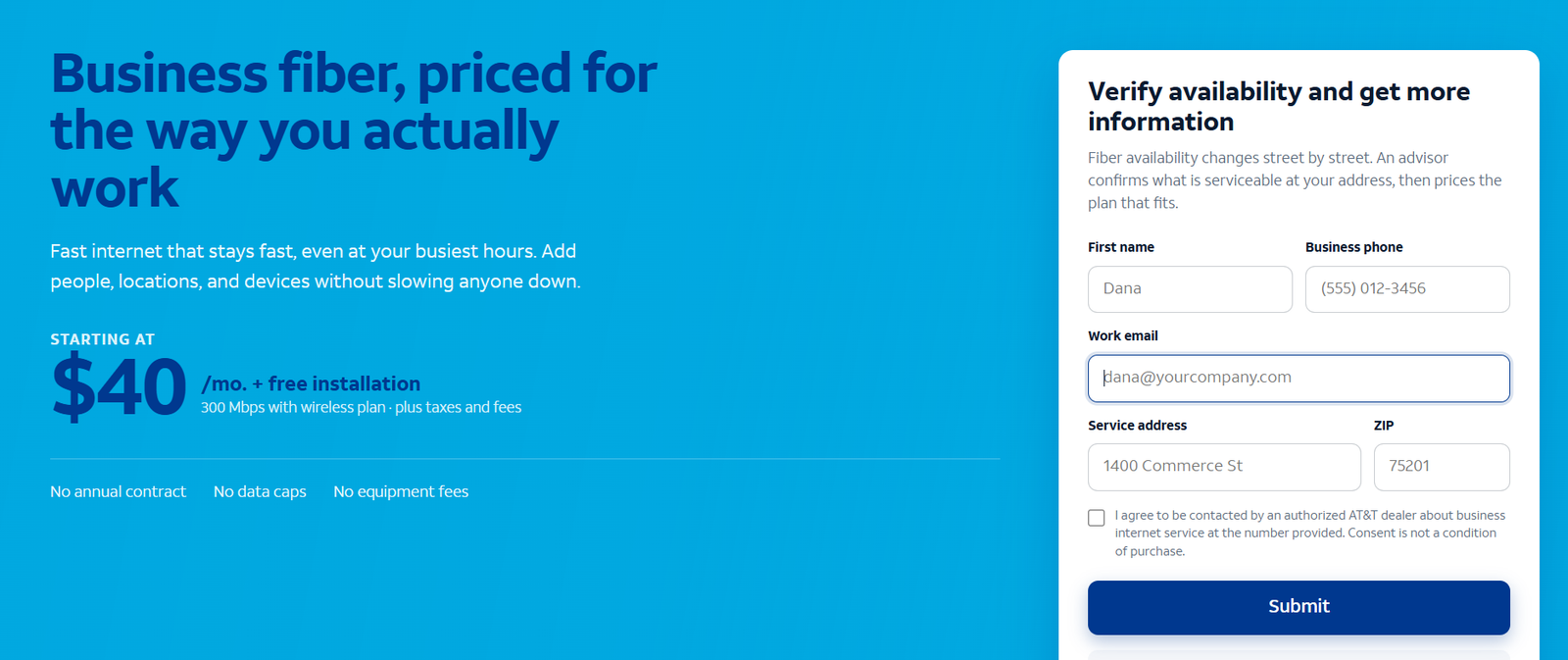
The short answer: For most small businesses in the US, the best business internet is fiber if it is available at your address — symmetrical speeds, consistent performance at peak hours, and pricing that starts lower than most owners expect. AT&T Business Fiber is our worked example throughout this guide: 300 Mbps to 5 GIG symmetrical, roughly $70 to $285 per month list, and from about $40 per month when bundled with wireless. If fiber is not at your address, business cable is the usual fallback, and 5G fixed wireless such as AT&T Internet Air for Business is the fast-start option. “Best” depends on your address, your upload needs and your tolerance for downtime — this guide shows you how to decide in about ten minutes.
Start with the best business internet most offices can buy
Check whether AT&T Business Fiber reaches your address and what each speed tier costs there — it is the benchmark every other option should be compared against.
What the Best Business Internet for Small Business Actually Depends On
There is no universal winner, and any list that crowns one without asking about your business is selling, not advising. Six factors decide it:
- Availability. The best plan on paper is worthless if it does not reach your building. Always start with an address check.
- Upload speed. Video calls, cloud backups, VoIP phones and file sharing all upload. Download headlines hide weak uploads.
- Reliability at peak hours. Your busiest hour is when cheap connections sag. Consistency beats headline speed.
- Total cost. Monthly price plus equipment, installation, contract terms and what happens when promotions end.
- Support and repair priority. Business-grade service with real repair commitments costs less than a day of downtime.
- Room to grow. Adding five staff should be a plan change, not a construction project.
The Main Types of Business Internet, Compared
| Type | Speed profile | Strengths | Weaknesses | Best for |
|---|---|---|---|---|
| Fiber | Symmetrical, 300 Mbps to multi-gig on AT&T Business Fiber | Fast uploads, consistent peaks, low latency | Availability is street-by-street | Most offices that can get it |
| Cable | Fast downloads, much slower uploads | Wide availability, competitive download pricing | Upload bottleneck, peak-hour slowdowns on shared segments | Download-heavy, budget-first offices |
| 5G fixed wireless | Varies by signal at the address | Live in days, no install, works where wires do not | Performance varies with signal and network load | New sites, backups, unwired locations |
| DSL / satellite | Slow (DSL) or high-latency (satellite) | Reaches almost anywhere | Struggles with modern cloud workloads | Last-resort rural connectivity |
Our full walk-through of the decision, how to choose business internet, goes deeper on each type. The pattern in the table is the industry in one view: fiber wins on quality where it is available, cable wins on reach, and 5G wins on speed of deployment.
Disclaimer: Ortelcom.com is an independent publisher, not AT&T and not an official AT&T website, and is not endorsed by AT&T. Links in this article are affiliate links to ortelcom.com/recommends/ — we may earn a commission at no extra cost to you. Product names, prices, speeds and offers were checked on the date shown in this article, can change without notice, and availability depends on your business address. AT&T trademarks belong to their owner. This information is for general guidance only — please confirm final pricing, terms and availability on the provider’s page before you order.
Fiber Plan Tiers: What Each Speed Gets a Small Business
One reason fiber wins the “best business internet” argument is that you can buy exactly the speed you need — and the entry price is lower than the cable habits of a decade ago. AT&T Business Fiber’s tiers, with approximate pricing:
| Tier | Symmetrical speed | Approx. list price | Approx. bundled price | Good for |
|---|---|---|---|---|
| 300 Mbps | 300 down / 300 up | ~$70/mo | ~$40/mo | Offices up to ~10 people; POS, cloud apps, video calls |
| 500 Mbps | 500 down / 500 up | ~$100/mo | ~$60/mo | 10-25 people, busy teams, heavier uploads |
| 1 GIG | 1000 down / 1000 up | ~$140/mo | ~$90/mo | Upload-heavy teams: design, video, backups |
| 2 GIG | 2000 down / 2000 up | List, up to ~$285/mo range | ~$135/mo | Large small offices, multi-floor buildings |
| 5 GIG | 5000 down / 5000 up | ~$285/mo list | ~$235/mo | Power users, servers, very heavy media work |
All figures approximate, before taxes and fees; bundled prices assume AT&T wireless service on the account. See our AT&T Business Fiber pricing guide for the full tier-by-tier breakdown. Key terms observed: no annual contract, no data caps, no equipment fees on fiber, with ActiveArmor security included.
The practical takeaway for small businesses: most land on 300 or 500 Mbps. The jump from 300 to 500 is worth it when more than ten people share the connection or uploads are a daily activity; gigabit and above are for specialists, not general offices.
Our Small Business Internet Recommendation for Most Offices
If AT&T Business Fiber serves your address, start there. The 300 Mbps symmetrical tier covers most offices at a price that undercuts many cable business plans once you compare upload speeds honestly. Read our AT&T Business Fiber guide for the full picture: who it suits, who should skip it, installation and equipment.
If fiber is not available, the decision tree is short. Business cable is the standard fallback for download-heavy work in areas fiber has not reached yet. And AT&T Internet Air for Business delivers 5G internet with self-install in days — ideal when you need connectivity this week, not this quarter. Many well-run small businesses end up with two services: fiber or cable as the primary, 5G fixed wireless as the backup.
Small Business Internet Recommendations by Business Type
- Retail shop or cafe: POS, guest Wi-Fi and cameras on one connection. Fiber 300 or cable with a wireless backup; never let a single outage stop card payments. Guest Wi-Fi should run on a separate network segment from the POS.
- Professional office (law, accounting, agency): Uploads and video calls dominate. Fiber, 300-500 Mbps, and read our guide to how much speed a business needs before paying for gigabit. If your work product is large files, favor the 500 tier for its upload headroom.
- Remote-first team: The office is a hub; home workers are the edge. Spend on the hub connection and on staff home setups — business internet for remote and hybrid teams covers the model. A stipend policy for home internet often beats trying to provision 30 home connections.
- Warehouse or light industrial: Scanners, cameras and inventory systems value reliability over raw speed. Fiber if present; otherwise business cable with a 5G backup. Check coverage inside metal buildings — cellular signal often needs attention there.
- Creative or media studio: Raw footage and project files upload constantly — this is the upload-speed business case in its purest form. Fiber 500 or 1 GIG symmetrical; read our guide to upload speed for business. Cable’s upload ceiling will bottleneck your workflow.
- Home-based business: A separate business line is worth it once the business supports it — business support, repair priority and a clean separation from household usage. Until then, at least segment work devices on their own network.
- Multi-site business: Standardize per site type, but verify availability per address — it changes building by building. Our guide to checking AT&T Business Fiber availability shows the process.
Backup and Redundancy: Protecting a Small Business from Outages
The cheapest internet is the one that works when you need it. A primary connection can go down — construction cuts a line, a storm takes out a node — and for many small businesses an outage day costs more than a year of backup service. The standard small-business pattern is primary plus backup on different technology: fiber primary with 5G fixed wireless backup, or cable primary with a 5G gateway standing by. Because 5G fixed wireless like Internet Air installs in days with no technician visit, it is the practical backup choice: plug it in, connect it to a dual-WAN router or keep it as a manual failover, and your card readers, phones and bookings survive a primary outage.
Size the backup for essentials, not for everything. A backup that keeps POS, VoIP phones and email alive is enough; nobody needs to stream training videos during failover. The backup question to ask before buying: “What does one day offline cost us?” If the answer is more than a few hundred dollars, a backup connection is not optional.
Business Internet Contracts, Promotions and the Fine Print
Three things to check before you sign anything. First, contract length: AT&T Business Fiber is offered with no annual contract, which is genuinely unusual for business-grade service — many cable business plans tie you to one- to three-year terms for the best price. No contract means you can leave or renegotiate without an early-termination fee. Second, promotional pricing: any rate that expires is only half the quote. Ask for the post-promotion price in writing and model your year-two cost. Third, equipment and installation: fiber’s “no equipment fees” terms mean the gateway is included; cable often rents modems monthly. Confirm install fees, whether a technician visit is required, and what happens to your price if you move addresses.
The rule that saves the most money: never sign the longest contract for the lowest teaser price without checking what the service costs after the promotion ends. The second rule: bundle discounts are real — internet priced alone versus with wireless on the same account can differ by $30+ per month on the same service.
Small Business Internet Cost Planning: A 3-Year View
Monthly price is only the first year of the story. For budget planning, model three years: (monthly rate × 36) plus installation plus any equipment charges, then adjust for the promotion ending. A worked example with stated assumptions: fiber 300 at a bundled ~$40/mo for year one, then ~$70/mo list for years two and three, before taxes and fees, totals about $2,160 over three years plus any install fee. The same exercise on a cable business plan with a 12-month teaser can look cheaper in year one and more expensive in years two and three — which is exactly why you should ask for the post-promotion rate in writing before signing. Assumptions: approximate US pricing observed October 2026, before taxes and fees, no address-specific promotions.
Practical budgeting advice: treat internet as a fixed operating cost with a small annual escalation allowance, revisit it at every contract anniversary, and put the renewal date in your calendar with a 60-day reminder. The businesses that overpay for internet are rarely the ones that chose the wrong technology — they are the ones that forgot to renegotiate.
How Much Speed Should a Small Business Buy?
Less than marketing suggests, but with headroom. A working rule: light offices run well on 300 Mbps symmetrical, busy teams on 500, and only upload-heavy specialists need a gigabit or more. The business phone system you run uses modest bandwidth per call but suffers first when uploads saturate — so buy for your peak hour, not your average. If you want the full method, our speed sizing guide walks through per-person math and worked examples for 5, 15 and 40-person teams.
Mistakes That Cost Small Businesses Money
- Buying on download speed alone and discovering the upload bottleneck in the first board meeting.
- Using a residential plan for a business address and losing support priority, static IP options and uptime expectations. Our business vs residential internet guide details the trade-offs.
- Skipping the backup connection when a day offline costs more than a year of backup service.
- Signing the longest contract for the lowest teaser price without checking the post-promotion rate.
- Ignoring the bundle: internet priced alone vs. with wireless can differ by $30+ per month on the same service.
- Paying for gigabit before measuring usage: most offices never saturate 300 Mbps. Measure your peak first, then buy — overbuying speed is the most common waste in small-business connectivity.
- Forgetting the phones: VoIP quality collapses when uploads saturate. If call quality matters, uploads and a decent router matter more than download headlines.
The bottom line: The best business internet for a small business is the most consistent connection your address can get — and for most US addresses that can get it, that is fiber. Start with the 300 Mbps tier, add 5G backup if downtime costs you money, and check the bundle. Check what AT&T Business Fiber offers at your address here.
Small Business Internet FAQs: Real Questions From Business Owners
What is the best internet type for a small business?
Fiber, where available, because symmetrical speeds and consistent peak-hour performance suit how businesses actually use the internet. Read what business fiber internet is for the full explanation.
How much should a small business pay for internet?
AT&T Business Fiber runs roughly $70-$285 per month list across 300 Mbps to 5 GIG, from about $40 per month bundled with wireless, before taxes and fees. Most small businesses land in the $40-$140 range depending on tier and bundling.
Is 300 Mbps enough for a small office?
For most offices up to about ten people using cloud apps, video calls and VoIP, 300 Mbps symmetrical is plenty — uploads, not downloads, are the usual constraint.
Should a small business get a backup internet connection?
If an outage stops trading — card payments, phones, bookings — yes. A 5G fixed wireless backup on a different technology from your primary is the standard, affordable answer.
Can I just use residential internet for my business?
You can, but you give up business support and repair priority, static IP options and service expectations written for businesses. Once the business depends on the connection, a business plan pays for itself.
How long does business fiber installation take?
It varies by building. If fiber already reaches your building, install can be days; if construction is needed, it can take weeks. Time it around your lease or move date, and get a written install window before signing.
Do I need a static IP for my small business?
Most cloud-based offices do not. Static IPs matter if you host servers on-site, run certain VPN or remote-access setups, or have security cameras that need direct access. They are an optional add-on on business plans — ask if you need one.
What if my business outgrows its plan?
On fiber, moving up a tier is a plan change, not construction — one reason to prefer providers with a tier ladder. On cable you may need a modem swap; on wireless you add lines. Ask about the upgrade path before you sign.
Is 5G business internet reliable enough to be the only connection?
It can work as the primary connection for light offices with strong signal, and it is ideal for temporary sites. Most businesses use it as the backup for a wired primary, because performance varies with signal and network load at each address.
How do I switch business internet providers without downtime?
Overlap, don’t cut over. Keep the old service active until the new one is installed, tested and carrying traffic — run both for one billing cycle if the budget allows. Move critical services (phones, POS, VPN) last, after a week of stable operation, and schedule the cutover outside business hours.
Can I get business internet with no contract?
Yes — AT&T Business Fiber is offered with no annual contract, which is unusual for business-grade service. Many cable business plans tie the best price to one- to three-year terms, so if flexibility matters, compare the no-contract option against the total cost of a term plan before deciding.
What equipment do I need for business fiber?
The provider supplies the fiber gateway — AT&T Business Fiber includes it with no equipment fees. You supply your internal network: ideally a business-grade router or mesh Wi-Fi system for the office, plus Ethernet drops where devices stay put. Budget for the internal gear separately; the connection itself needs nothing from you beyond the install appointment.

