
Latency, jitter, and packet loss are the hidden numbers behind call quality, and they matter more to your business calls than your headline download speed. Most business owners judge their internet by one number: the speed on the plan. But a connection can be fast and still produce terrible calls. If your voice sounds robotic, if words arrive late or out of order, if sentences vanish mid-call, the culprit is rarely a lack of raw speed. It is one of three network quality measures — latency, jitter, or packet loss — quietly undermining the real-time conversation. Understanding these three numbers, and what you can do about them, is the difference between calls that sound professional and calls that embarrass your business.
In this guide, we explain latency, jitter, and packet loss in plain language, show how each one affects business voice calls, and give general guidance thresholds used across the voice-over-internet industry — clearly labelled as general guidance, not as any promise or guarantee from AT&T. We also explain why fiber connections tend to perform well on these measures, how to spot which problem is affecting your calls, and what steps to take when call quality drops. No provider publishes a guaranteed latency or jitter figure for a standard business internet plan, and you should be suspicious of any article that quotes one as fact.
Get Reliable Fiber for Business Calls with AT&T Business Fiber
Check availability and choose a fiber plan built for clear, steady business voice calls.
What Latency Jitter Packet Loss Mean for Business Calls
Voice calls are real-time traffic, and real-time traffic has different needs from other internet use. When you download a file, it does not matter if the data arrives a fraction of a second late or slightly out of order; the file still ends up complete. When you speak on a call, timing is everything. Your voice is chopped into tiny packets of data, sent across the internet, and reassembled at the other end in real time. If those packets arrive late, unevenly, or not at all, the person on the other end hears the problem instantly. The three measures that describe those problems are latency, jitter, and packet loss, and together they explain almost every call-quality complaint a business ever has.
Latency is delay: the time it takes a packet to travel from your office to the other end of the call and back. Think of it as the gap between speaking and being heard. Jitter is variation in that delay: packets that should arrive at steady intervals instead arrive in bunches and gaps, like a drummer who cannot keep time. Packet loss is disappearance: packets that never arrive at all, so pieces of speech simply go missing. A healthy call needs all three under control. Low latency with high jitter still sounds choppy. Low jitter with packet loss still drops words. You need to understand each one separately to diagnose a bad call, because each has different causes and different fixes.
It helps to compare a call to a conversation across a table. Latency is the pause before the other person responds — a short pause feels natural, a long one feels like talking to someone on the moon. Jitter is the other person stammering and rushing unpredictably, so you cannot follow the rhythm of their speech. Packet loss is words being swallowed entirely, so you have to guess what was said. None of these problems show up in a download speed test, which is why a business can have a fast plan and still suffer through awful calls. Speed measures capacity; latency, jitter, and packet loss measure quality.
Latency for Business Calls: Why Delay Ruins Conversations
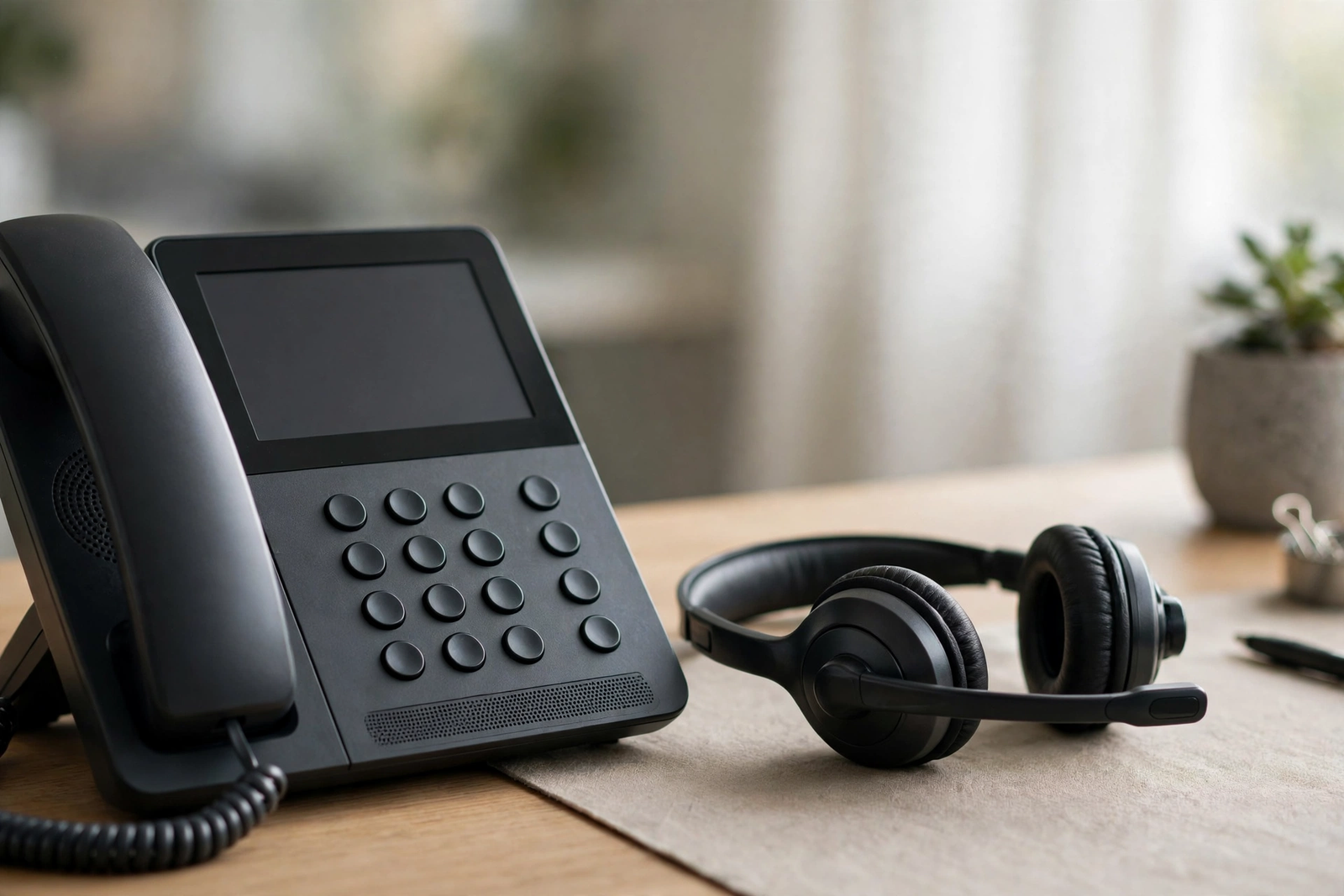
Latency, often called ping, is measured in milliseconds, and for voice calls it is usually discussed as round-trip time: how long a packet takes to go to the other end and come back. Some latency is unavoidable — signals take time to cross distance — but the amount matters enormously for conversation. Human conversation relies on split-second timing: we pause, interrupt, acknowledge, and hand over the turn to speak in fractions of a second. When delay stretches beyond what our brains expect, the natural rhythm breaks down. People start talking over each other, then both stop, then both start again. The call feels awkward even when every word arrives intact.
As general guidance only — not a promise or guarantee from any provider — voice industry guidance commonly treats round-trip latency below about 150 milliseconds as suitable for good call quality, with calls becoming noticeably harder to hold as latency climbs well above that range. These are general thresholds used across voice-over-internet planning, not figures quoted from AT&T, and your actual experience depends on your equipment, your provider’s routing, the distance to the other party, and conditions on the wider internet that no single provider controls. Treat them as a rule of thumb for judging whether delay is likely your problem, not as a service commitment.
Several factors add latency to a call. Distance is one: a call across the country inherently takes longer than a call across town. Network routing is another: if your traffic takes a winding path through congested exchanges, delay grows. Your own equipment adds its share too — older routers, overloaded Wi-Fi, and underpowered phone adapters can each add delay before a packet even leaves your building. And congestion matters most of all: when your connection is saturated by downloads, backups, or video streams, voice packets queue behind bulk traffic and arrive late. That is why calls often degrade at the busiest time of day, even though nothing about the phone system itself has changed.
Jitter Business Internet: When Uneven Delay Makes Calls Choppy
Jitter is the variation in latency from packet to packet, and it is the most misunderstood of the three measures. A connection can have acceptable average latency and still sound terrible if that latency jumps around. Imagine packets that should arrive every 20 milliseconds instead arriving after 10, then 50, then 15, then 80 milliseconds. The receiving phone has a small buffer that smooths out minor variation, but when the variation exceeds that buffer, the phone runs out of audio to play and the sound breaks up. The result is the classic choppy, robotic voice that makes callers ask you to repeat yourself.
As general guidance only, voice planning commonly aims for jitter below about 30 milliseconds, with higher variation increasingly likely to produce audible choppiness. Again, this is a general industry rule of thumb, not an AT&T promise or guarantee, and it describes the variation your call experiences end to end, not a figure any provider can commit to for a standard internet plan. Jitter is usually caused by congestion and by traffic competing for the same connection: a large file upload, a cloud backup kicking off, or several video streams starting at once can all make packet timing erratic. Because jitter comes from variability rather than raw capacity, it can appear on a fast connection that is momentarily overloaded, and it can disappear just as quickly when the competing traffic stops.
Packet Loss VoIP: When Missing Data Drops Your Words
Packet loss is the most destructive of the three measures, because lost audio cannot be recovered. When a packet carrying a slice of speech never arrives, that slice of speech is simply gone. A small amount of loss produces occasional clipped syllables; a larger amount produces whole missing words and sentences that make no sense. Unlike latency and jitter, which degrade a call gradually, packet loss can make a call unusable very quickly once it passes a certain point.
As general guidance only, voice planning commonly treats packet loss below about 1 percent as acceptable for business calls, with quality degrading noticeably as loss climbs above that level. This is a general industry threshold, not an AT&T promise or guarantee, and brief spikes of loss during a moment of congestion can still be audible even if the average looks fine. Packet loss is usually caused by congested links, faulty equipment, poor Wi-Fi signal, or damaged cabling. Wi-Fi deserves particular attention: a phone or computer on a weak wireless signal will lose packets that a wired connection would deliver cleanly, which is why the first troubleshooting step for a single bad call is often to plug in a cable and see if the problem vanishes.
Business VoIP Call Quality: How the Three Problems Sound Different
Learning to tell latency, jitter, and packet loss apart by ear is a genuinely useful business skill, because each one points to a different fix. If callers complain that you keep talking over each other and there are long awkward pauses, suspect latency: the conversation timing is broken even though the audio itself sounds clear. If the voice sounds choppy, robotic, or stuttering, suspect jitter: packets are arriving unevenly and the phone’s buffer cannot smooth them out. If words and syllables vanish — you hear every third word, or sentences arrive with holes in them — suspect packet loss: data is disappearing before it reaches the other end.
Often, of course, more than one problem appears at once, because they share causes. Congestion is the great common cause: a saturated connection increases latency, makes it variable, and eventually drops packets when buffers overflow. That is why the first diagnostic question for any call-quality complaint should be what else was happening on the network at the time. Was someone uploading a large file? Was a backup running? Were several people on video calls? If call quality is fine at 8 a.m. and terrible at 2 p.m., the pattern points to congestion rather than a fault in the phone system, and the fix is usually about capacity, prioritization, or both.
Your phone system itself can also contribute. The codec your phones use — the method that compresses your voice into packets — affects how much bandwidth each call needs and how resilient it is to loss. Older or heavily compressed codecs sound worse when packets go missing. Your router’s quality-of-service settings, if configured, can prioritize voice packets over bulk traffic, which directly reduces jitter and loss during busy periods. And the physical setup matters: a phone plugged into Ethernet will almost always outperform the same phone on a distant Wi-Fi access point. Before blaming your internet provider, check the chain inside your own building, because that is where many call-quality problems actually live.
Disclaimer: This article contains affiliate links to AT&T Business services. We may earn a commission if you purchase through them, at no extra cost to you. Ortelcom.com is an independent publisher and is not affiliated with or endorsed by AT&T. Pricing, speeds, and availability are not guaranteed, were checked in October 2026, and vary by address and promotions — please confirm all details before ordering. AT&T and all related marks are trademarks of their respective owners.
Fiber Latency Business: Why Fiber Connections Suit Voice Calls
Fiber connections tend to perform well on latency, jitter, and packet loss for structural reasons, not because of any single magic feature. Fiber-optic lines carry data as light, and the network path from a fiber-connected building to the wider internet is typically shorter and less congested than the path from older cable or DSL infrastructure. Fiber plans are also symmetrical, which matters more for calls than most people realize: a video or voice call uploads continuously, and on an asymmetrical connection the narrow upload lane is the first thing to congest when backups, file uploads, and camera streams compete with it. A wide, symmetrical upload lane gives voice packets room even when the rest of the office is busy.
It is important to be precise about what fiber can and cannot promise. No standard business internet plan — from any provider — guarantees a specific latency, jitter, or packet-loss figure, because the end-to-end path of a call crosses equipment and networks beyond any one provider’s control. What fiber offers is a connection type that, in practice, tends to deliver low and stable latency with minimal loss, because the underlying technology and the typical network design are favorable. If a provider or an article quotes you an exact latency figure as a guaranteed feature of a standard plan, treat that claim with skepticism and ask what it actually covers.
AT&T Business Fiber is worth considering for call-heavy businesses for the same practical reasons: it is a fiber connection with symmetrical speeds, no data caps, and no annual contract, with ActiveArmor internet security included and built-in 5G backup on 1 GIG and above plans. Current list pricing, checked in October 2026, runs $60 for 300 Mbps, $100 for 500 Mbps, $140 for 1 GIG, $185 for 2 GIG, and $285 for 5 GIG, with lower prices of $40, $60, $90, $135, and $235 respectively when paired with an eligible wireless plan. Those prices describe the plan, not a call-quality guarantee — but a symmetrical fiber connection gives your voice traffic the stable, uncongested foundation that good call quality depends on. Our AT&T Business Fiber overview and our fiber pricing breakdown cover the tiers in detail, and our guide to what a business internet SLA covers explains what service agreements do and do not promise about performance.
Latency Jitter Packet Loss: How to Test Your Business Connection
When calls go bad, guessing wastes time. A few simple tests can usually identify which of the three problems you have. Start with a speed test that reports more than download speed: several free online tools report latency and jitter alongside speed, and running one during a bad call — and again when calls sound fine — gives you a before-and-after comparison. If latency and jitter look much worse during the bad period, congestion on your connection is the likely cause. Run the test from a wired computer, not over Wi-Fi, so the result reflects your internet connection rather than your wireless signal.
Next, isolate the location of the problem. If one phone sounds bad but others sound fine, the issue is probably that phone, its cable, or its Wi-Fi signal. If every phone in the office sounds bad at the same time, the problem is more likely your connection or your router. If only calls to one particular client or region sound bad, the issue may be on the wider internet path between you and them, which is outside your control and often clears on its own. Keep a simple log — time, which phones were affected, and what else was running on the network — and patterns will emerge quickly. Most persistent call-quality problems turn out to have a pattern: a backup schedule, a busy hour, a particular room with weak Wi-Fi.
For a deeper look, your phone system or router may offer call-quality statistics, sometimes labelled as mean opinion score or by the underlying measurements themselves. These logs show latency, jitter, and packet loss per call, which lets you confirm a diagnosis instead of relying on how a call sounded. Even without those logs, a disciplined approach — test wired, test during good and bad periods, compare phones, note the network load — will identify the cause of most problems. Document what you find before calling your provider, because a specific report (“packet loss rises above 2 percent every weekday at 2 p.m., when our backup runs”) gets a far better response than a vague complaint that calls sound bad.
Business VoIP Call Quality: Practical Fixes That Actually Work
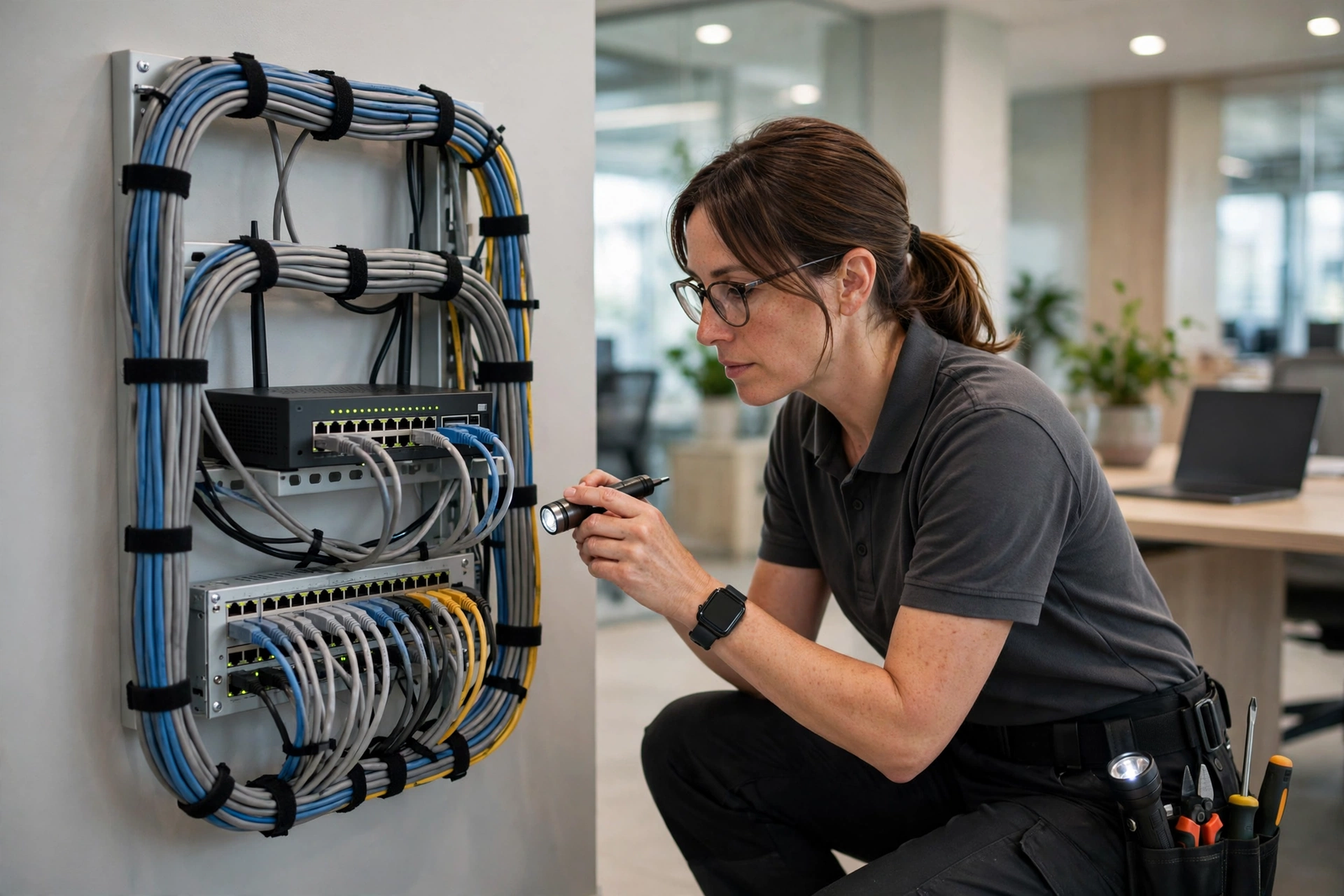
The most effective fixes for call quality are usually unglamorous. First, wire your phones. Ethernet removes Wi-Fi signal problems from the equation entirely, and a single weak wireless link can ruin an otherwise perfect call. If wiring is impractical, make sure phones connect to a nearby access point with a strong signal, and avoid placing access points behind metal shelving or thick walls. Second, enable quality-of-service prioritization on your router if it supports it, so voice packets jump the queue ahead of downloads and backups. This one setting often transforms call quality on a busy connection, because it directly attacks the congestion that causes jitter and loss.
Third, schedule heavy uploads away from call-heavy hours. Cloud backups, large file uploads, and system updates can all run overnight or at lunch instead of during your busiest calling period. If your backup software allows bandwidth limits, cap it during business hours so it cannot saturate the connection. Fourth, make sure your router and phone firmware are up to date, and replace aging equipment that struggles under load — a router that was fine for five people may choke with twenty. Finally, consider whether your connection itself is undersized. If every fix helps a little but calls still degrade at peak times, the honest answer may be more capacity, and a symmetrical fiber plan removes the upload bottleneck that causes so many of these problems in the first place.
There is one more fix worth mentioning because it is so often overlooked: reboot and simplify. A router that has run for months without a restart can develop memory and state problems that show up as jitter and loss. A network cluttered with old switches, daisy-chained extenders, and forgotten devices can introduce faults that are hard to trace. Periodically simplifying the path between your phones and your internet connection — fewer hops, better cables, current firmware — removes whole categories of problems before they start. Good call quality is rarely about one dramatic upgrade; it is about a clean, uncongested, well-maintained chain from handset to internet, with enough symmetrical capacity that voice traffic never has to fight for room.
Latency Jitter Packet Loss FAQ
What Is Latency for Business Calls?
Latency is the delay between speaking and being heard on a call, usually measured in milliseconds as round-trip time. As general guidance only, voice planning commonly treats round-trip latency below about 150 milliseconds as suitable for good call quality. This is a general industry rule of thumb, not an AT&T promise or guarantee, and actual experience depends on equipment, routing, distance, and wider internet conditions.
How Does Jitter Affect Business Internet Calls?
Jitter is variation in packet arrival times, and it makes voices sound choppy or robotic because the receiving phone runs out of audio to play when packets arrive unevenly. As general guidance only, voice planning commonly aims for jitter below about 30 milliseconds. Jitter is usually caused by congestion, so prioritizing voice traffic and reducing competing uploads during calls are the most effective fixes.
What Packet Loss Level Is Acceptable for VoIP Calls?
As general guidance only, voice planning commonly treats packet loss below about 1 percent as acceptable for business calls, with quality degrading noticeably above that level. Lost packets mean lost speech that cannot be recovered, so packet loss is the most destructive of the three problems. Weak Wi-Fi, congestion, and faulty cabling are common causes.
Can Fiber Latency Business Calls Sound Better Than Cable Calls?
Fiber connections tend to deliver low, stable latency with minimal loss because of how fiber networks are built, and symmetrical fiber upload speeds give voice traffic room even when the office is busy. No standard plan guarantees a specific latency, jitter, or packet-loss figure, so treat any exact quoted figure as a claim to verify, not a commitment. For a broader view of fiber’s advantages, see our guide to what business fiber internet is and our how to choose business internet guide.
Why Do Business Calls Sound Fine in the Morning but Bad in the Afternoon?
That pattern usually points to congestion: as more people use the network, voice packets queue behind downloads, backups, and video streams, increasing latency, jitter, and packet loss. Test during good and bad periods, note what else is running on the network, and consider voice prioritization, rescheduling heavy uploads, or upgrading to a symmetrical fiber connection with more headroom.
Should I Fix Latency Jitter Packet Loss Before Switching Providers?
Yes — check the basics first. Wire your phones, enable voice prioritization on your router, update firmware, and schedule heavy uploads outside call-heavy hours. If problems persist after those fixes, or if every phone degrades at peak times, your connection may be undersized or congested, and a symmetrical fiber plan is a sensible next step. You can check AT&T Business Fiber availability for your business to see which fiber tiers are offered at your address.

